Notice: This page requires JavaScript to function properly.
Please enable JavaScript in your browser settings or update your browser.
Apprendre Creating Images, Video and Music | Gemini Tools, Workspace and Agents
Working with Google Gemini

Creating Images, Video and Music

Glissez pour afficher le menu

Most assistants hand creative generation off to a separate product. Gemini keeps it in the chat, and that placement is the point: you refine an image or a video by continuing the conversation instead of rewriting a prompt from scratch in another tab.

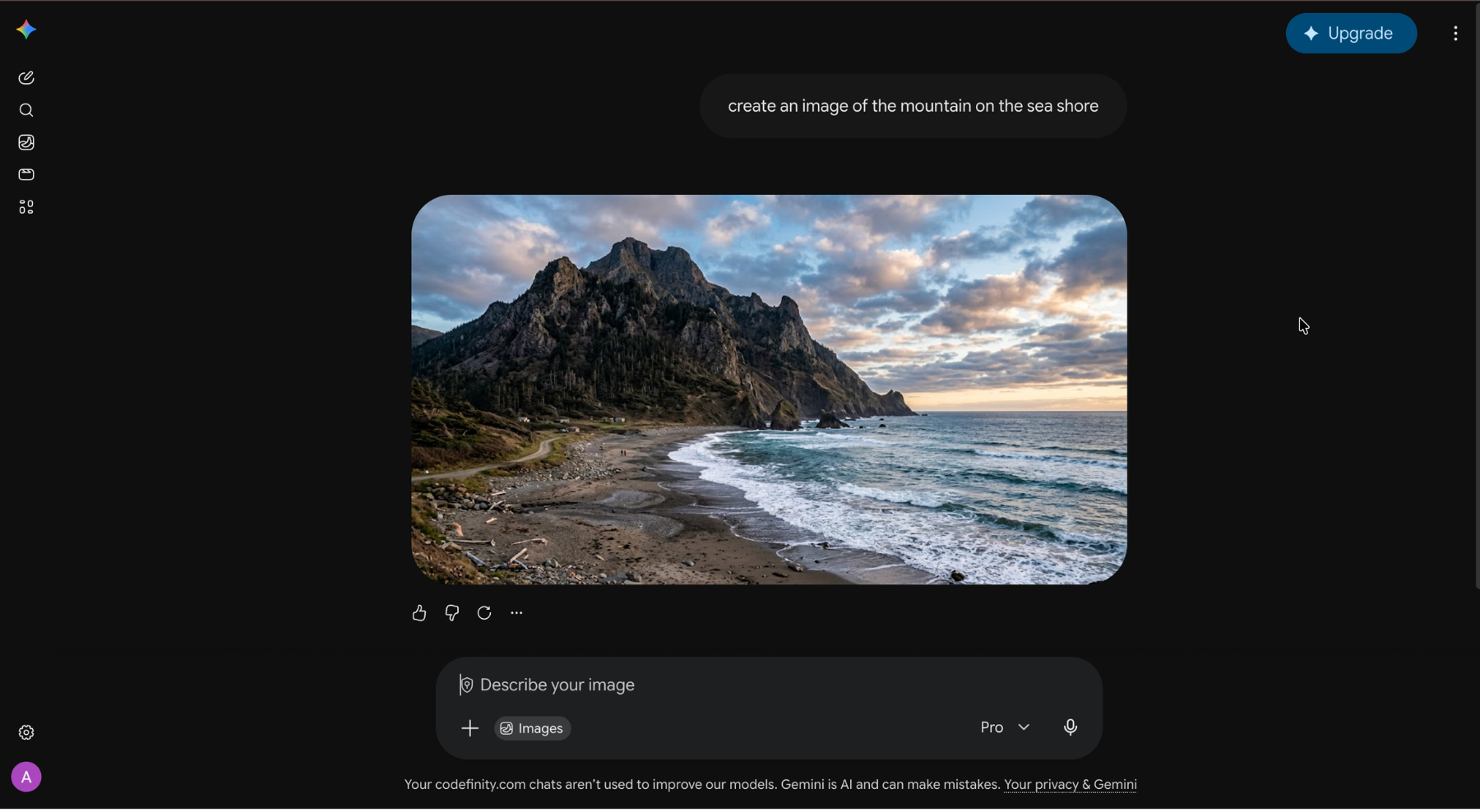
Images

Pick the image tool and describe what you want. Then keep talking to it. Change the background, drop an object, adjust the color, or ask for the same character again in a different scene, and the edit applies to the picture you already have.

With Photos connected, you can put yourself or people you know into a generated scene without uploading anything manually.
Video

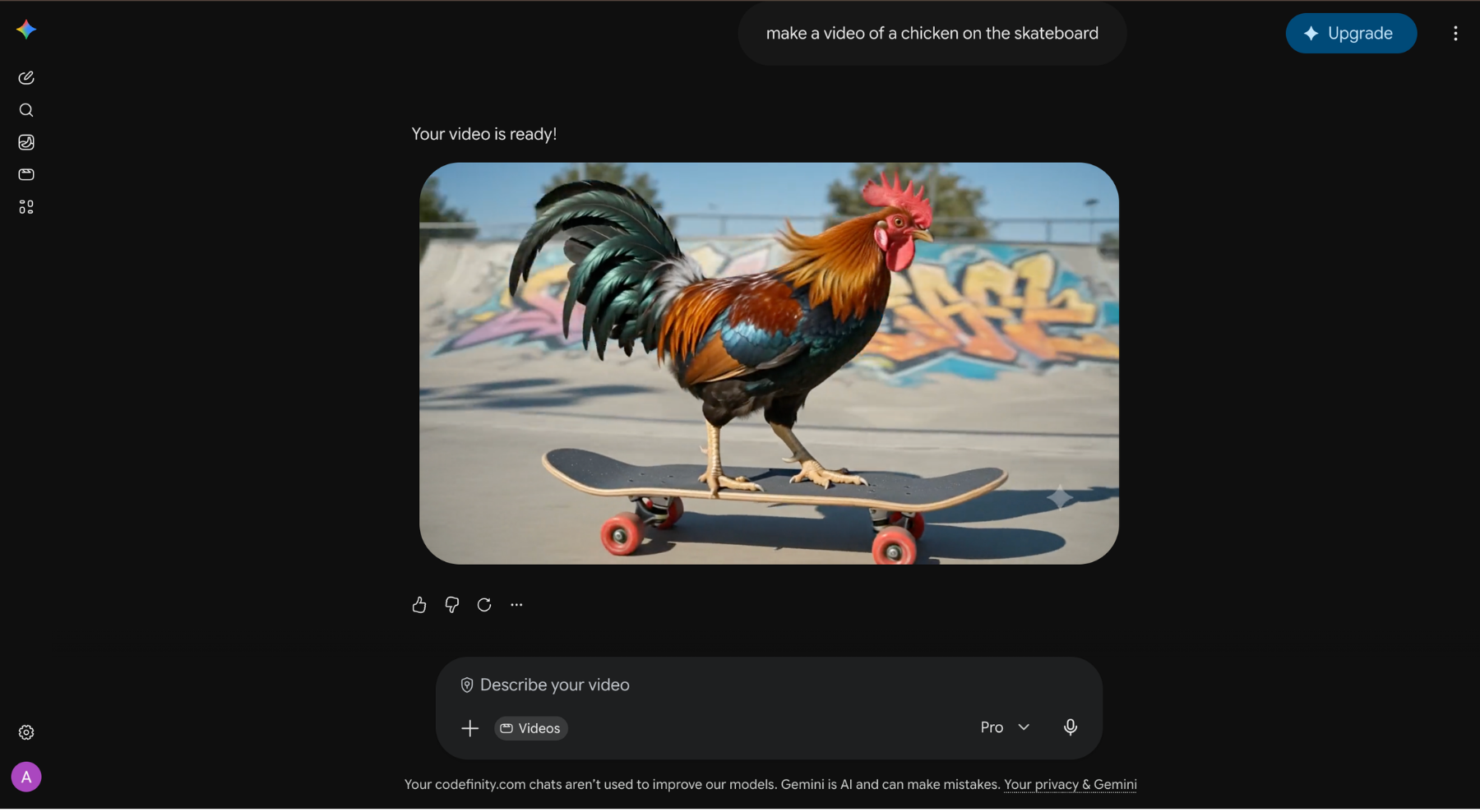
The video tool takes text, a still image, or footage you already shot, and produces a short video. It also edits uploaded clips from a plain description rather than a timeline: change the background, apply an effect, use a template, or drop in an avatar that looks and sounds like you.

Video is the most expensive thing in the app. It sits on paid tiers and consumes far more of your allowance than text, so plan the shot before you generate rather than iterating twenty times.
Music

The music tool generates instrumental tracks from a description of mood, genre, tempo, and instruments. It fits background audio for a video or a presentation, where you need something that does not clash with the narration and does not require a license.

Note
Note

Everything generated here carries an invisible SynthID watermark identifying it as AI-made. Check the rules of wherever you plan to publish, since many platforms now require AI content to be labeled.

question mark

What is attached to everything Gemini generates as an image, video, or music

Sélectionnez la réponse correcte

Tout était clair ?

Comment pouvons-nous l'améliorer ?

Merci pour vos commentaires !

Section 1. Chapitre 7

Demandez à l'IA

expand

Demandez à l'IA

ChatGPT

Posez n'importe quelle question ou essayez l'une des questions suggérées pour commencer notre discussion

Creating Images, Video and Music

Most assistants hand creative generation off to a separate product. Gemini keeps it in the chat, and that placement is the point: you refine an image or a video by continuing the conversation instead of rewriting a prompt from scratch in another tab.

Images

Pick the image tool and describe what you want. Then keep talking to it. Change the background, drop an object, adjust the color, or ask for the same character again in a different scene, and the edit applies to the picture you already have.

With Photos connected, you can put yourself or people you know into a generated scene without uploading anything manually.

Video

The video tool takes text, a still image, or footage you already shot, and produces a short video. It also edits uploaded clips from a plain description rather than a timeline: change the background, apply an effect, use a template, or drop in an avatar that looks and sounds like you.

Video is the most expensive thing in the app. It sits on paid tiers and consumes far more of your allowance than text, so plan the shot before you generate rather than iterating twenty times.

Music

The music tool generates instrumental tracks from a description of mood, genre, tempo, and instruments. It fits background audio for a video or a presentation, where you need something that does not clash with the narration and does not require a license.

Note
Note

Everything generated here carries an invisible SynthID watermark identifying it as AI-made. Check the rules of wherever you plan to publish, since many platforms now require AI content to be labeled.

Tout était clair ?

Comment pouvons-nous l'améliorer ?

Merci pour vos commentaires !

Section 1. Chapitre 7
some-alt