Why Flexbox Exists
Svep för att visa menyn
Flexbox, short for Flexible Box Layout, is a CSS module designed to simplify the alignment, distribution, and organization of elements within a container.
Flexbox uses a parent-child relationship. The parent is called the flex container, which controls the layout. The children are called flex items, whose size, position, and order can be controlled using flexbox properties.
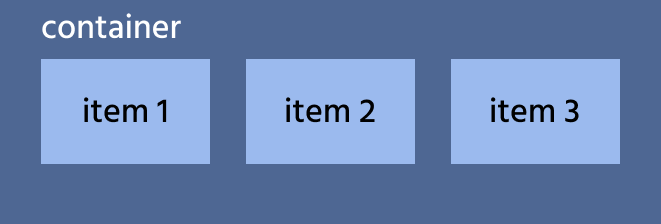

Flexbox behaves differently from block and inline elements. Unlike block elements, flex items do not stack vertically; they align in a row or column by default. Additionally, the margins at the edges of the container do not extend beyond its boundaries.
Flexbox in Action
Flexbox works by aligning items along the axes of the flex container. To enable Flexbox, simply apply the display: flex; property to the parent element. From there, you can customize how the items align and distribute within the container.

index.html

index.css
Tack för dina kommentarer!
Fråga AI

Fråga AI

Fråga vad du vill eller prova någon av de föreslagna frågorna för att starta vårt samtal
