Handling Errors
Svep för att visa menyn
When you write PowerShell scripts, you will often encounter situations where things do not go as planned. Errors can occur for many reasons: a file might not exist, a command could fail, or a script might try to use invalid data. Understanding how errors work in PowerShell, and how to handle them, is essential for writing scripts that are reliable and easy to troubleshoot.
PowerShell has two main types of errors: terminating errors and non-terminating errors. A terminating error will stop execution unless it is handled, while a non-terminating error allows the script to continue. By default, many cmdlets generate non-terminating errors, but you can change this behavior if needed.
To manage errors, PowerShell provides structured error handling using the Try, Catch, and Finally blocks.
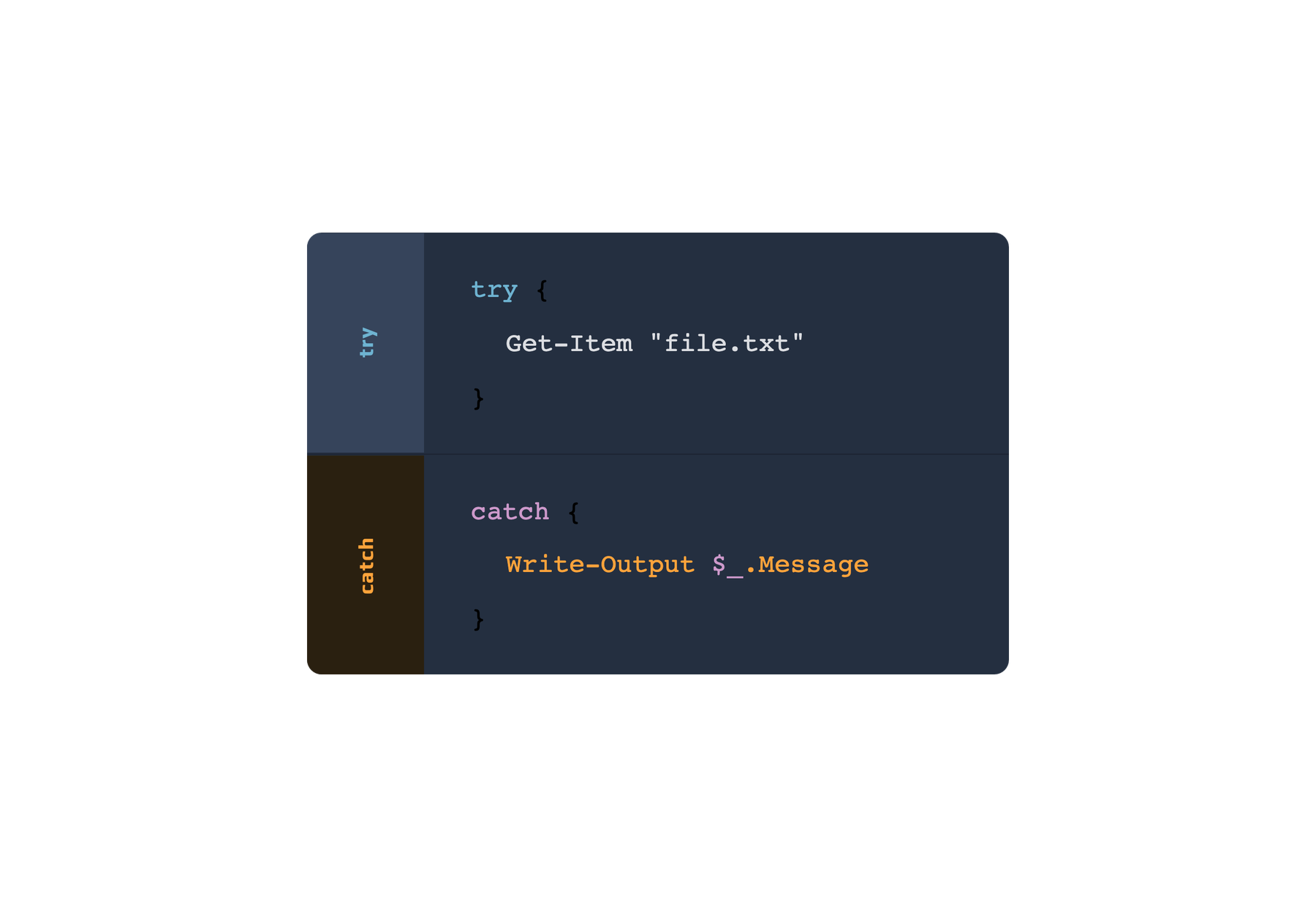
This lets you run code that might fail, respond to errors when they happen, and perform cleanup actions, all in a clear and predictable way.
Try {
    # Attempt to read a file that might not exist
    $content = Get-Content -Path "C:\nonexistentfile.txt"
    Write-Output "File content: $content"
}
Catch {
    Write-Output "An error occurred: $($_.Exception.Message)"
}
Finally {
    Write-Output "This runs whether or not an error occurred."
}
To write robust scripts, always anticipate where errors might occur. Use Try, Catch, and Finally blocks when working with files, external commands, or any operation that could fail. In the Try block, place the code that might cause an error. The Catch block lets you respond to errors in a controlled way, such as logging an error message or trying an alternative action. The Finally block is useful for cleanup tasks, like closing files or releasing resources, and it runs whether an error occurred or not.

Use clear error messages in your Catch block so issues are easier to troubleshoot. When possible, catch specific errors instead of hiding unrelated problems. This makes scripts more reliable and easier to maintain.
Tack för dina kommentarer!
Fråga AI

Fråga AI

Fråga vad du vill eller prova någon av de föreslagna frågorna för att starta vårt samtal
