Filtrering
Svep för att visa menyn
Slå på och av filter
- Klicka på en valfri cell inom området → Data-fliken → Filter, eller tryck
Ctrl+Shift+L(Win)/Control+Shift+L(Mac). Rullgardinspilar visas i varje rubrikcell; - Tabeller som skapas med
Ctrl+Thar filter aktiverade automatiskt i rubrikraden — inget manuellt steg behövs; - Klicka på Filter igen i menyfliksområdet, eller tryck
Ctrl+Shift+Len andra gång. Rullgardinspilarna tas bort från rubrikraden.
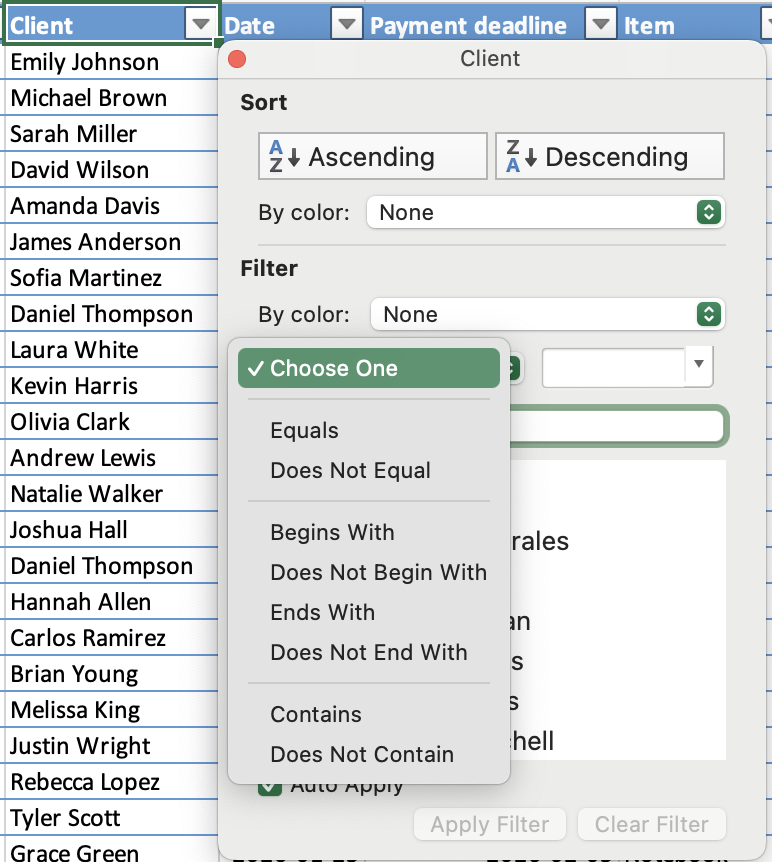
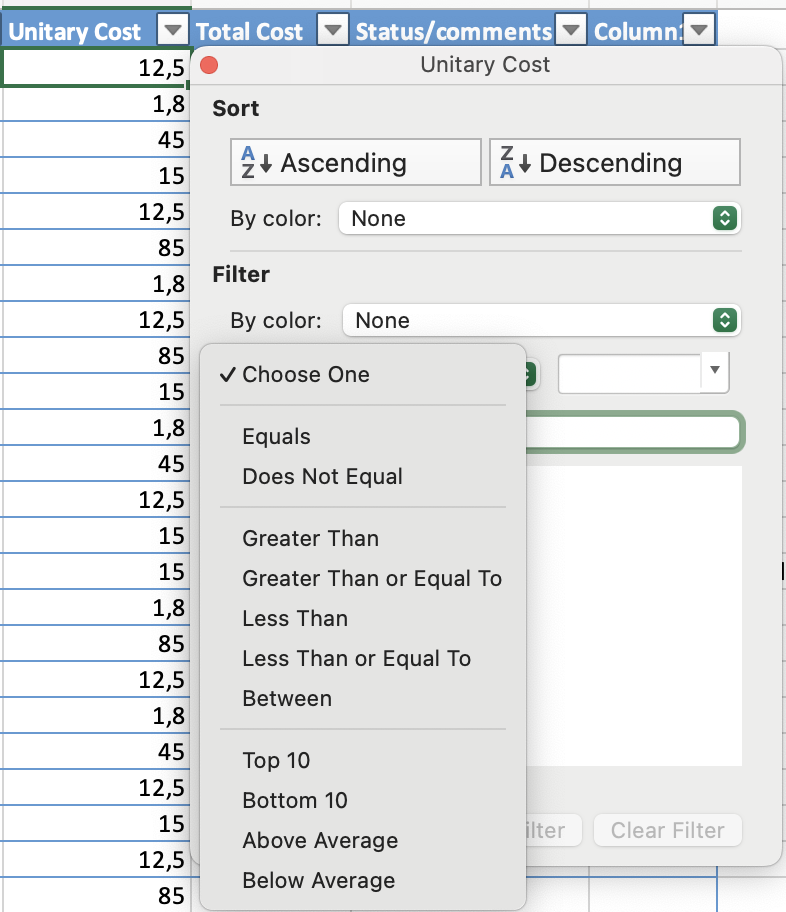
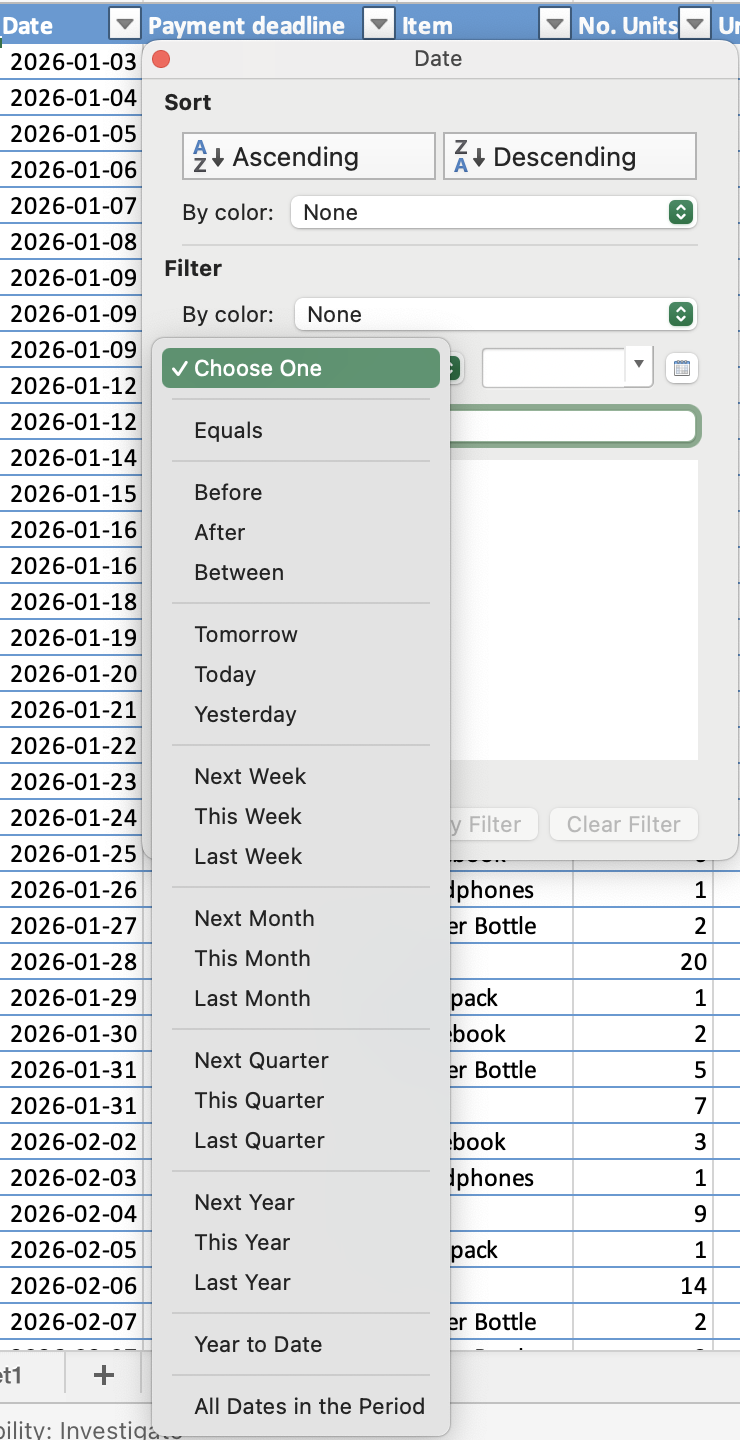
Filtertyp beror på datatyper:
- Textfilter: filtrera efter specifika värden eller textvillkor;
- Talfilter: filtrera med jämförelser som större än, mindre än eller mellan;
- Datumfilter: filtrera efter perioder, som specifika datum, månader eller år.
OCH / ELLER-logik över flera filter
- ELLER: inom en enskild kolumn — en rad visas om den matchar något av de valda värdena;
- OCH: över olika kolumner — en rad måste uppfylla alla aktiva filter för att vara synlig.

Obs
Genväg stänger av alla filter samtidigt. Genom att trycka på Ctrl+Shift+L för att stänga av filter tas alla aktiva filtervillkor bort från samtliga kolumner på en gång — inte bara den aktuella kolumnen. Om du bara vill återställa en kolumn, använd Rensa filter från den kolumnens rullgardinsmeny istället.
Var allt tydligt?
Tack för dina kommentarer!
Avsnitt 1. Kapitel 8
Fråga AI

Fråga AI

Fråga vad du vill eller prova någon av de föreslagna frågorna för att starta vårt samtal
Avsnitt 1. Kapitel 8
