Formatering
Svep för att visa menyn
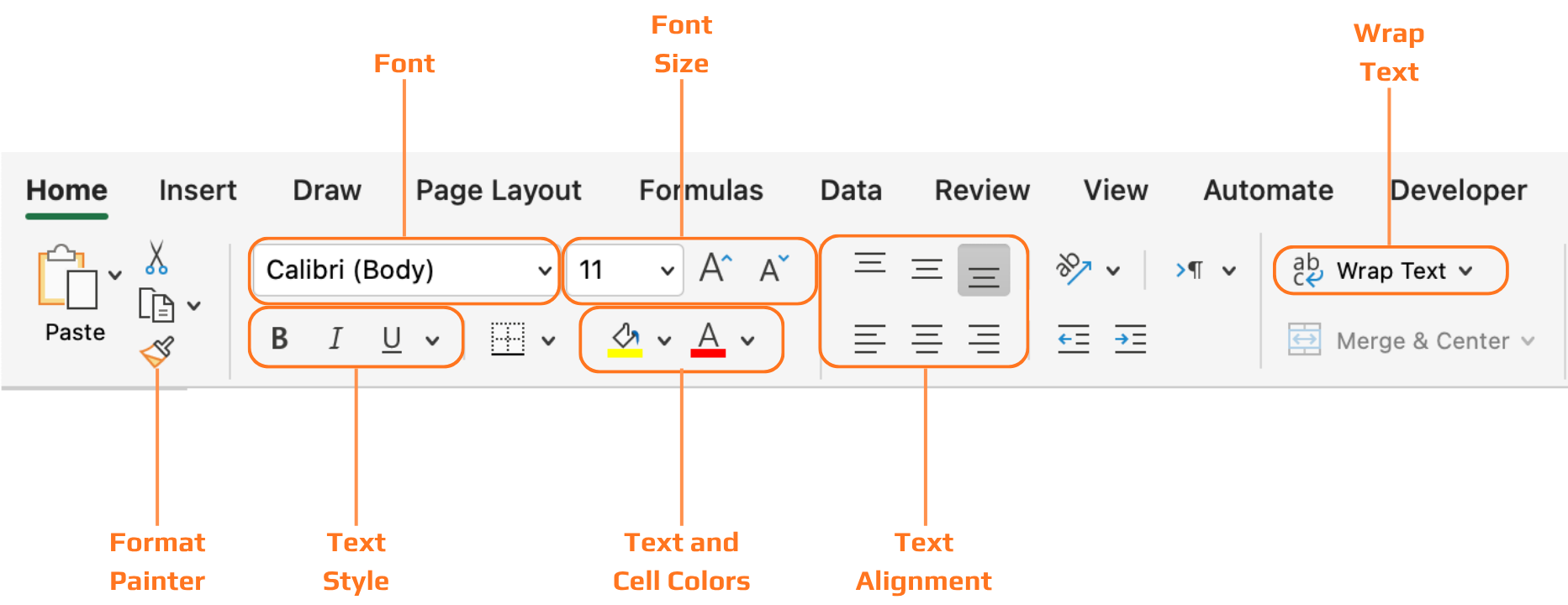
Alla verktyg som behandlas i detta kapitel finns på fliken Start i menyfliksområdet, organiserade i grupper: Tecken, Justering, Tal och Formatmallar. Du arbetar genom att först markera celler och sedan tillämpa formatering på det som är markerat.
Rubriker
Utan formaterade rubriker är en datatabell bara ett rutnät av text. Läsaren måste anstränga sig för att förstå vad varje kolumn betyder innan de kan börja läsa värdena. Fetstil och bakgrundsskuggning löser detta direkt — rubrikraden skiljer sig visuellt från dataraderna, och ögat vet genast var kolumnetiketterna finns.

När du konverterar ett område till en Excel-tabell med Ctrl+T tillämpas rubrikformatering automatiskt — och du kan välja bland fördefinierade tabellformat på fliken Tabellformat. Detta är ofta det snabbaste sättet att få en ren och konsekvent rubrikformatering utan att göra det manuellt.
Tack för dina kommentarer!
Fråga AI

Fråga AI

Fråga vad du vill eller prova någon av de föreslagna frågorna för att starta vårt samtal
