String
Deslize para mostrar o menu
Uma string é uma sequência de caracteres. Strings são usadas para armazenar dados textuais.

main.cs
12345678910111213using System; namespace ConsoleApp { internal class Program { static void Main(string[] args) { string text = "Hello, World!"; Console.WriteLine(text); // Output: Hello, World! } } }
Dados do tipo string, ou texto, estão sempre entre aspas duplas (").
Embora operações aritméticas não possam ser realizadas com strings, o operador de adição (+) pode ser utilizado para unir duas strings. Esse processo é chamado de concatenação de strings.
main.cs
123456789101112131415using System; namespace ConsoleApp { internal class Program { static void Main(string[] args) { string partOne = "The first sentence. "; string partTwo = "The second sentence."; string combined = partOne + partTwo; Console.WriteLine(combined); // Output: The first sentence. The second sentence. } } }
Podemos usar o caractere de nova linha (\n) para representar uma nova linha em dados do tipo string.
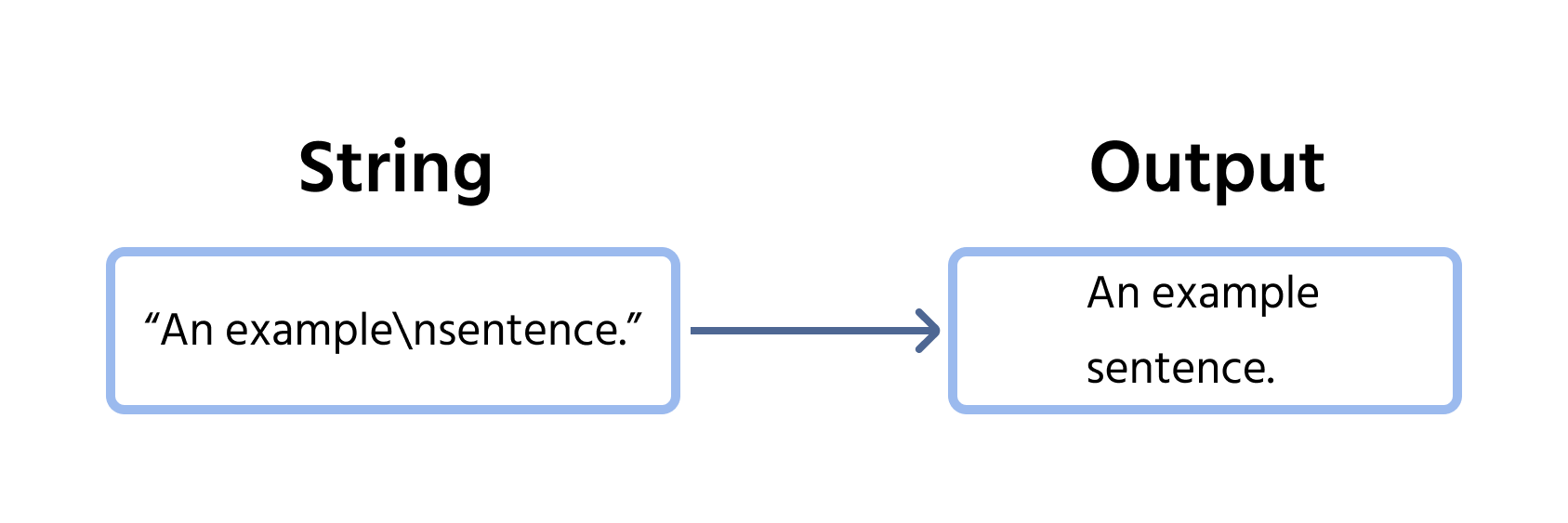
Considere o seguinte exemplo:
main.cs
12345678910111213using System; namespace ConsoleApp { internal class Program { static void Main(string[] args) { string text = "The first line.\nThe second line."; Console.WriteLine(text); } } }
Quando o caractere \n é encontrado, o texto automaticamente passa para uma nova linha. Podemos usar vários caracteres de nova linha para pular várias linhas:
main.cs
12345678910111213using System; namespace ConsoleApp { internal class Program { static void Main(string[] args) { string text = "The first line.\n\n\nThe second line.\nThe third line."; Console.WriteLine(text); } } }
Obrigado pelo seu feedback!
Pergunte à IA

Pergunte à IA

Pergunte o que quiser ou experimente uma das perguntas sugeridas para iniciar nosso bate-papo
