Brainstorming and Generating Ideas with AI
Sveip for å vise menyen
Notion AI can turn a blank page into a starting list of ideas, which helps when you are stuck before writing a plan, a set of goals, or a list of options to consider.
To brainstorm on a page:
- Open a new page or an empty section;
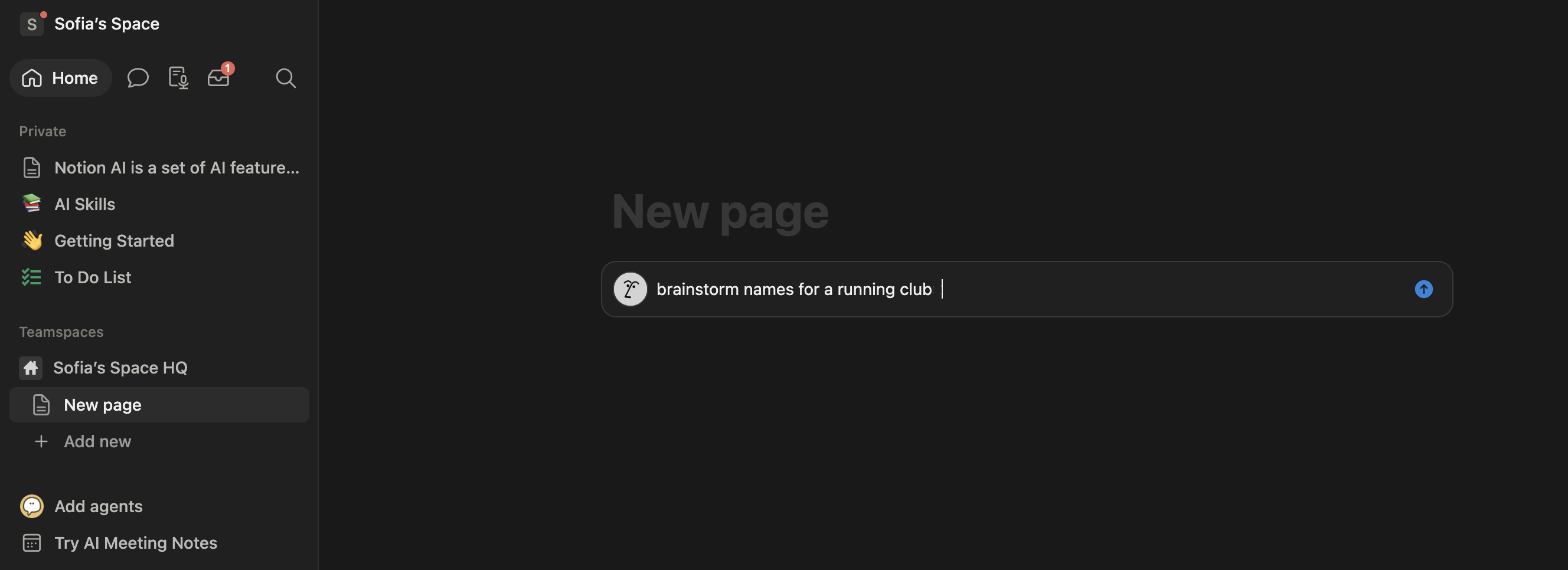
- Press the spacebar and type a prompt, for instance "brainstorm names for a running club";
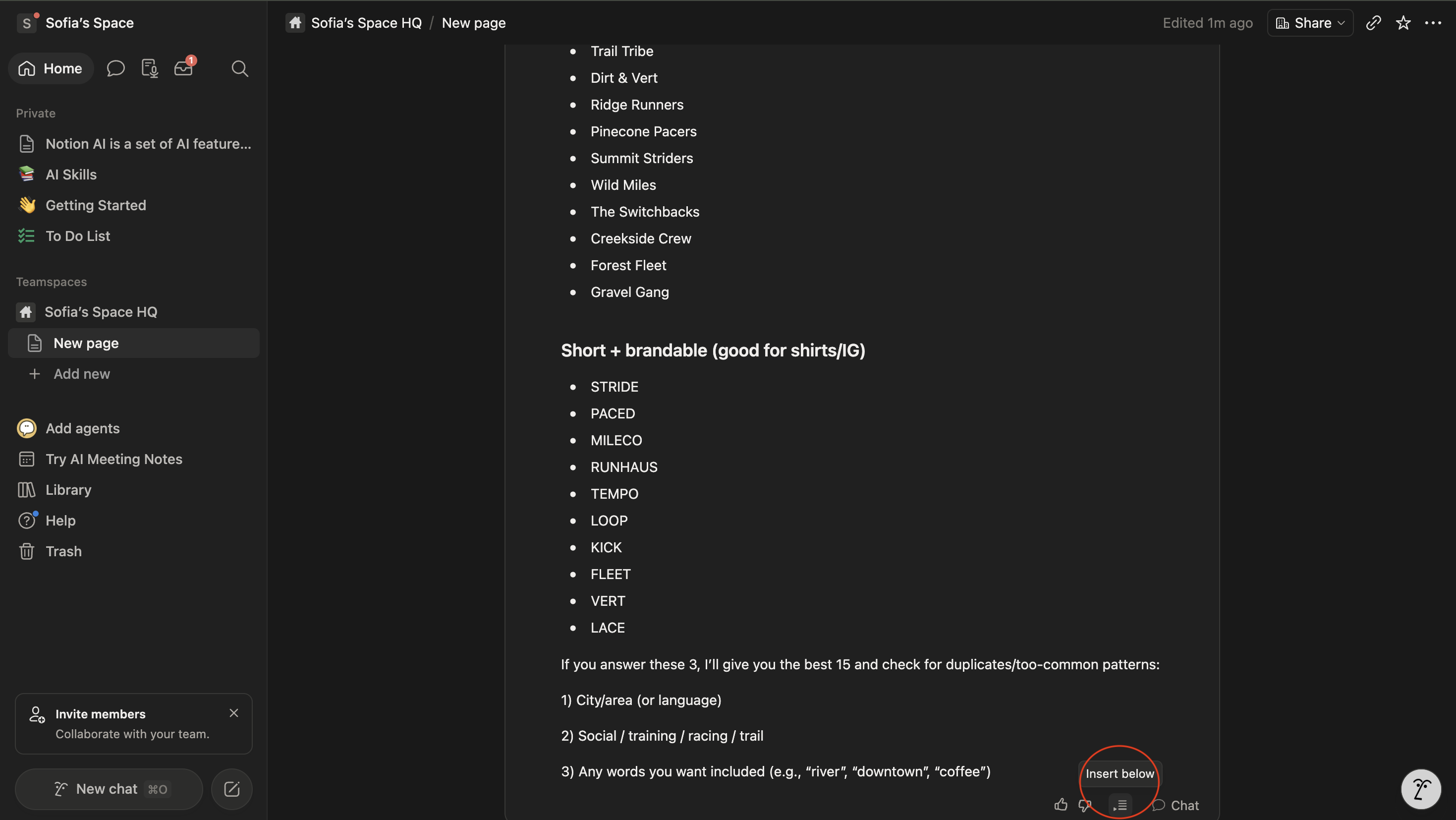
- Review the generated list;
- Delete any idea that does not fit, and ask for more if you need a larger list.
Treat a brainstormed list as a rough draft rather than a finished answer: Notion AI is good at generating volume and variety quickly, but a person still has to pick the ideas worth pursuing.
Alt var klart?
Takk for tilbakemeldingene dine!
Seksjon 1. Kapittel 5
Spør AI

Spør AI

Spør om hva du vil, eller prøv ett av de foreslåtte spørsmålene for å starte chatten vår
Seksjon 1. Kapittel 5
