Working with Variables
Sveip for å vise menyen
Variables in PowerShell allow you to store and reuse data throughout your scripts. When naming variables, follow these rules:
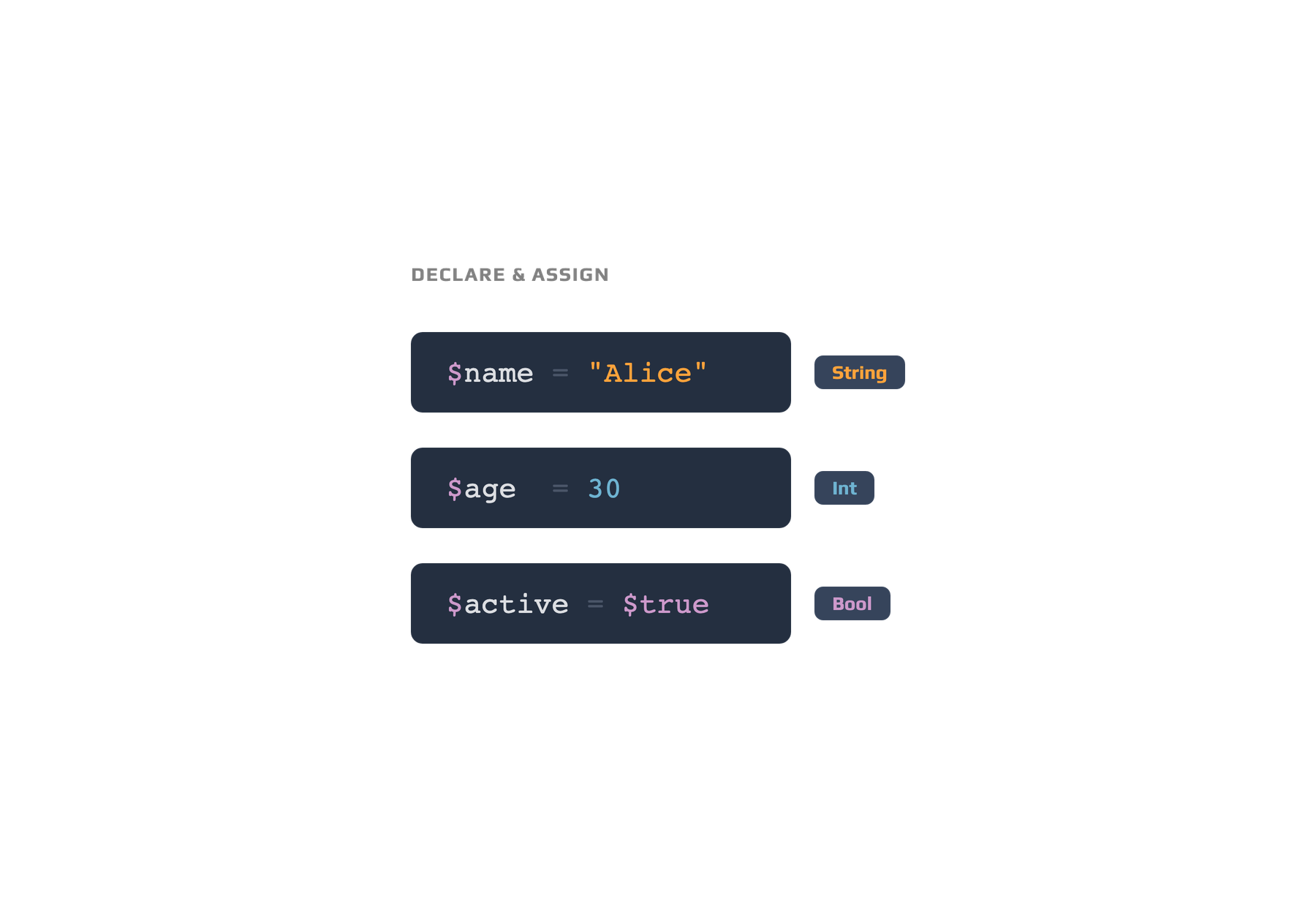
# Variable interpolation in PowerShell strings
$name = "Sam"
$message = "Welcome, $name!"
Write-Output $message  # Output: Welcome, Sam!
- Start the name with a dollar sign (
$); - The first character after
$must be a letter or underscore; - Use only letters, numbers, and underscores in the name;
- Avoid spaces and special characters;
- Variable names are not case-sensitive.
Variable scope determines where a variable can be accessed. Most variables you create are local to your script or session, but you can specify other scopes like
global:orscript:if required.
Alt var klart?
Takk for tilbakemeldingene dine!
Seksjon 1. Kapittel 3
Spør AI

Spør AI

Spør om hva du vil, eller prøv ett av de foreslåtte spørsmålene for å starte chatten vår
Seksjon 1. Kapittel 3
