Angular Project Structure
メニューを表示するにはスワイプしてください
When you create a project using Angular CLI, it generates a well-organized folder and file structure. This structure plays a crucial role in organizing code, making development more efficient and scalable.
You'll explore the key folders and files that are automatically created when you set up a new Angular project.
Project Structure
When you run the command ng new angular-app, Angular CLI generates the following structure:
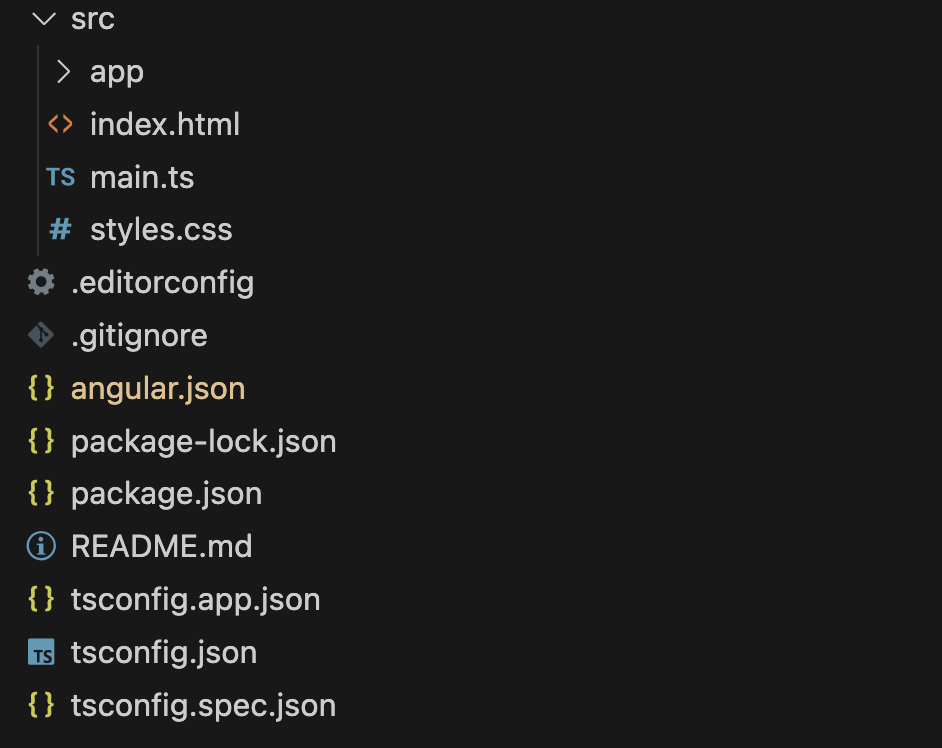
📂 src/ – Application Source Code.
This folder contains the core files and configurations required for your Angular application.
Application Code

The main folder where components, modules, and services are stored. (We'll explore this in detail later.)
The main HTML file where Angular injects the compiled application.
The entry point that bootstraps the root module of the application.
Global styles applied across the entire application.
Configuration Files
Defines project settings such as build configurations, styles, and paths.
Contains TypeScript settings applied to the entire project.
TypeScript configuration specific to the application code.
TypeScript settings for tests, including compilation rules.
Lists project dependencies, package versions, and npm scripts.
Locks the exact versions of installed packages to ensure consistency.
Defines code formatting rules like indentation and encoding, supported by most editors.

These configuration files are essential for project settings, but you won't need to modify them frequently, especially as a beginner.
Additional Files
Specifies files and folders that should be excluded from the Git repository.
Contains project documentation, including installation steps and usage instructions.
Running an Angular Application
To launch your Angular app, first, open the terminal. In VS Code, you can use these shortcuts:
-
macOS:
Cmd + JorCmd + `; -
Windows:
Ctrl + JorCmd + `.
Alternatively, go to View → Terminal from the top menu.
Now, run the following command:
ng serve
This command compiles the project and starts a local development server. Once the process is complete, the terminal will display a message with a URL:
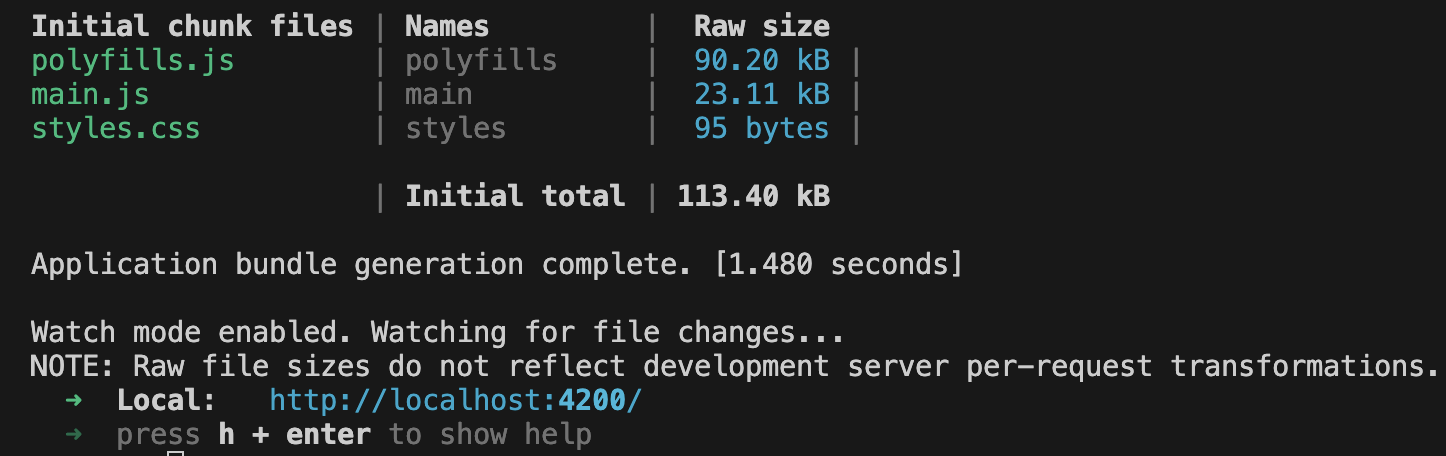
Open the URL (http://localhost:4200/) in your browser, and you'll see the Angular welcome page.
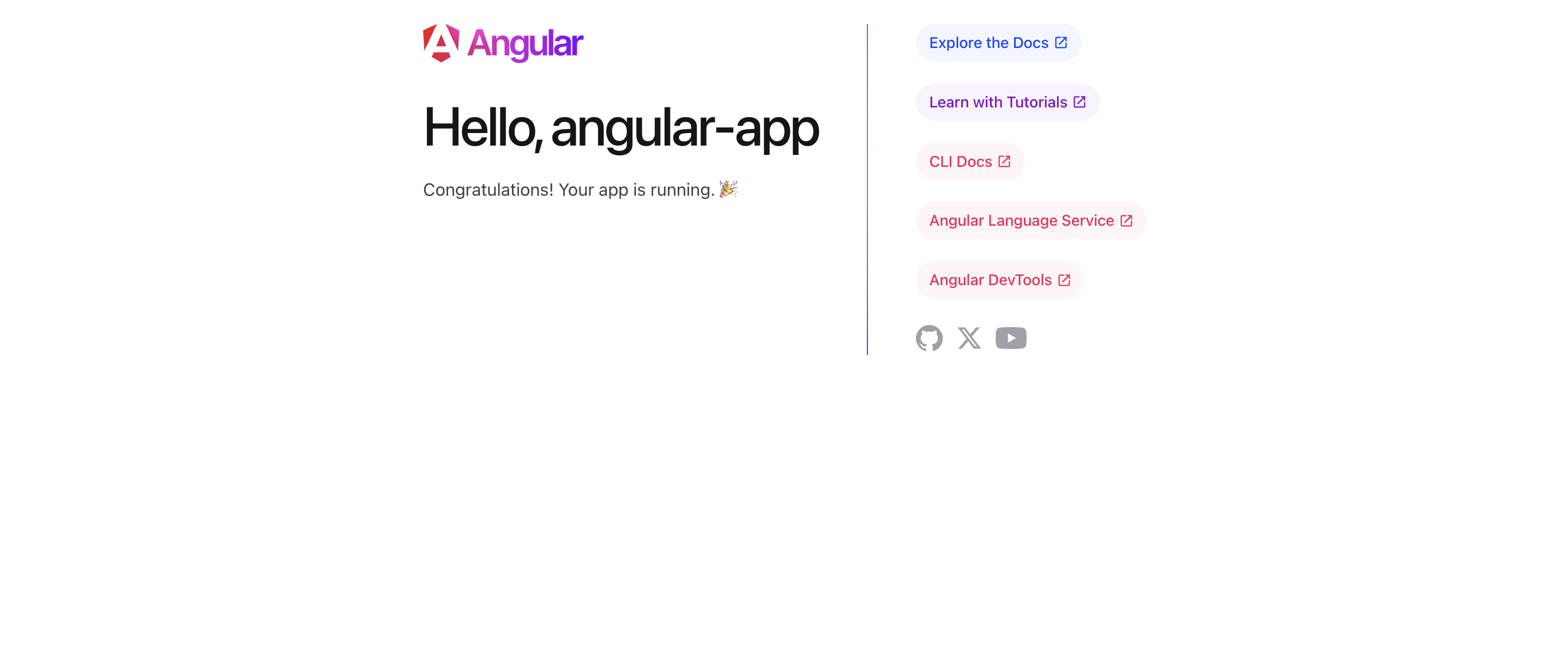
The default welcome page is a basic template generated during project initialization. It confirms that your application has been successfully set up and is running.
1. What is the main purpose of the src folder in an Angular project?
2. What is the role of package.json in an Angular project?
フィードバックありがとうございます!
AIに質問する

AIに質問する

何でも質問するか、提案された質問の1つを試してチャットを始めてください
