Working with Variables
メニューを表示するにはスワイプしてください
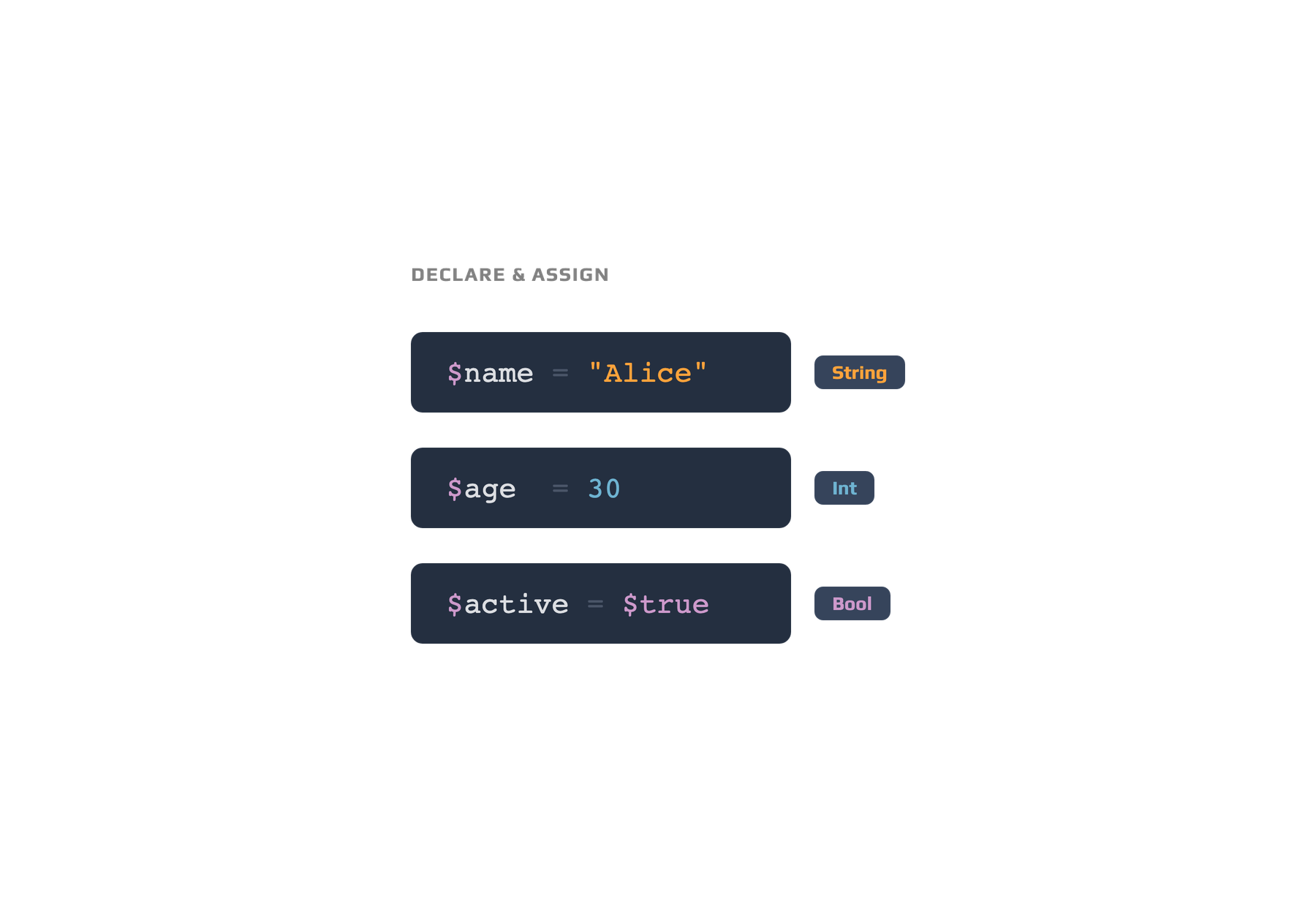
Variables in PowerShell allow you to store and reuse data throughout your scripts. When naming variables, follow these rules:
# Variable interpolation in PowerShell strings
$name = "Sam"
$message = "Welcome, $name!"
Write-Output $message  # Output: Welcome, Sam!
- Start the name with a dollar sign (
$); - The first character after
$must be a letter or underscore; - Use only letters, numbers, and underscores in the name;
- Avoid spaces and special characters;
- Variable names are not case-sensitive.
Variable scope determines where a variable can be accessed. Most variables you create are local to your script or session, but you can specify other scopes like
global:orscript:if required.
すべて明確でしたか?
フィードバックありがとうございます!
セクション 1. 章 3
AIに質問する

AIに質問する

何でも質問するか、提案された質問の1つを試してチャットを始めてください
セクション 1. 章 3
