Running Your First Script
メニューを表示するにはスワイプしてください

A PowerShell script is a plain text file that contains one or more PowerShell commands or instructions. These scripts are typically saved with the .ps1 file extension and can be executed to automate tasks, manage systems, or perform repetitive operations.
Before you can take advantage of PowerShell's automation capabilities, it is important to understand how PowerShell scripts work and how to run them. By storing commands in a script file, you can save, reuse, and share your solutions instead of typing the same commands repeatedly.
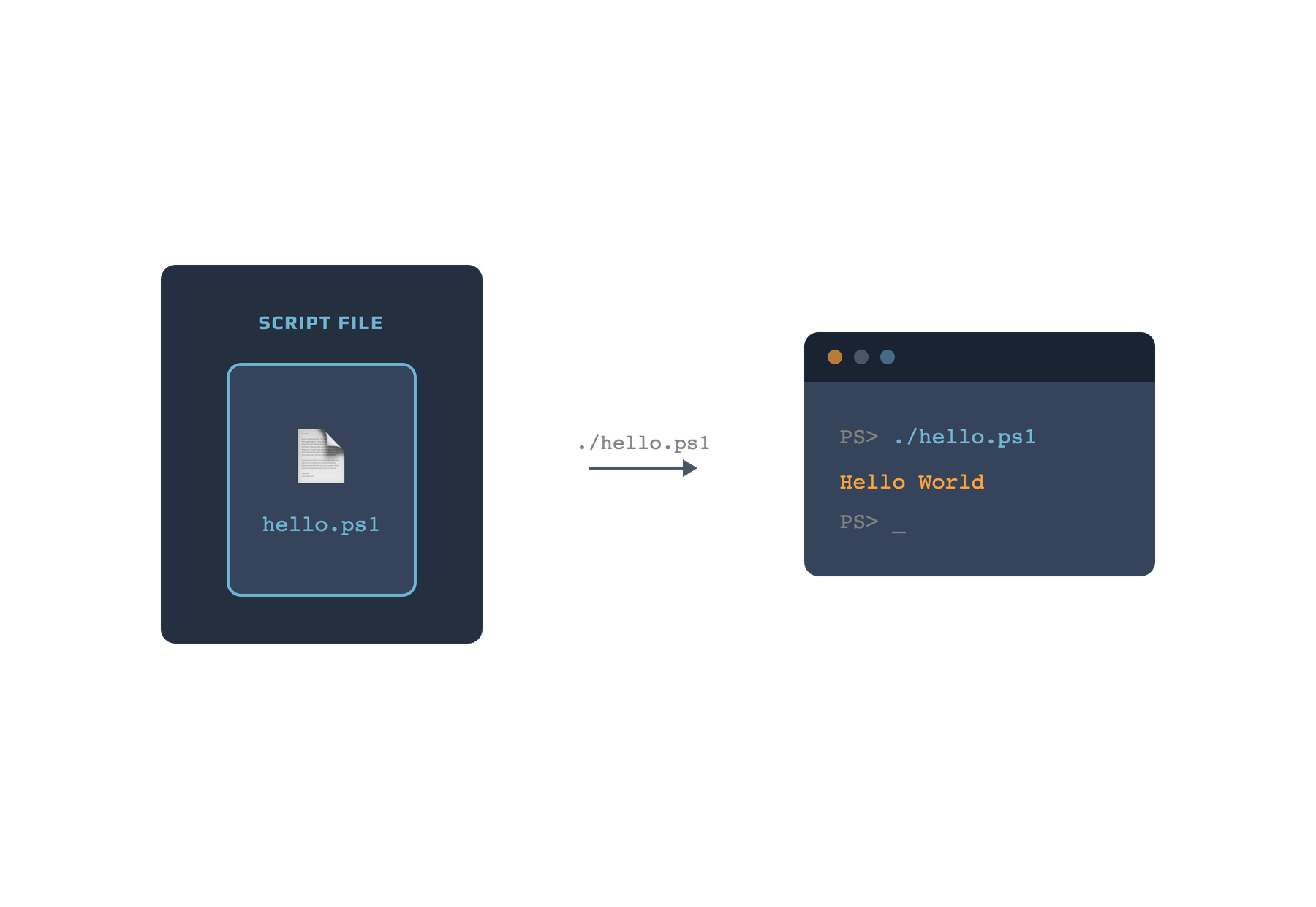
# Simple PowerShell script that prints Hello World
Write-Output "Hello World"
This script demonstrates a basic PowerShell command stored in a script file. When you save the code as hello.ps1 and run it in PowerShell, it displays the message Hello World. To execute a script, open PowerShell, navigate to the directory containing the .ps1 file, and run:
./hello.ps1
Before running scripts, it is important to understand PowerShell's execution policies. An execution policy is a security setting that determines whether scripts are allowed to run on your system. By default, PowerShell may restrict script execution to help prevent the accidental or malicious execution of untrusted code.

If you receive an execution policy error when trying to run a script, you may need to modify the policy using the Set-ExecutionPolicy command. Always review the available policy options and understand the security implications before making changes.
1. Which of the following best describes a PowerShell script file?
2. What is the purpose of script execution policies in PowerShell?
フィードバックありがとうございます!
AIに質問する

AIに質問する

何でも質問するか、提案された質問の1つを試してチャットを始めてください
