フィルタリング
メニューを表示するにはスワイプしてください
フィルターのオン・オフ切り替え
- 範囲内の任意のセルをクリック → データタブ → フィルター、または
Ctrl+Shift+L(Win)/Control+Shift+L(Mac)を押す。すべてのヘッダーセルにドロップダウン矢印が表示される; Ctrl+Tで作成したテーブルは、ヘッダー行に自動的にフィルターが有効化される — 手動操作は不要;- リボンの フィルター を再度クリック、または
Ctrl+Shift+Lをもう一度押すと、ヘッダー行からドロップダウン矢印が消える。
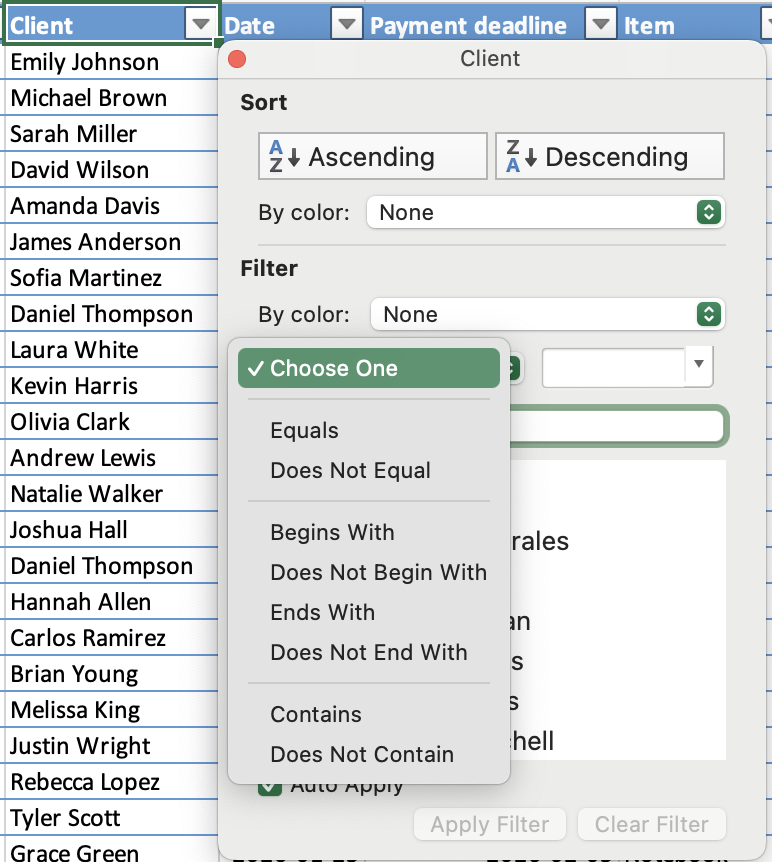
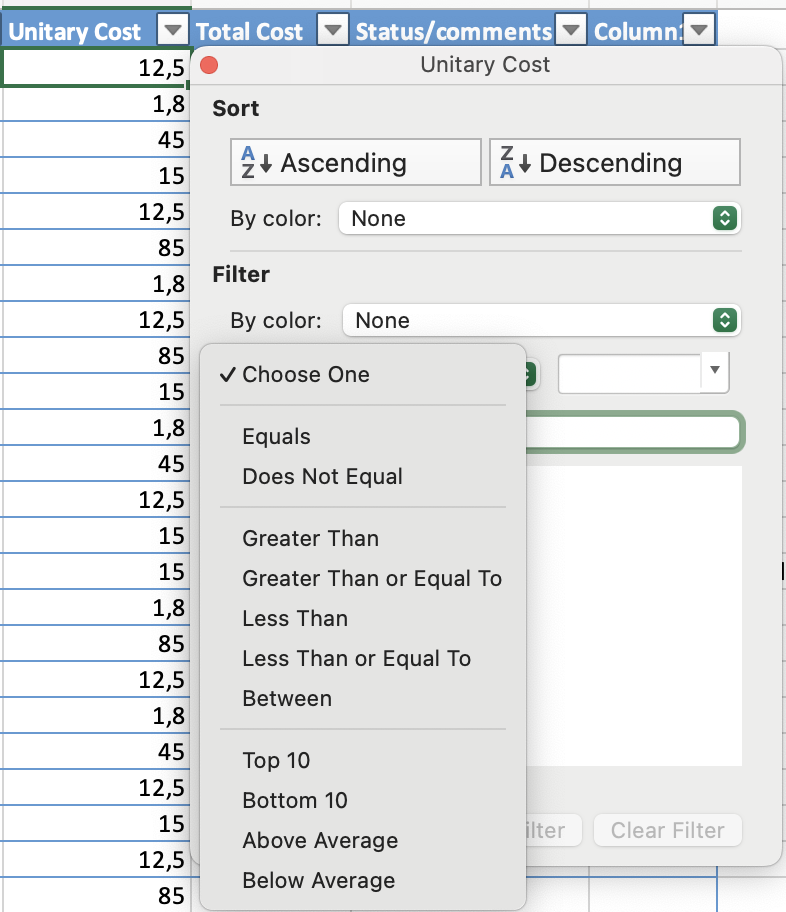
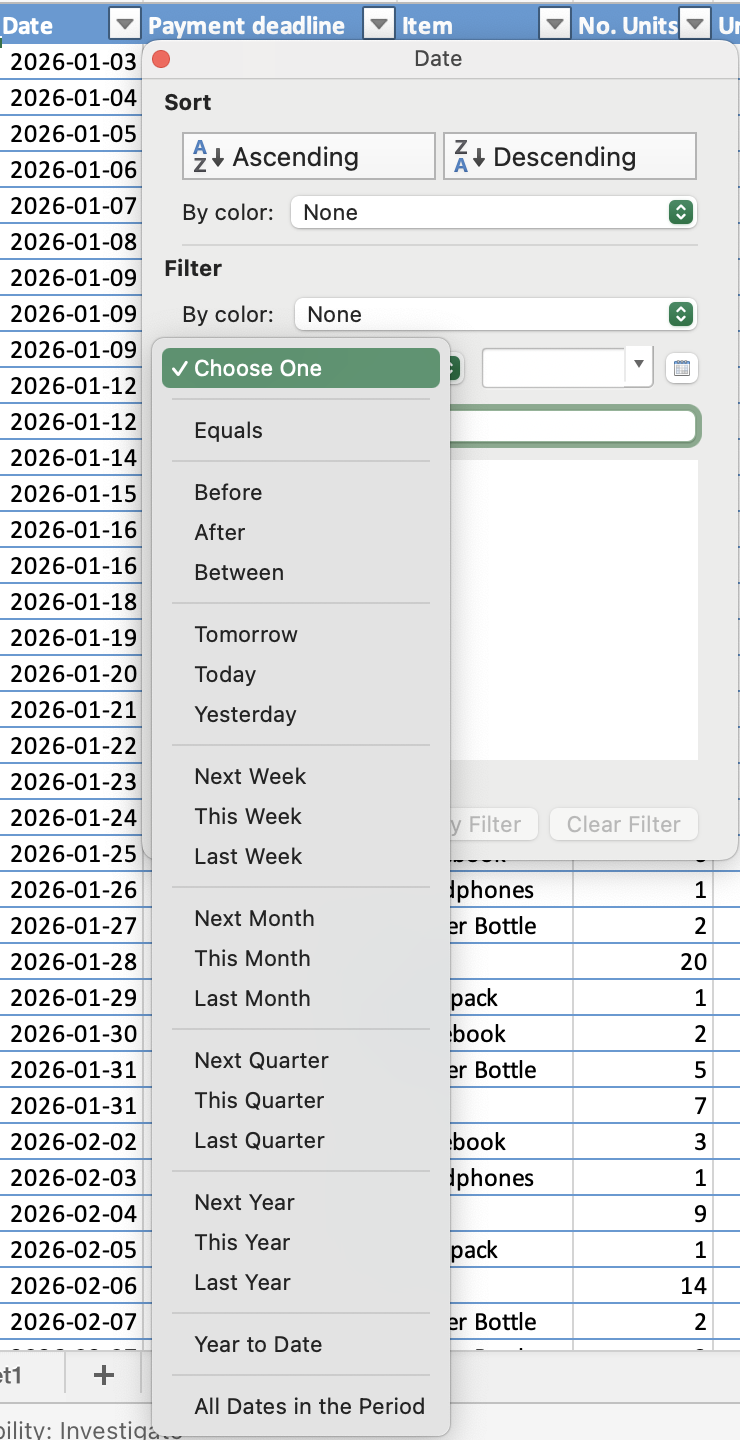
フィルターの種類はデータ型によって異なる:
- テキストフィルター:特定の値やテキスト条件でフィルター;
- 数値フィルター:より大きい、より小さい、または範囲などの比較でフィルター;
- 日付フィルター:特定の日付、月、年などの期間でフィルター。
複数フィルターにおける AND / OR ロジック
- OR:単一列内 — 選択された値のいずれかに一致する行が表示される;
- AND:異なる列間 — すべての有効なフィルター条件を満たす行のみが表示される。

メモ
ショートカットですべてのフィルターを一度に解除。Ctrl+Shift+Lを押すと、すべての列のアクティブなフィルター条件が同時に解除されます(現在の列だけでなく)。特定の列だけをリセットしたい場合は、その列のドロップダウンからフィルターのクリアを使用してください。
すべて明確でしたか?
フィードバックありがとうございます!
セクション 1. 章 8
AIに質問する

AIに質問する

何でも質問するか、提案された質問の1つを試してチャットを始めてください
セクション 1. 章 8
