String
メニューを表示するにはスワイプしてください
A string is a sequence of characters. Strings are used for storing textual data.

main.cs
12345678910111213using System; namespace ConsoleApp { internal class Program { static void Main(string[] args) { string text = "Hello, World!"; Console.WriteLine(text); // Output: Hello, World! } } }
String data, or text, is always enclosed in double quotation marks (").
While arithmetic operations cannot be performed on strings, the plus (+) operator can be used to join two strings together. This process is known as string concatenation.
main.cs
123456789101112131415using System; namespace ConsoleApp { internal class Program { static void Main(string[] args) { string partOne = "The first sentence. "; string partTwo = "The second sentence."; string combined = partOne + partTwo; Console.WriteLine(combined); // Output: The first sentence. The second sentence. } } }
You can use the new line character (\n) to represent a new line in string data.
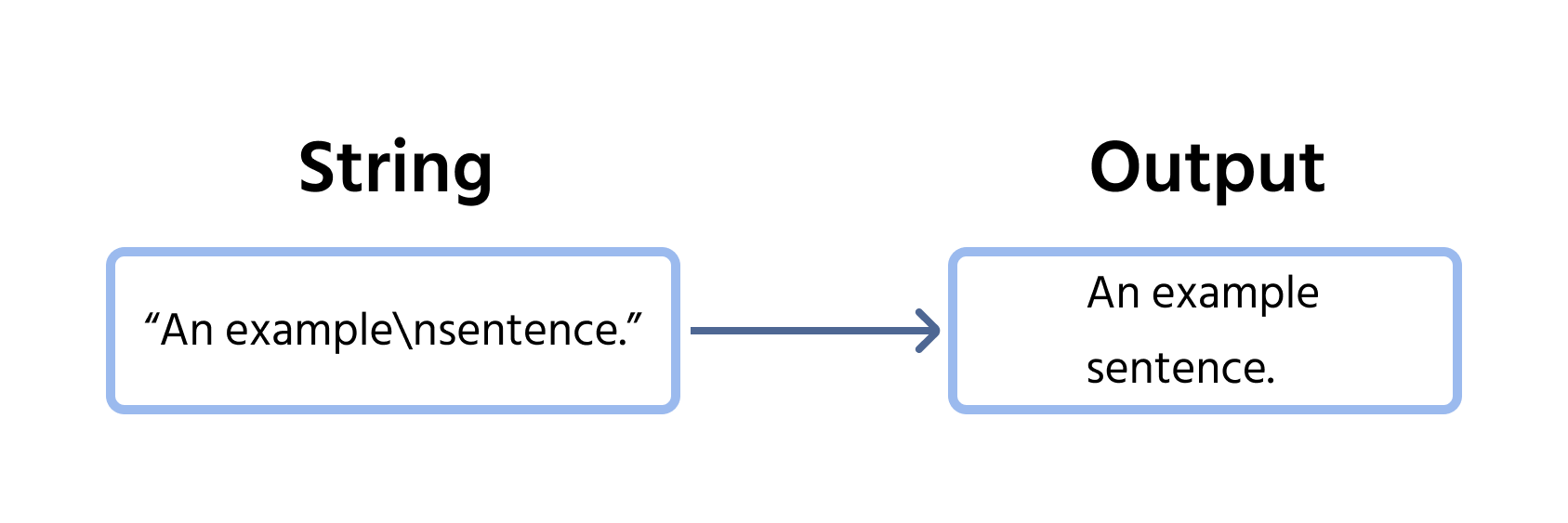
Consider the following example:
main.cs
12345678910111213using System; namespace ConsoleApp { internal class Program { static void Main(string[] args) { string text = "The first line.\nThe second line."; Console.WriteLine(text); } } }
When the \n character is encountered, the text automatically shifts to a new line. We can use multiple newline characters to skip multiple lines:
main.cs
12345678910111213using System; namespace ConsoleApp { internal class Program { static void Main(string[] args) { string text = "The first line.\n\n\nThe second line.\nThe third line."; Console.WriteLine(text); } } }
すべて明確でしたか?
フィードバックありがとうございます!
セクション 2. 章 6
AIに質問する

AIに質問する

何でも質問するか、提案された質問の1つを試してチャットを始めてください
