Working with Fonts and Font Properties
Scorri per mostrare il menu
Fonts strongly influence the tone and readability of a web page.
In this chapter, we explore the most commonly used font-related CSS properties: font-family, font-size, font-weight, and font-style.

All examples use the same text to show how these properties change appearance.
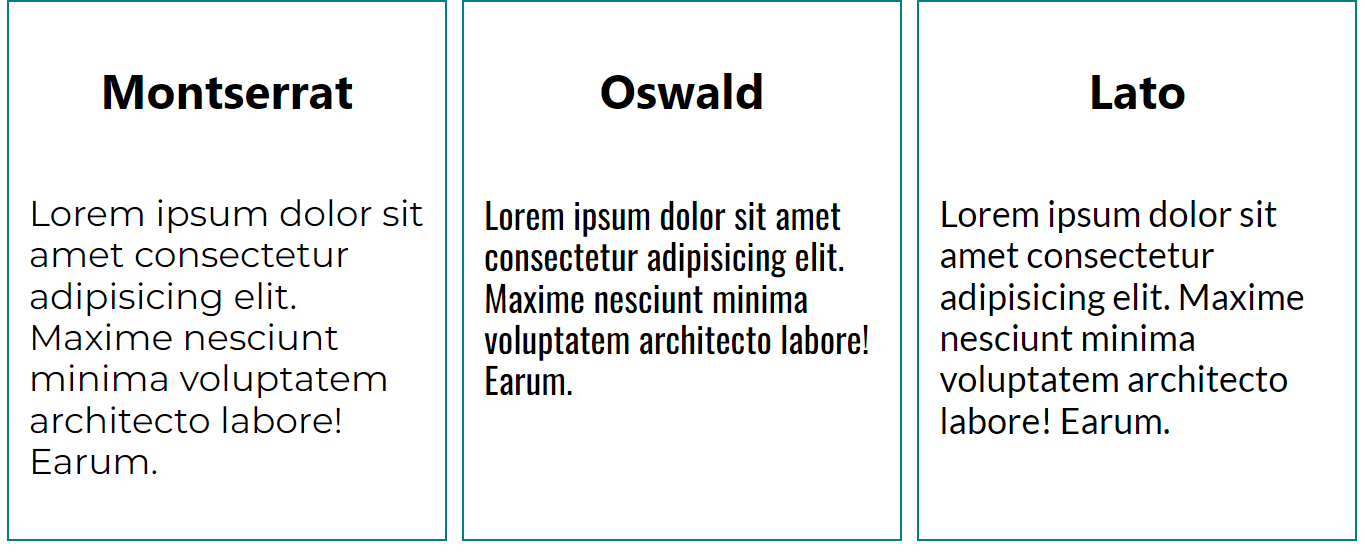
font-family
The font-family property defines which typeface is used to display text.
p {
  font-family: 'Montserrat', Arial, sans-serif;
}
Multiple fonts can be listed as fallbacks, separated by commas. If the first font is not available, the browser uses the next one in the list. It is recommended to always include a generic fallback such as: serif, sans-serif, monospace.
font-size
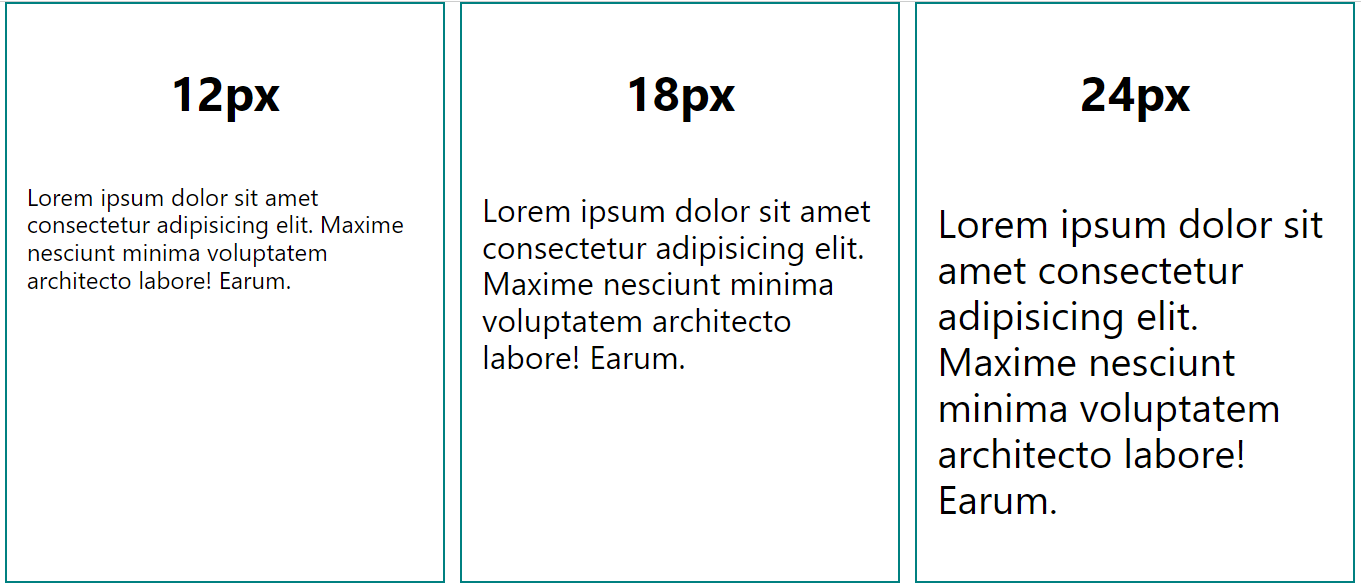
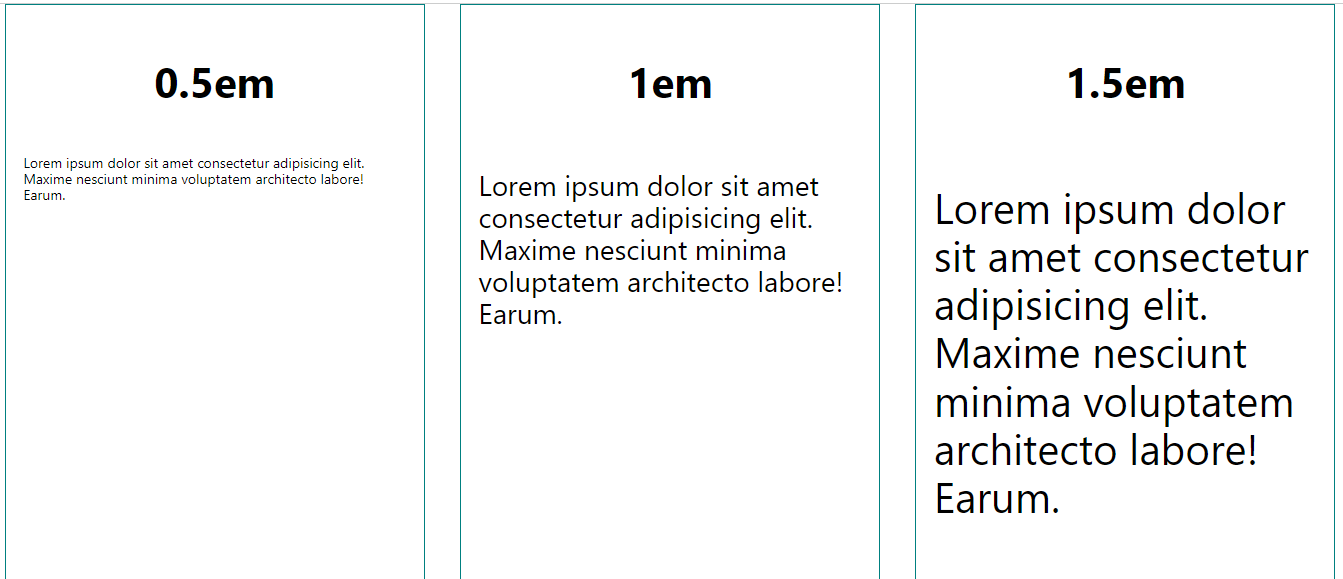
The font-size property controls how large text appears.
p {
  font-size: 16px;
}
Common units:
px: fixed size;em: relative to parent element;rem: relative to root element.
font-weight
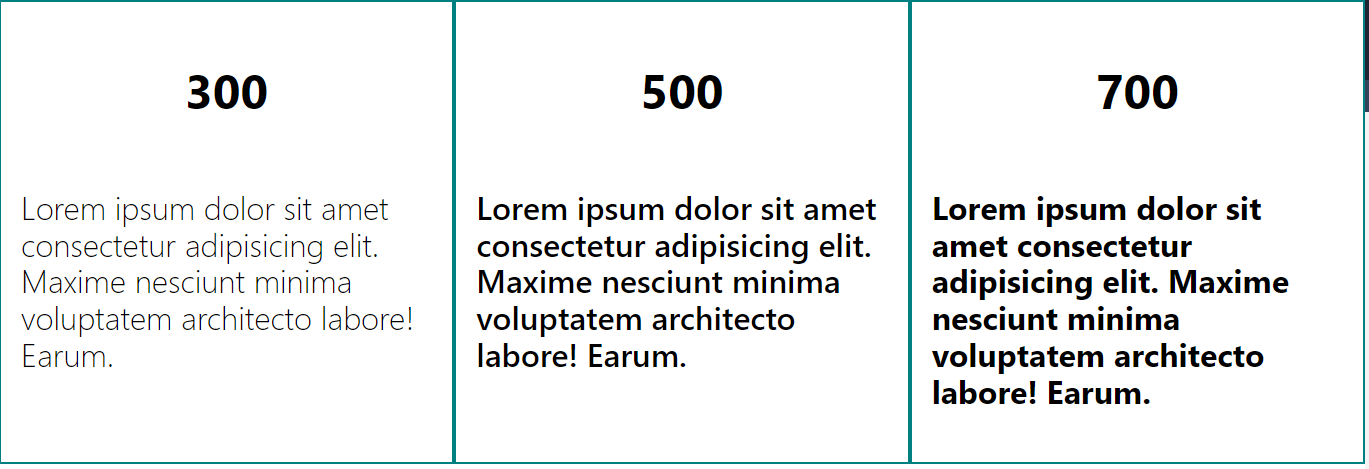
Controls the thickness of text. Numeric values: 100–900. Keywords: normal, bold, lighter.
font-style
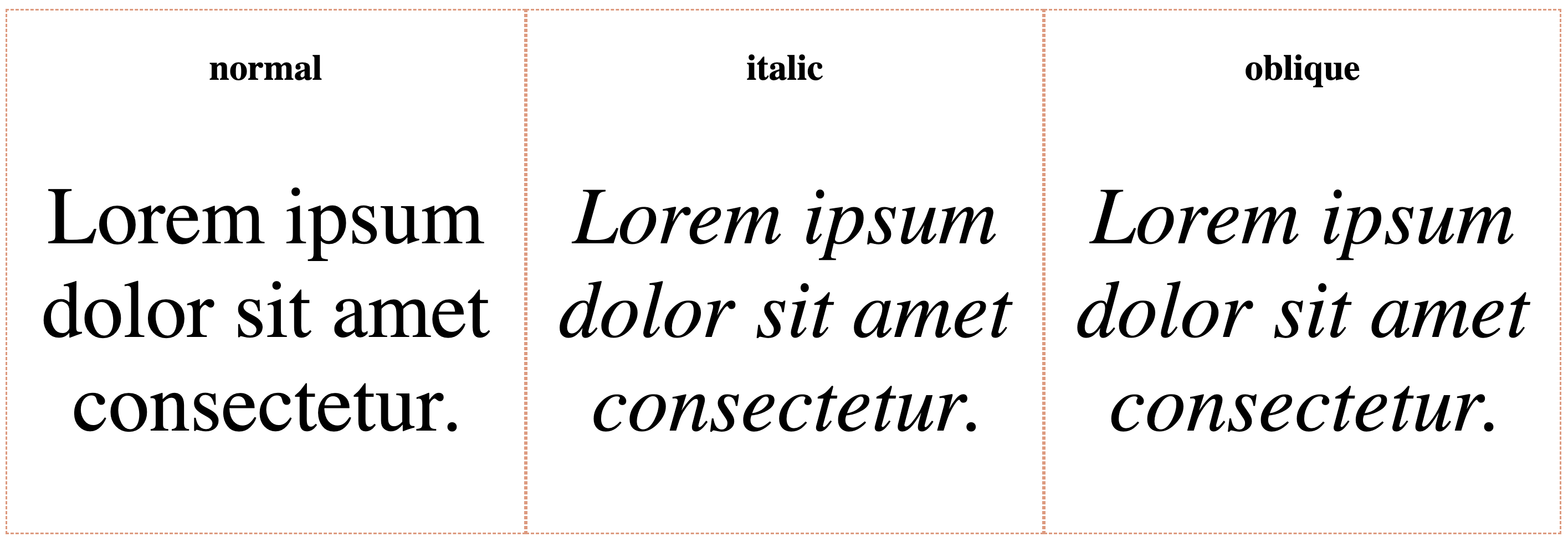
Specifies the style of the text: normal, italic, or oblique.
Pseudo-class ::first-letter
::first-letter targets the first letter of an element (typically a paragraph or heading), allowing decorative or stylized effects.
selector::first-letter {
 /* some styles */
}
Let's run the next example to see how it works.

index.html

styles.css

font-family defines the typeface and fallbacks.
font-size controls text size in px, em, or rem.
font-weight adjusts thickness using numbers or keywords.
font-style changes the font style.
::first-letter styles the first letter of a text block.
1. Which property determines the thickness of the font?
2. What is the default value for the font-style property in CSS?
Grazie per i tuoi commenti!
Chieda ad AI

Chieda ad AI

Chieda pure quello che desidera o provi una delle domande suggerite per iniziare la nostra conversazione
