Translating Content with Notion AI
Glissez pour afficher le menu
The Translate action rewrites a block of text, or an entire page, in another language while keeping the original formatting, such as headings, bullet points, and bold text.
To translate text:
- Highlight the text, or select the whole page;
- Click Ask AI;
- Choose Translate;
- Pick the target language from the list.
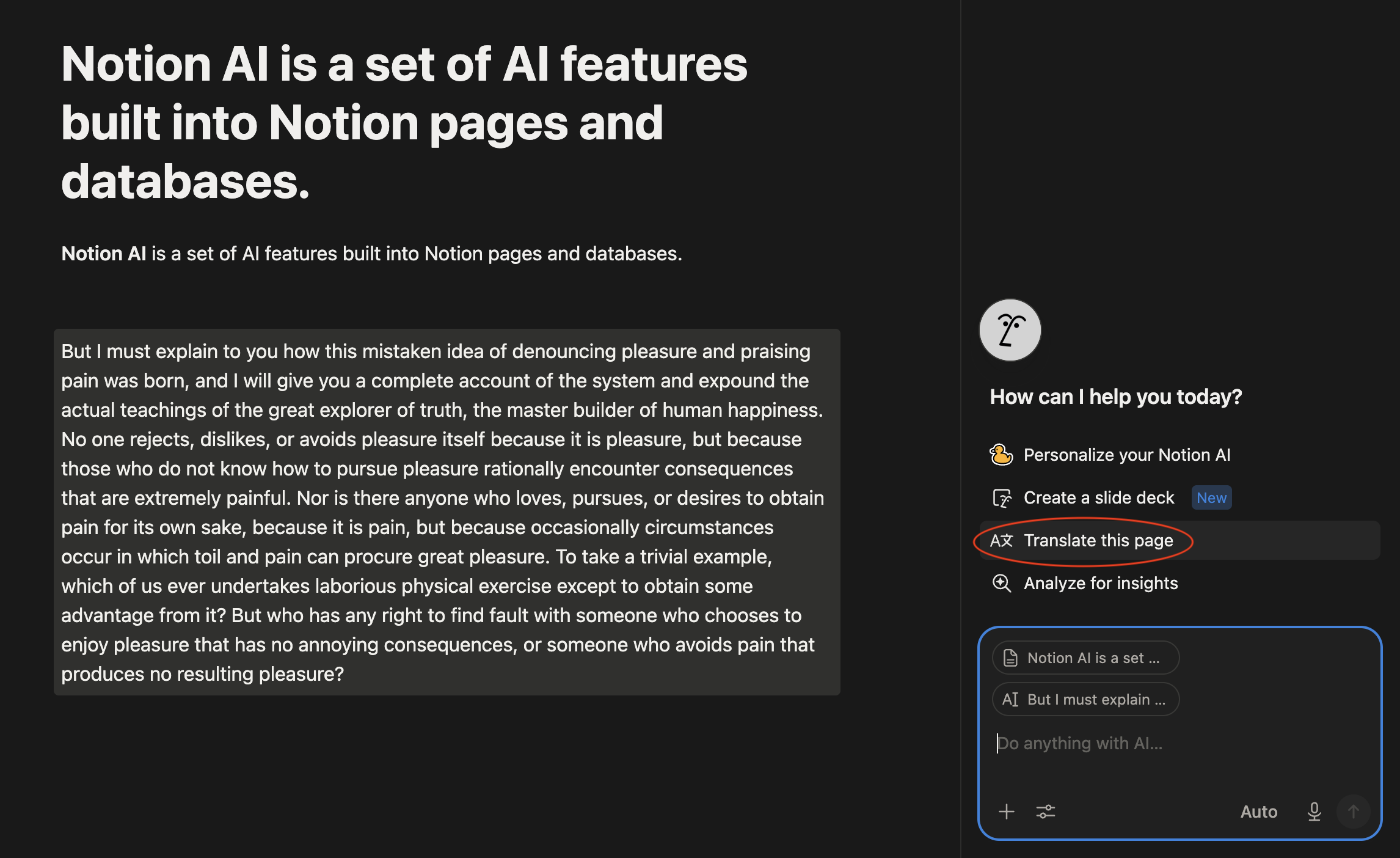
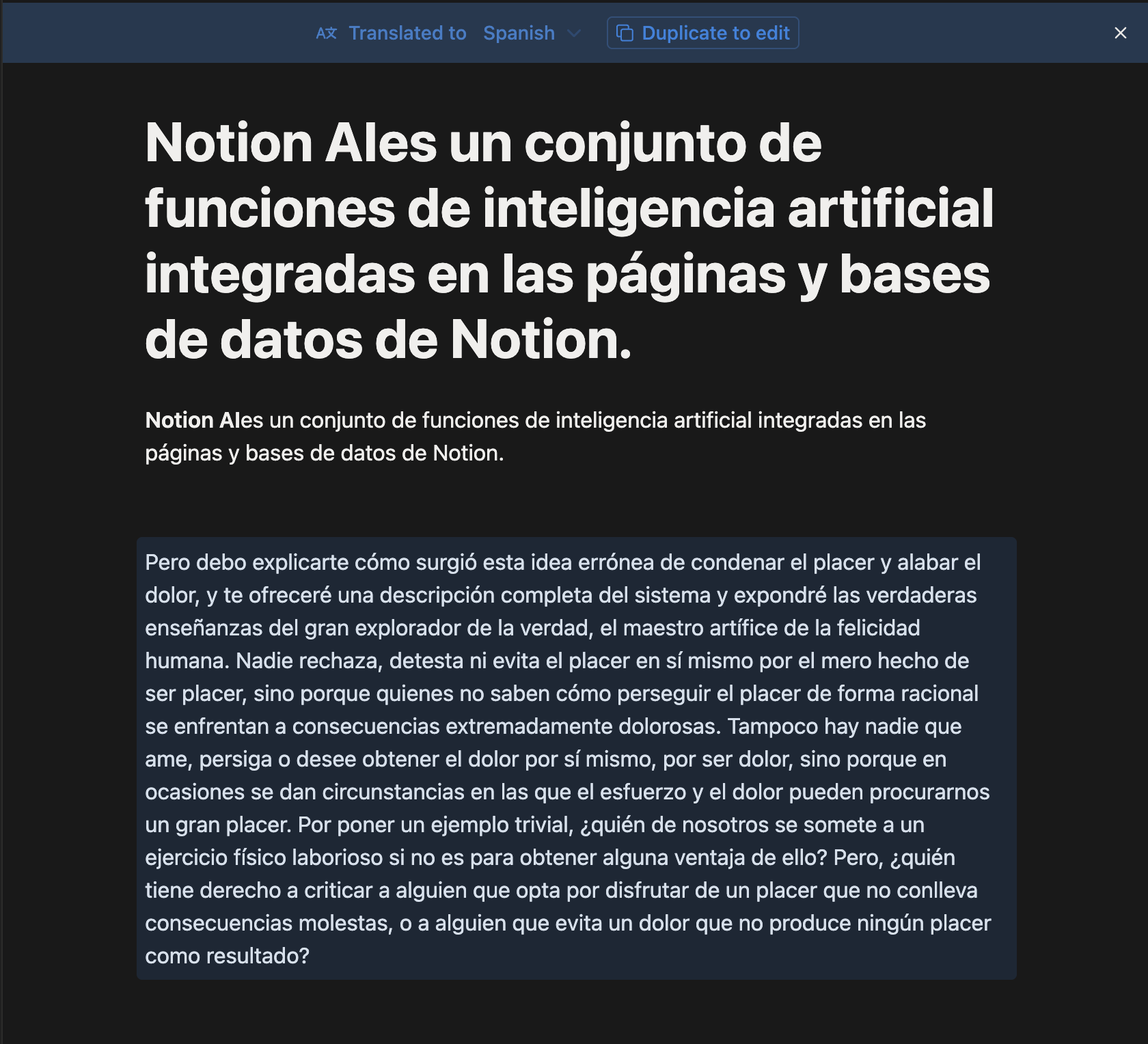

Translation preserves headings, lists, and bold or italic styling, but it does not translate text inside uploaded images or file attachments.
Translating a whole page at once is faster than translating block by block, but for a page with mixed content — instructions plus a code sample, for instance — translating section by section gives you more control over what changes.
Merci pour vos commentaires !
Demandez à l'IA

Demandez à l'IA

Posez n'importe quelle question ou essayez l'une des questions suggérées pour commencer notre discussion
