Fixed Positioning for Sticky UI Elements
Swipe um das Menü anzuzeigen
Fixed positioning allows us to position an element relative to the viewport (the browser window) rather than relative to its parent element. It means that the element will always remain in the same position on the screen even if the user scrolls the page.
position: fixed;
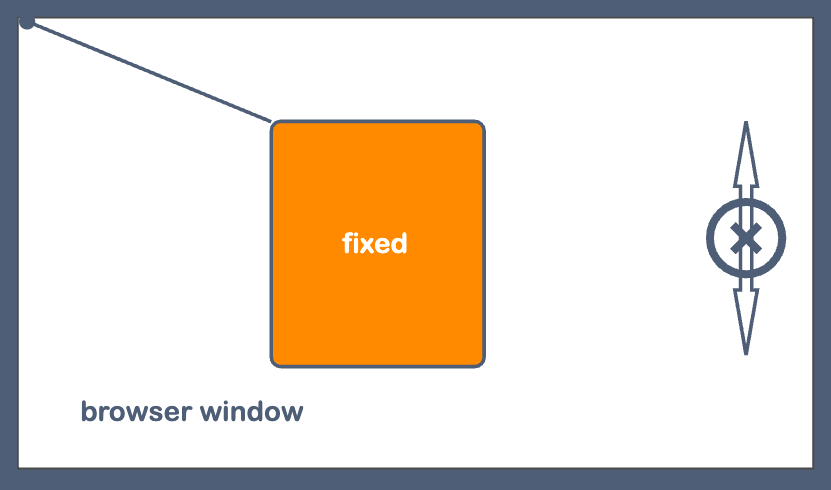
It can be helpful when we create webpage navigation that will always be available for the user or when we need to permanently show some information on the screen. That's why let's have some practice and create the support chat button, which will always be in the bottom right corner of the viewport.

index.html

index.css
The chat button is always available for the user. It does not disappear on scroll. It was achieved only with the position: fixed; property.
Danke für Ihr Feedback!
Fragen Sie AI

Fragen Sie AI

Fragen Sie alles oder probieren Sie eine der vorgeschlagenen Fragen, um unser Gespräch zu beginnen
