Getting Started with Notion AI
Swipe um das Menü anzuzeigen
Notion AI adds writing and reasoning features on top of the pages and databases you already use in Notion, without requiring a separate app or tab.

Notion AI is a set of AI features built into Notion pages and databases, covering text generation, summarization, translation, question answering, and database autofill.
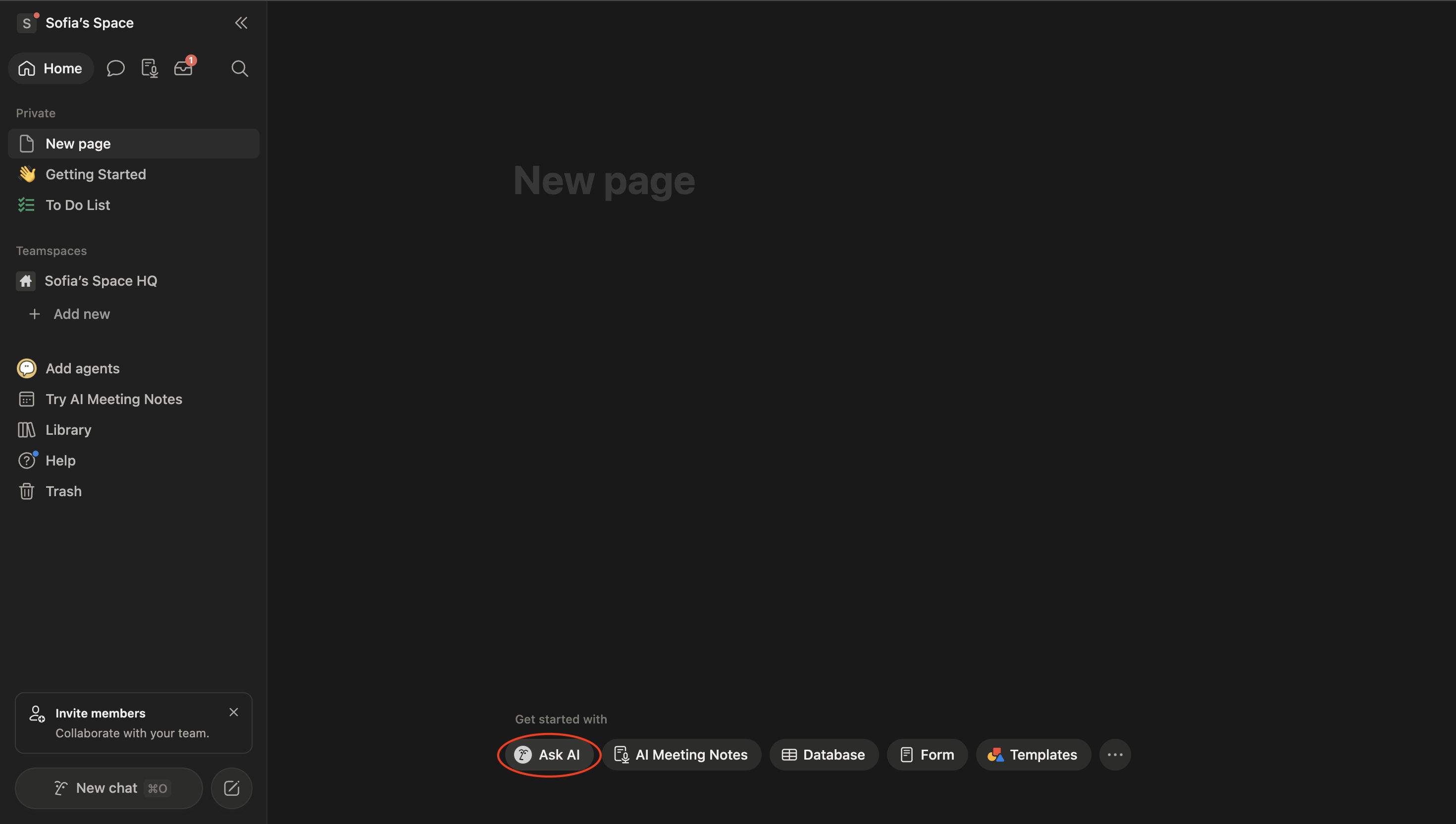
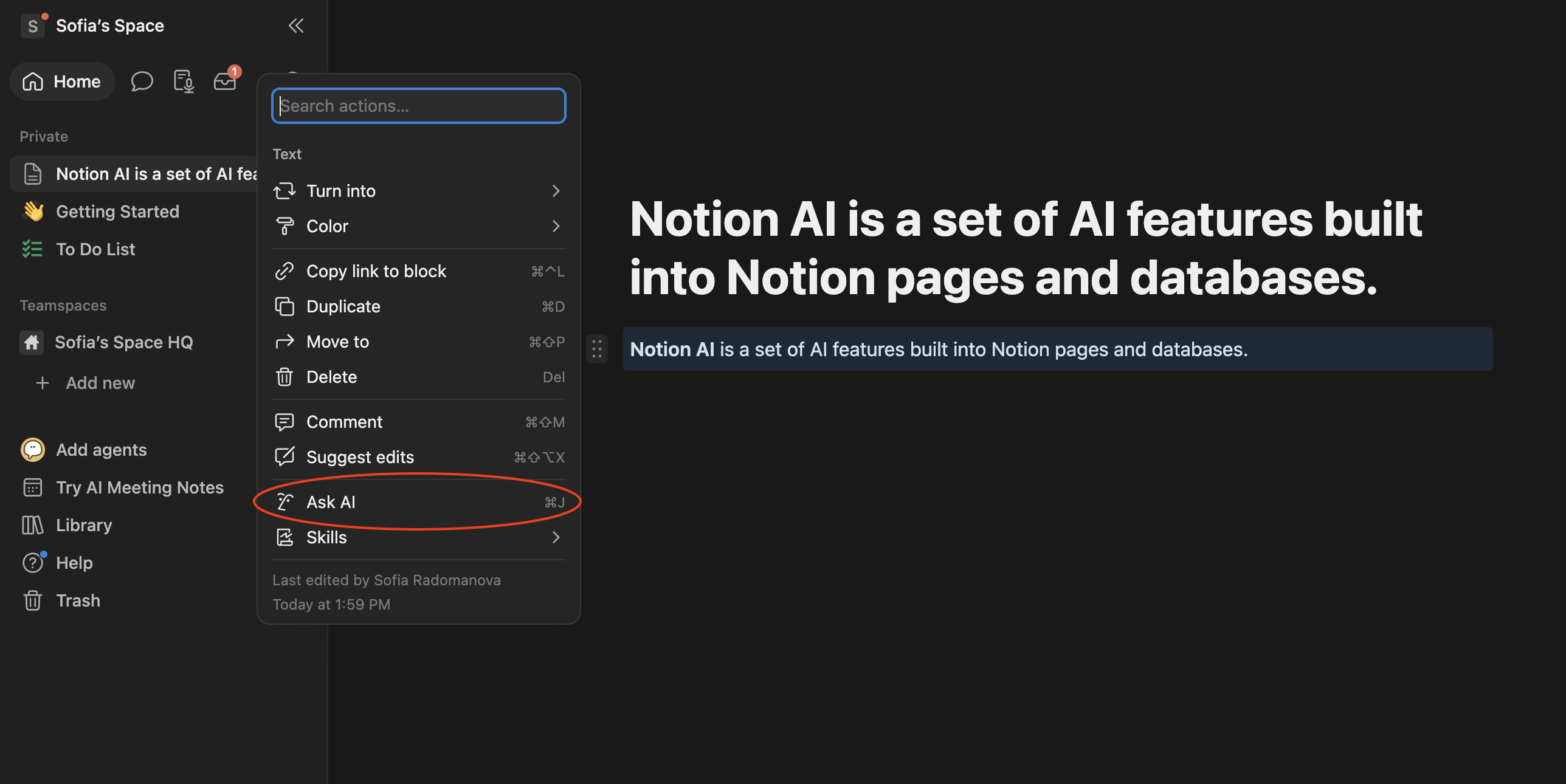
Notion AI is available on any page. Two entry points cover almost everything:
- Press the spacebar on an empty line to open the Ask AI inline menu;
- Select any existing text and click Ask AI in the floating toolbar that appears above your selection.

Free Notion workspaces include a limited number of AI responses; paid AI add-ons remove that limit. Usage is tracked per workspace, not per page.
Everything Notion AI generates lands as normal text blocks on the page, so you can edit, move, or delete the result exactly like anything you typed yourself.
Danke für Ihr Feedback!
Fragen Sie AI

Fragen Sie AI

Fragen Sie alles oder probieren Sie eine der vorgeschlagenen Fragen, um unser Gespräch zu beginnen
