References and Dereferences
Pointers are built around two operators:
- The address-of operator
&. - The dereference operator
*.
Address-of Operator
The address-of operator, represented by &, allows us to directly interact with our computer's RAM. Using & lets you obtain the actual memory address of an object.

Main.c
123456789101112#include <stdio.h> int main() { int x = 100; printf("Value of variable: %d\n", x); printf("Address of variable into RAM: %p\n", &x); // using reference operator `&` for getting address return 0; }

The format specifier used to print addresses (pointers) is %p.
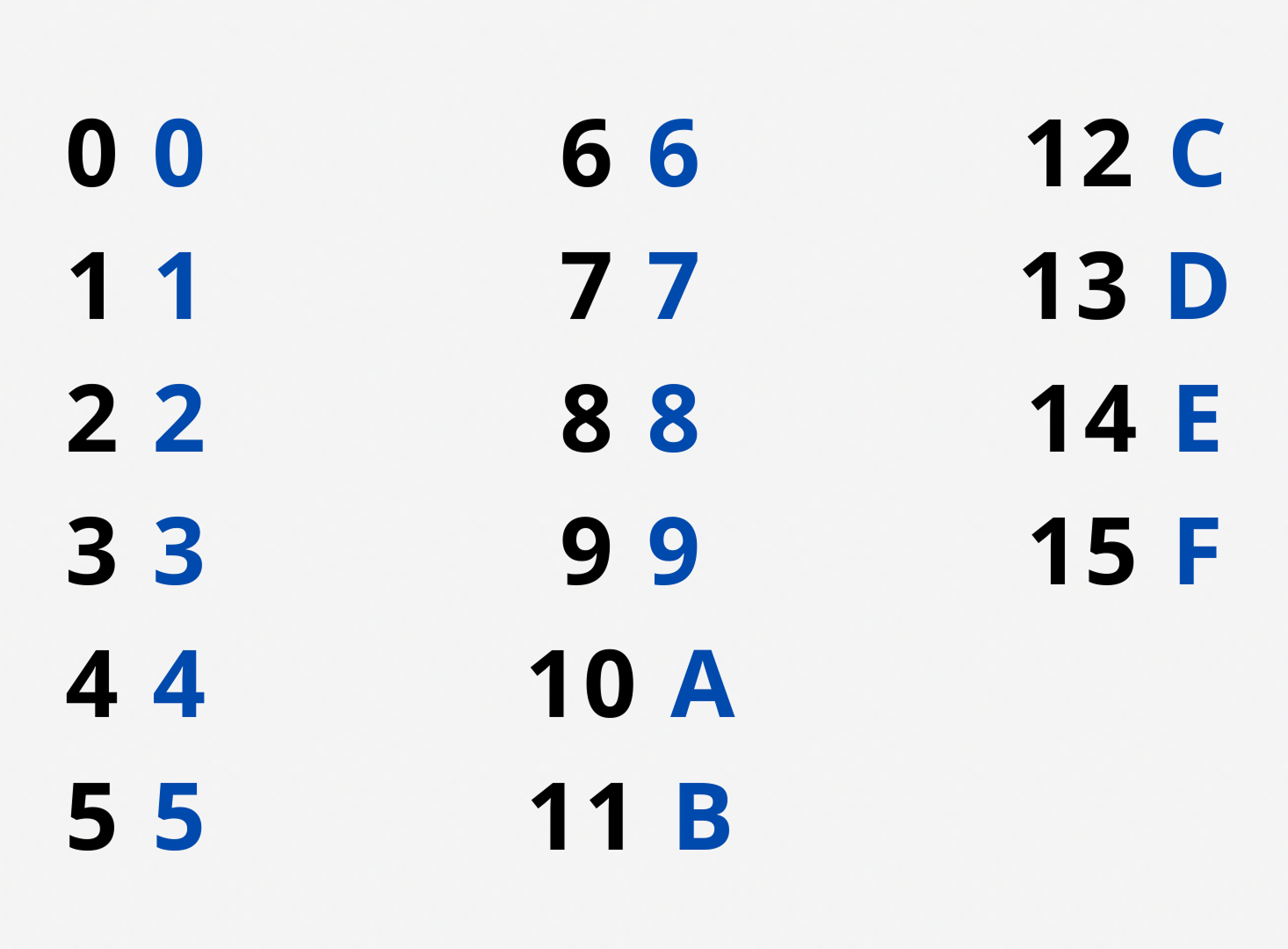
Addresses are typically expressed in hexadecimal notation.
Dereference Operator
Conversely, the * operator gives you the resident's name when given their address. So, how can we employ this operator if we're not directly dealing with addresses? If you have an expression like &x, which returns the address of the x variable, applying the * operator to it (*&x) gives you the value of the variable stored at that address.
Essentially, *&x is the same as x.
Main.c
1234567891011121314#include <stdio.h> int main() { int x = 100; printf("Value of variable: %d\n", x); printf("Address of variable in RAM: %p\n", &x); // using reference operator `&` printf("Dereferencing address of variable: %d", *(&x)); // using dereference operator `*` return 0; }
Don't mix up the dereference operator (*x) with the multiplication operator (x*y).
Danke für Ihr Feedback!

single
References and Dereferences
Swipe um das Menü anzuzeigen
Pointers are built around two operators:
- The address-of operator
&. - The dereference operator
*.
Address-of Operator
The address-of operator, represented by &, allows us to directly interact with our computer's RAM. Using & lets you obtain the actual memory address of an object.
Main.c
123456789101112#include <stdio.h> int main() { int x = 100; printf("Value of variable: %d\n", x); printf("Address of variable into RAM: %p\n", &x); // using reference operator `&` for getting address return 0; }
The format specifier used to print addresses (pointers) is %p.
Addresses are typically expressed in hexadecimal notation.
Dereference Operator
Conversely, the * operator gives you the resident's name when given their address. So, how can we employ this operator if we're not directly dealing with addresses? If you have an expression like &x, which returns the address of the x variable, applying the * operator to it (*&x) gives you the value of the variable stored at that address.
Essentially, *&x is the same as x.
Main.c
1234567891011121314#include <stdio.h> int main() { int x = 100; printf("Value of variable: %d\n", x); printf("Address of variable in RAM: %p\n", &x); // using reference operator `&` printf("Dereferencing address of variable: %d", *(&x)); // using dereference operator `*` return 0; }
Don't mix up the dereference operator (*x) with the multiplication operator (x*y).
Wischen, um mit dem Codieren zu beginnen
- Create an integer array of 5 elements and populate it.
- Retrieve the address of the third element.
- Increment the address of the third element and dereference the incremented address to print the value it points to.
Lösung
 Wechseln Sie zum Desktop, um in der realen Welt zu übenFahren Sie dort fort, wo Sie sind, indem Sie eine der folgenden Optionen verwenden
Danke für Ihr Feedback!
single
Fragen Sie AI

Fragen Sie AI

Fragen Sie alles oder probieren Sie eine der vorgeschlagenen Fragen, um unser Gespräch zu beginnen
