Translating and Animating Content with AI
Stryg for at vise menuen
Translate rewrites all the text in a design into another language while keeping the original layout, and Animate adds motion to a static page without any manual keyframing.
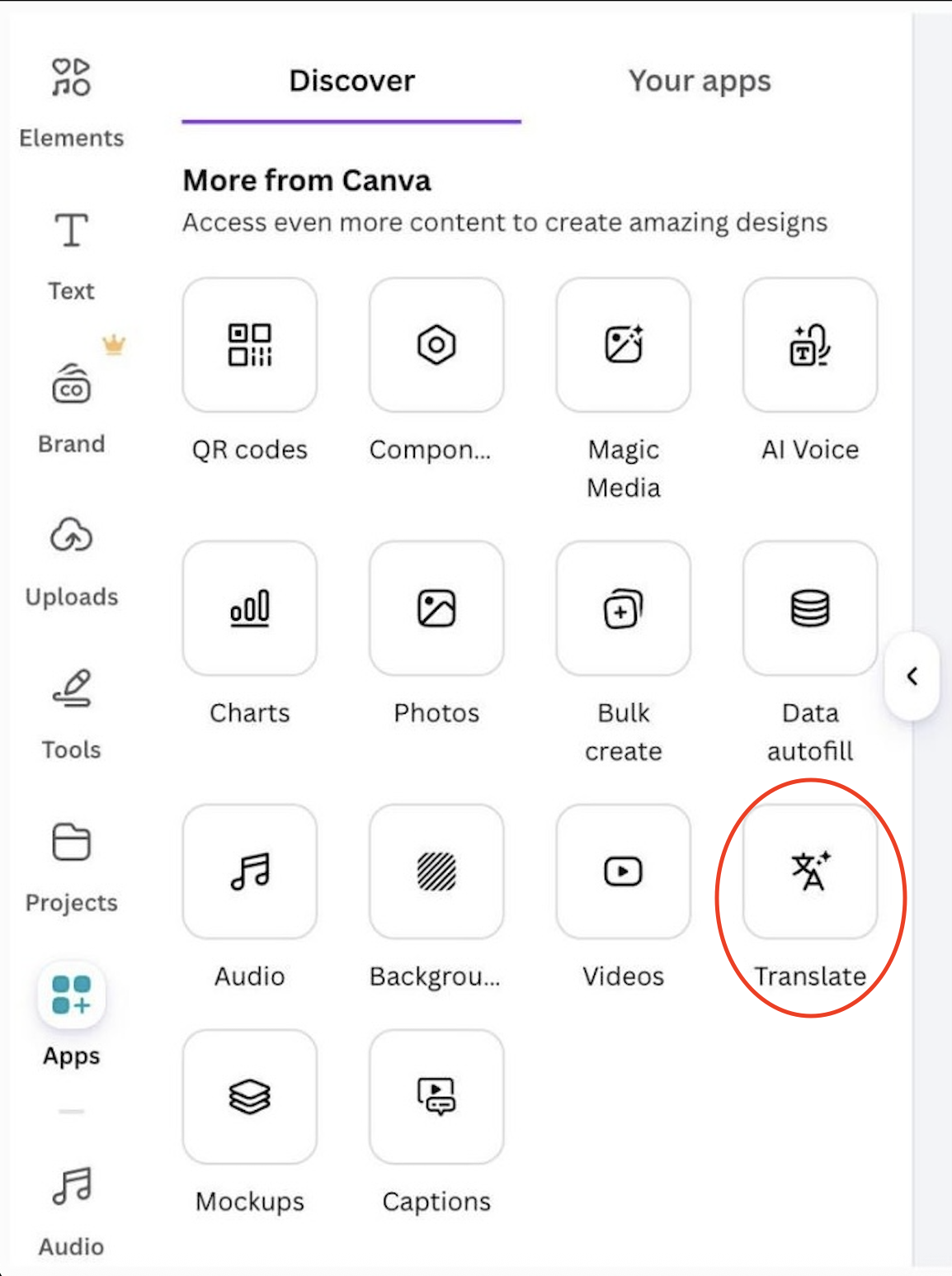
Translating a design:
- Open Apps → Translate;
- Choose the target language;
- Canva replaces the text in every text box and regenerates the layout if needed.
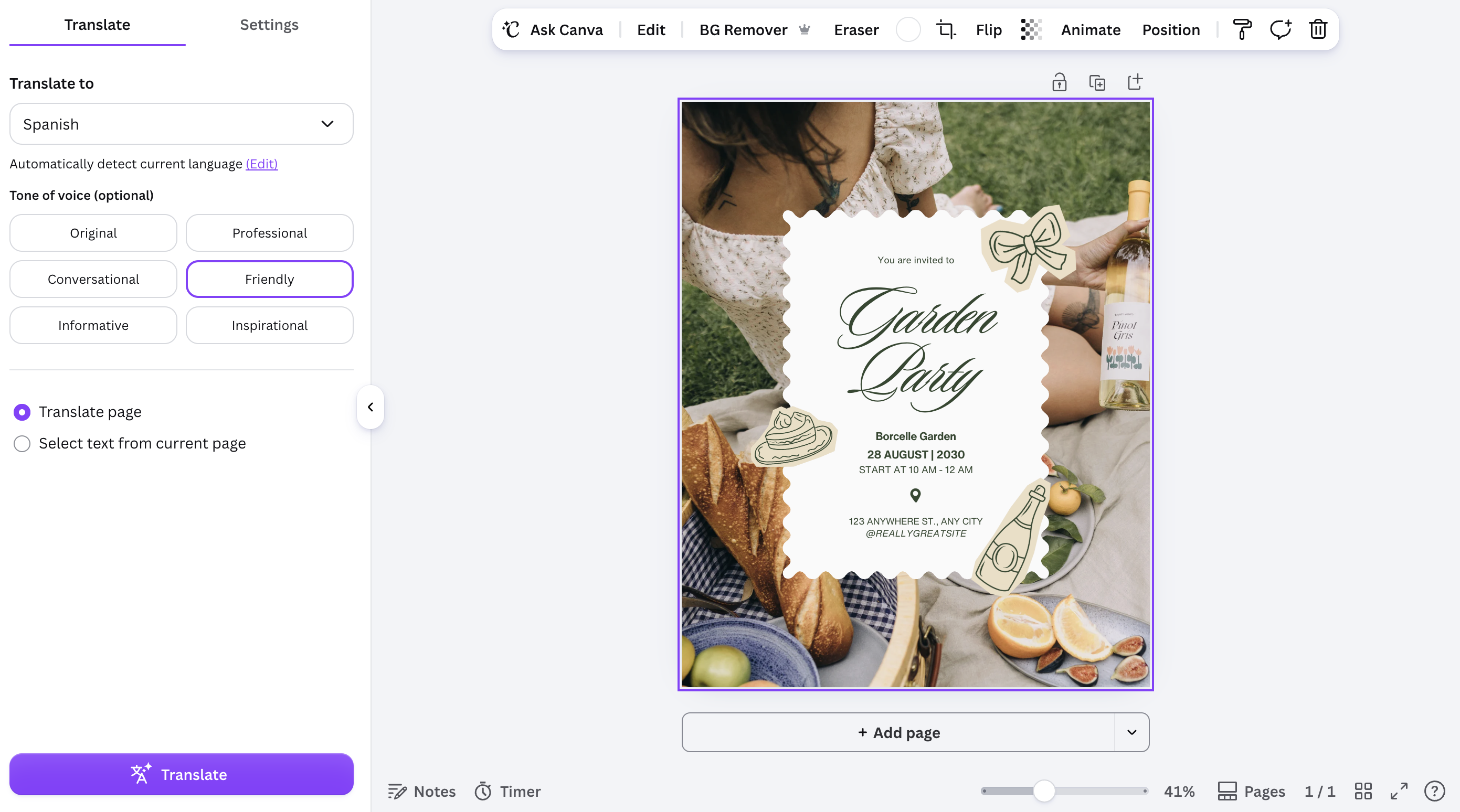
Result:
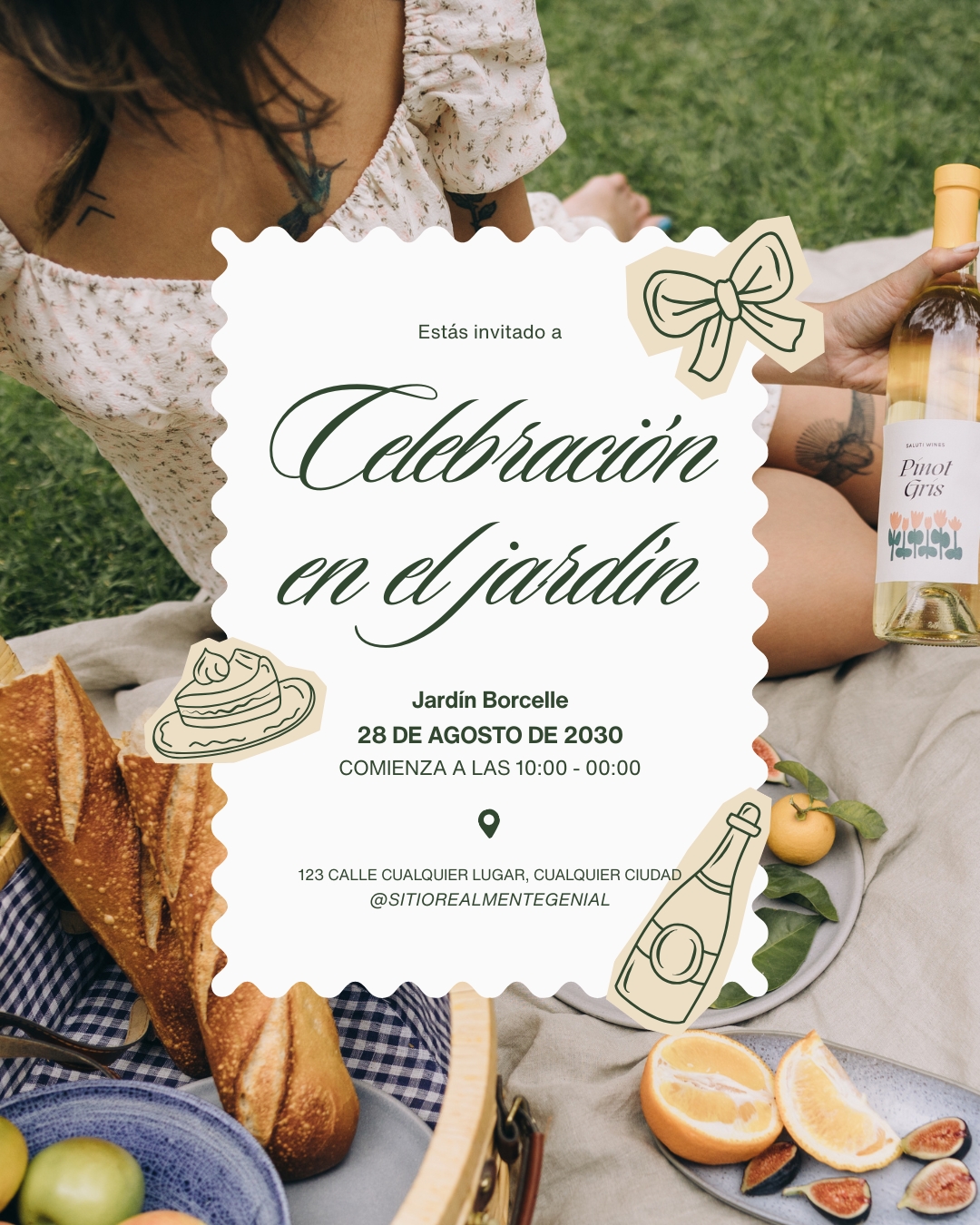
Animating a page:
- Select a page or an individual element;
- Open Animate;
- Choose a style, such as Fade, Rise, or Pulse;
- Preview the result before exporting.
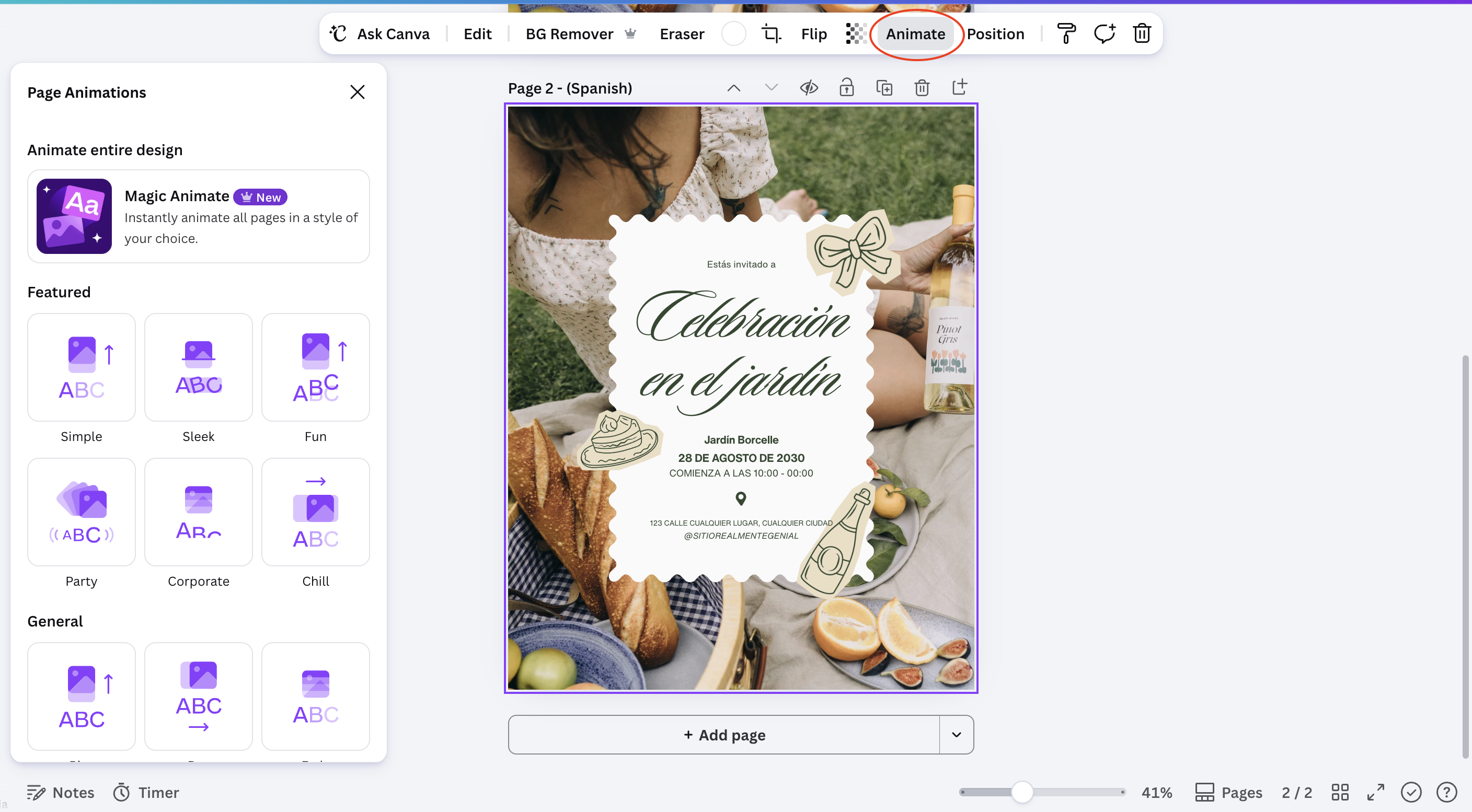
Result:


Note
Translate changes text only. Images, icons, and any text baked into a photo stay exactly as they were, so double-check for leftover source-language text inside images.
Both tools are reversible: switching the language back or removing an animation restores the design to its previous state without losing any content.
Var alt klart?
Tak for dine kommentarer!
Sektion 1. Kapitel 9
Spørg AI

Spørg AI

Spørg om hvad som helst eller prøv et af de foreslåede spørgsmål for at starte vores chat
