Writing and Editing Text with Notion AI
Stryg for at vise menuen
Notion AI drafts new text from a short instruction and edits text you already have, which is useful for turning a rough outline into full sentences or tightening up something you wrote quickly.
Drafting new text:
- Go to an empty line and press the spacebar;
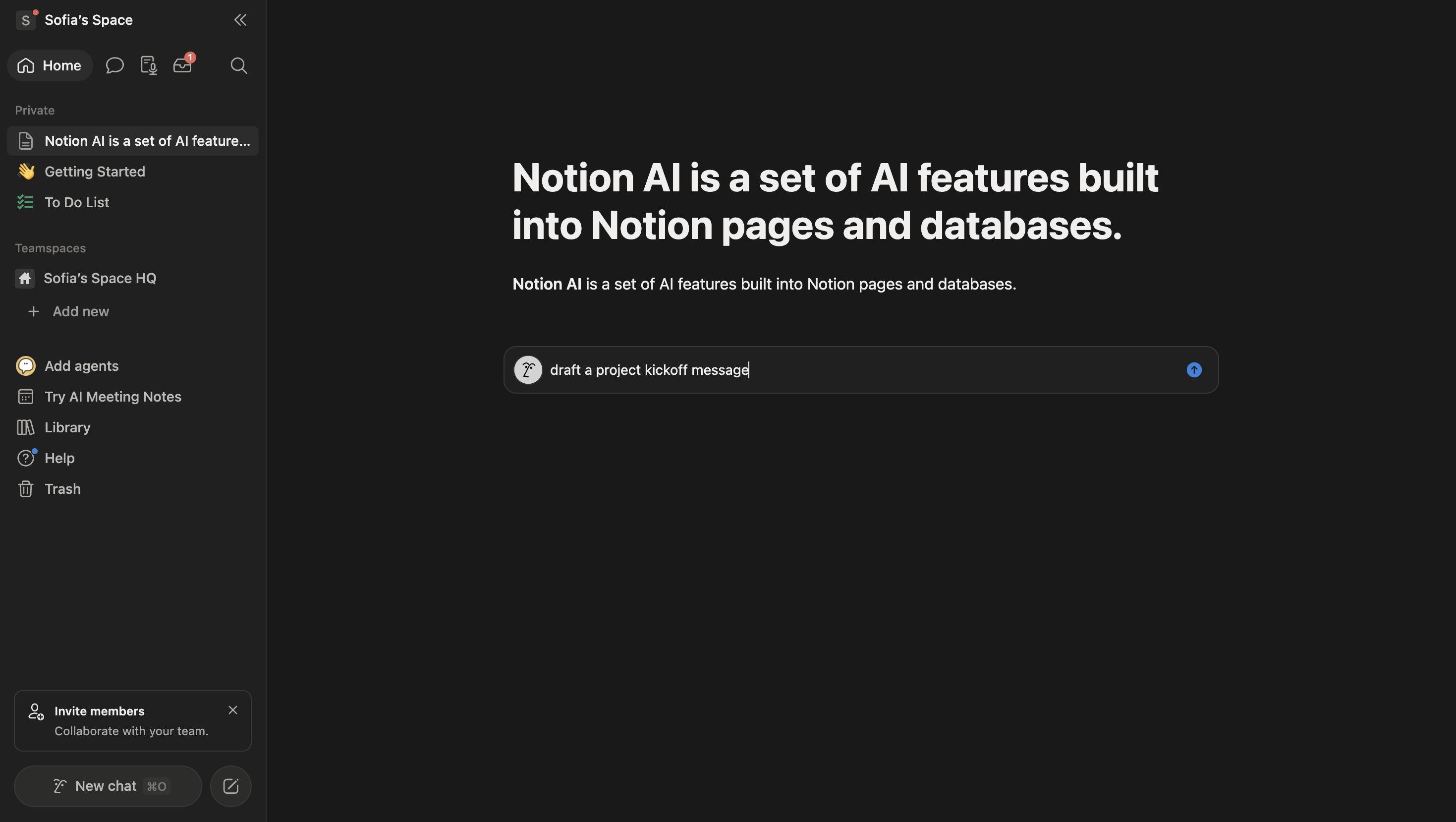
- Type what you want, for instance "draft a project kickoff message";
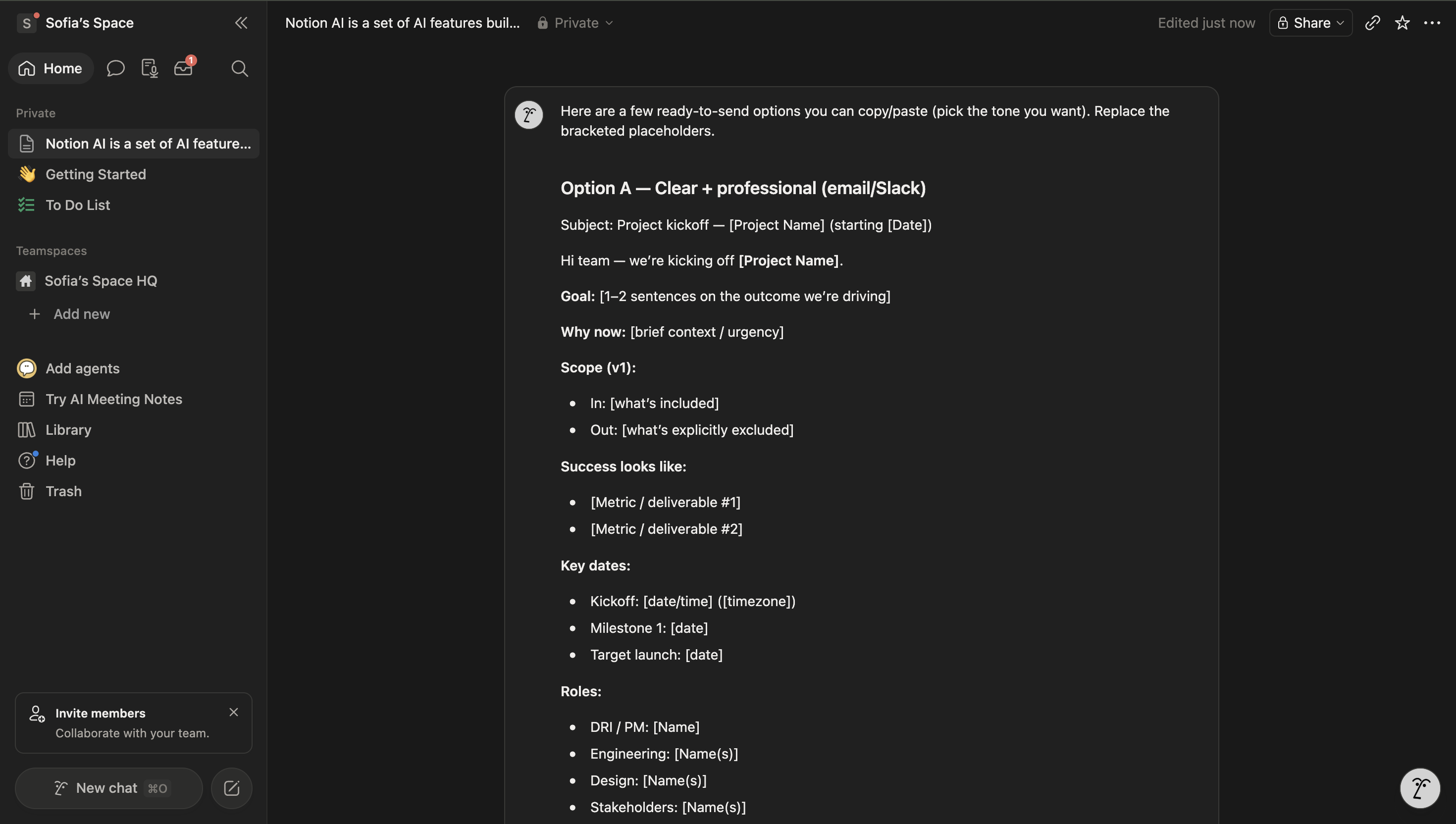
- Press Enter and review the generated paragraph;
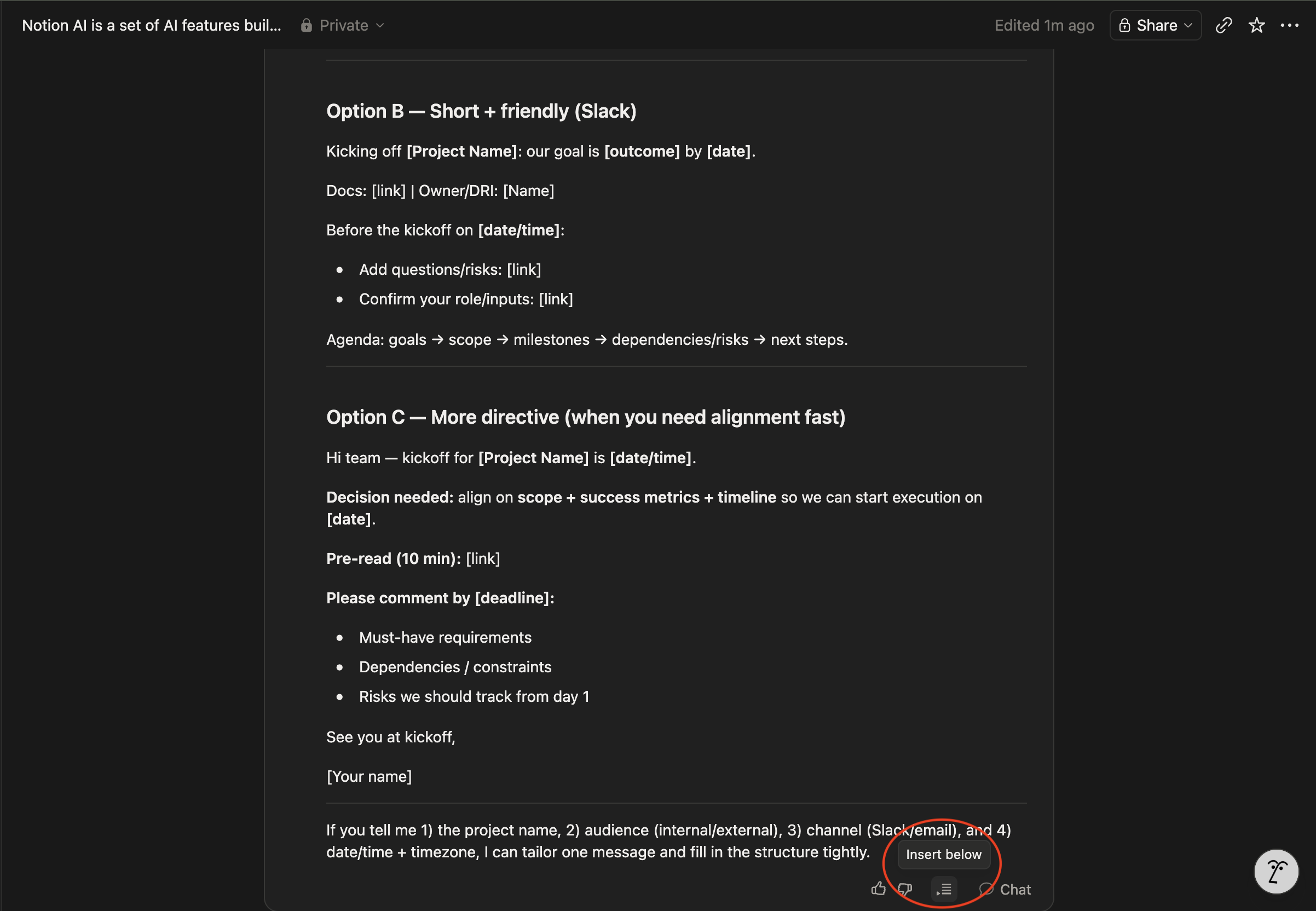
- Click Insert below, or click anywhere to discard.
Editing existing text:
- Hover over the block to reveal its six-dot drag handle (
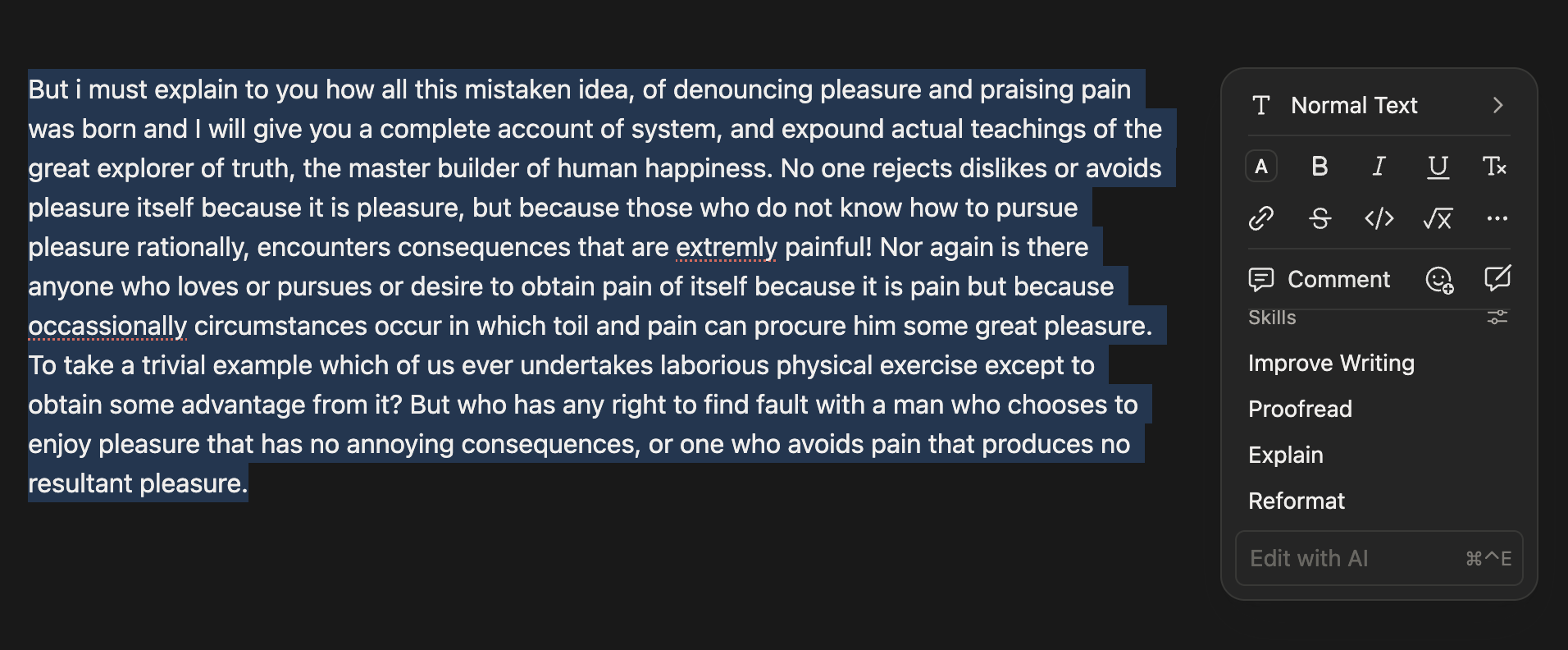
⠿) on the left, and click it to open the block menu — or highlight the text and use the same menu from the floating toolbar; - Choose Ask AI to type a custom instruction, such as "make this more formal";
- Or open the Skills submenu for one-click actions: Improve Writing, Proofread, Explain, or Reformat.
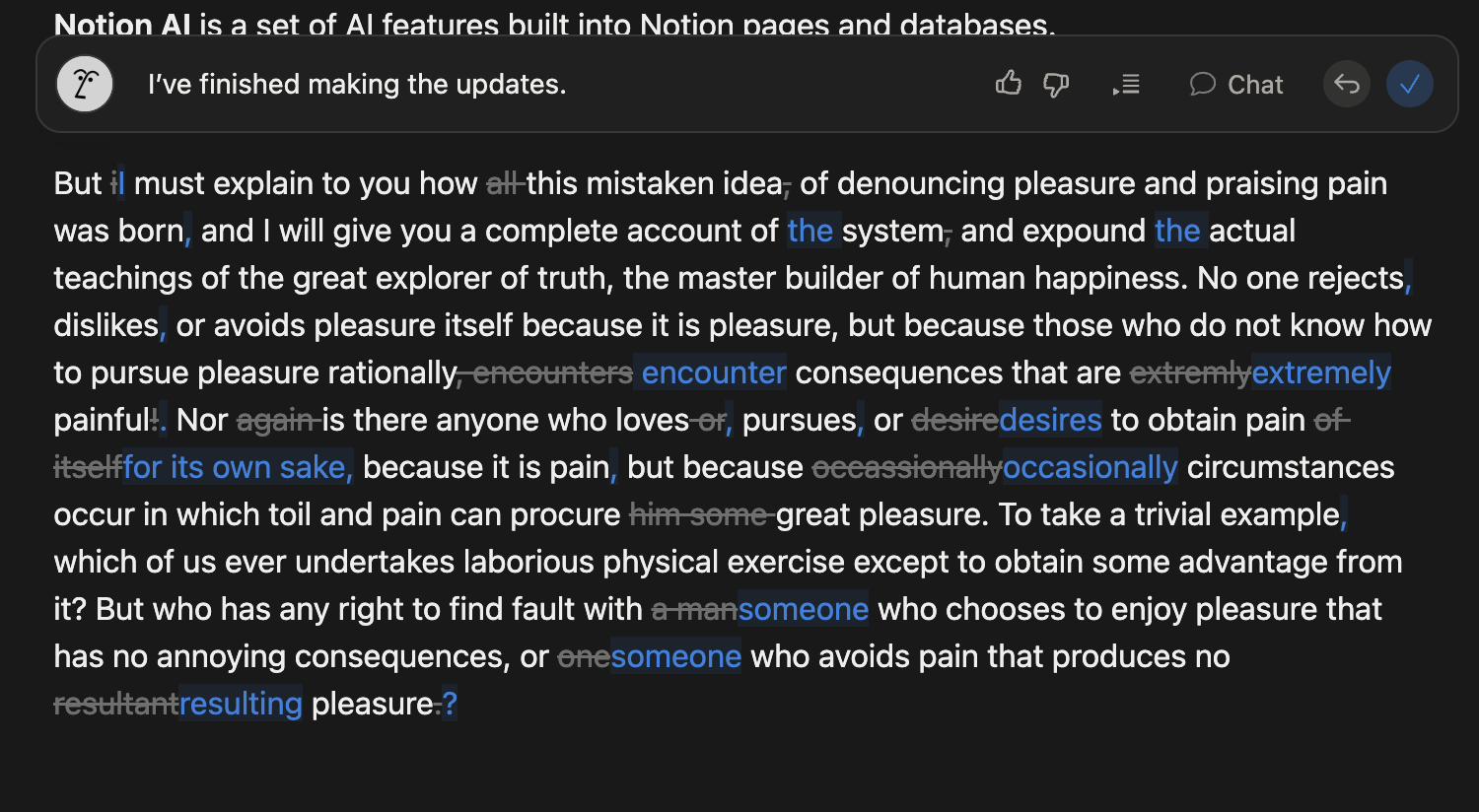
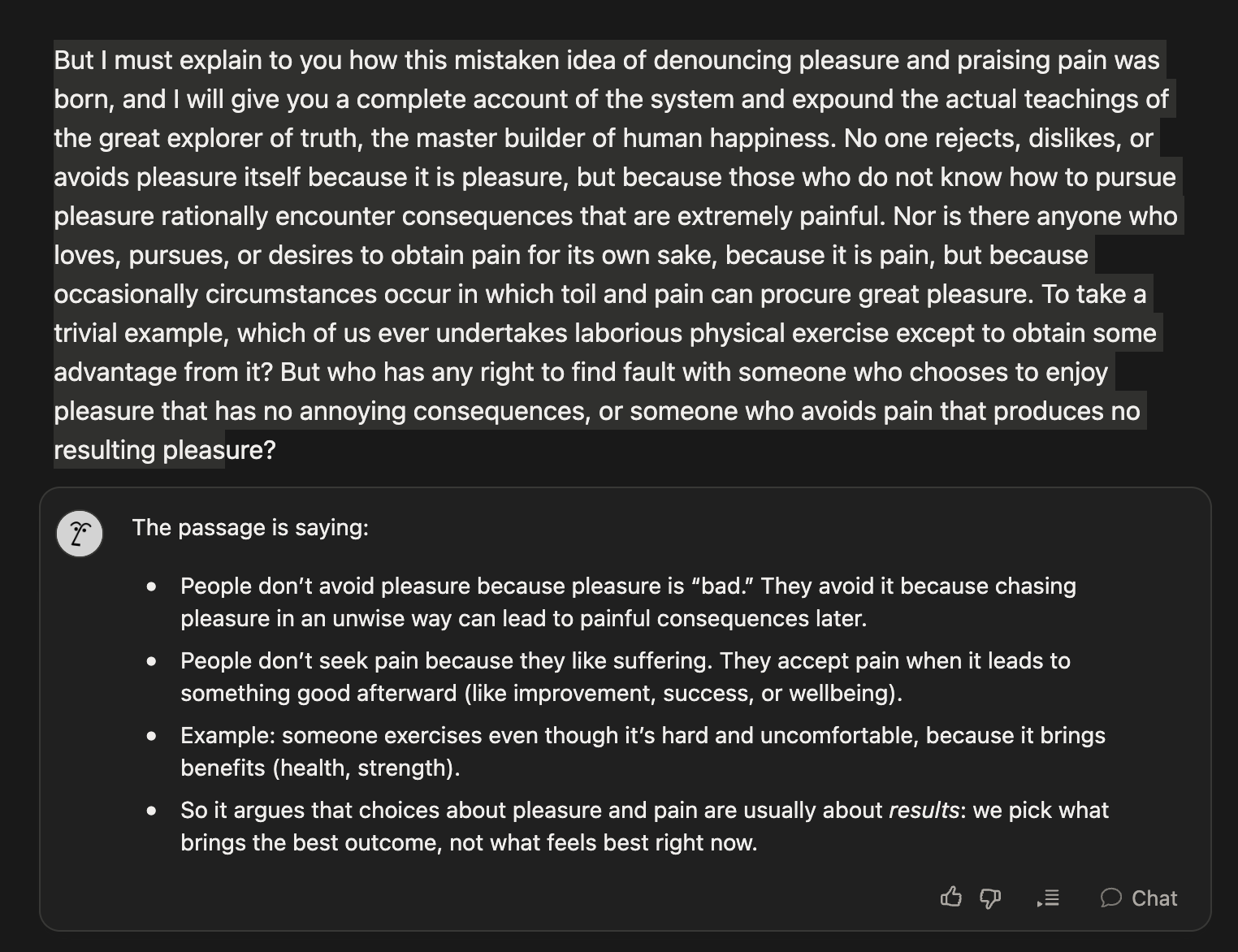
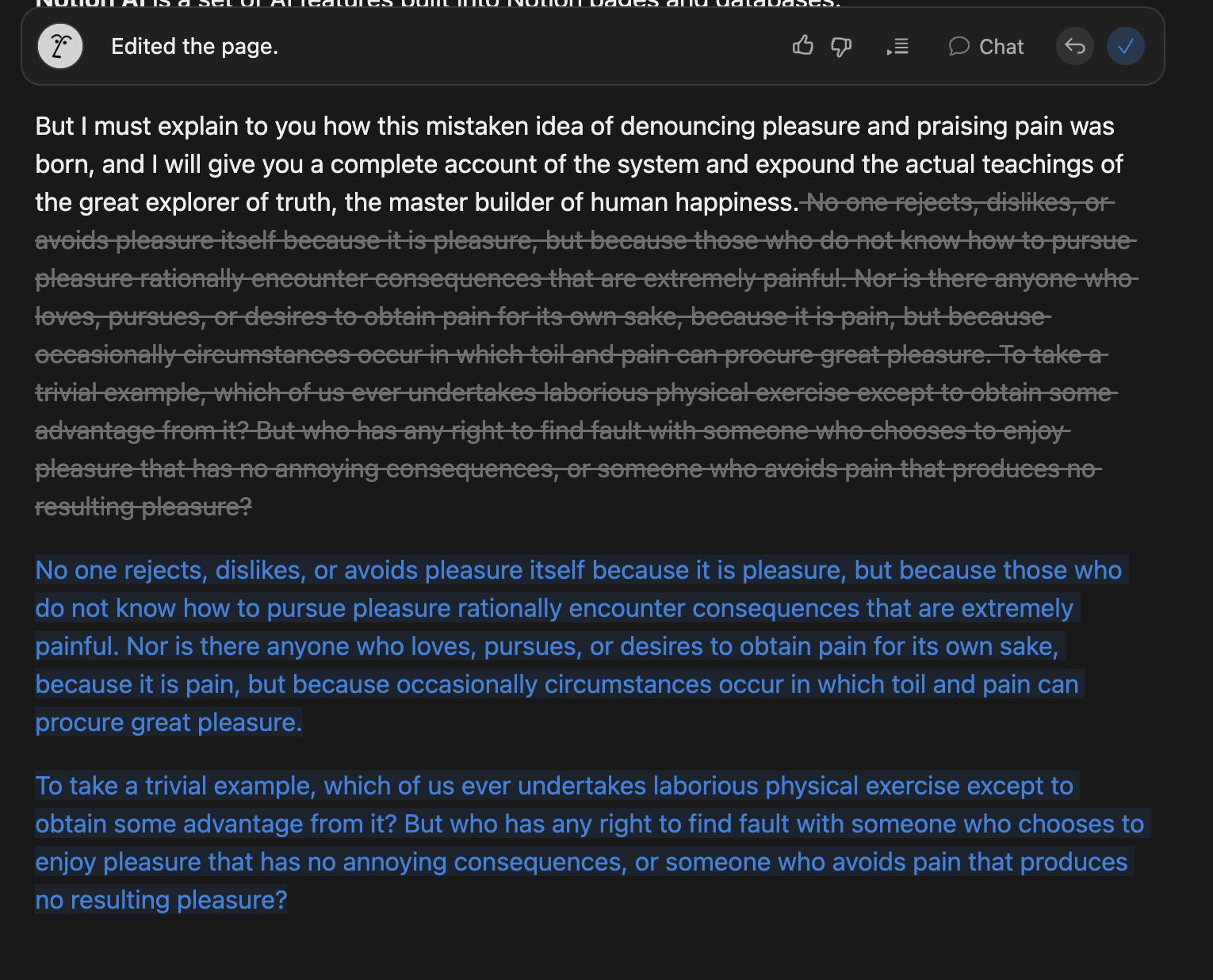
Reviewing every suggestion before clicking Keep matters, since a rewrite can shift the tone of a sentence even when the facts stay correct.
Var alt klart?
Tak for dine kommentarer!
Sektion 1. Kapitel 2
Spørg AI

Spørg AI

Spørg om hvad som helst eller prøv et af de foreslåede spørgsmål for at starte vores chat
Sektion 1. Kapitel 2
