Working with Variables
Stryg for at vise menuen
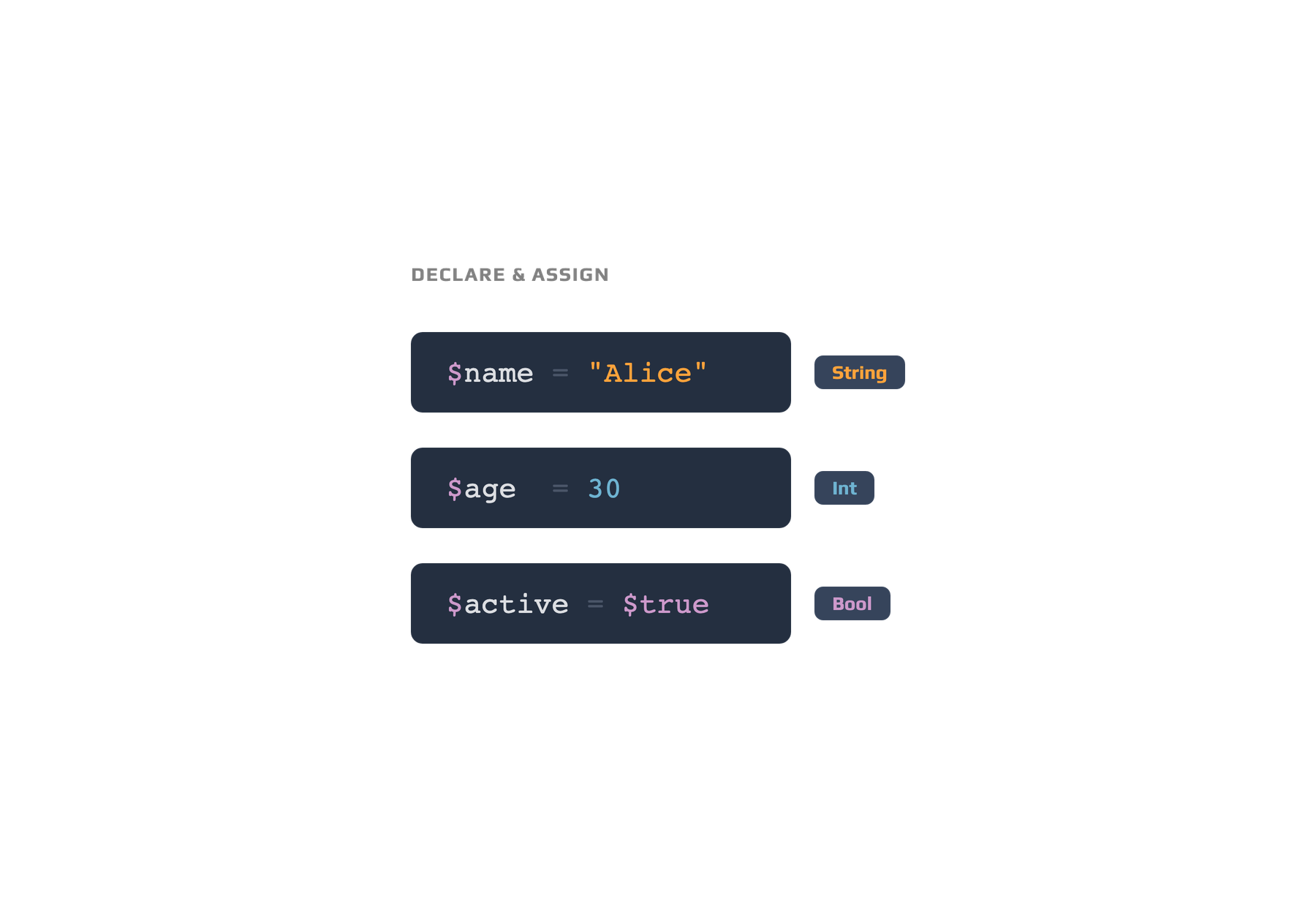
Variables in PowerShell allow you to store and reuse data throughout your scripts. When naming variables, follow these rules:
# Variable interpolation in PowerShell strings
$name = "Sam"
$message = "Welcome, $name!"
Write-Output $message  # Output: Welcome, Sam!
- Start the name with a dollar sign (
$); - The first character after
$must be a letter or underscore; - Use only letters, numbers, and underscores in the name;
- Avoid spaces and special characters;
- Variable names are not case-sensitive.
Variable scope determines where a variable can be accessed. Most variables you create are local to your script or session, but you can specify other scopes like
global:orscript:if required.
Var alt klart?
Tak for dine kommentarer!
Sektion 1. Kapitel 3
Spørg AI

Spørg AI

Spørg om hvad som helst eller prøv et af de foreslåede spørgsmål for at starte vores chat
Working with Variables
Variables in PowerShell allow you to store and reuse data throughout your scripts. When naming variables, follow these rules:
# Variable interpolation in PowerShell strings
$name = "Sam"
$message = "Welcome, $name!"
Write-Output $message  # Output: Welcome, Sam!
- Start the name with a dollar sign (
$); - The first character after
$must be a letter or underscore; - Use only letters, numbers, and underscores in the name;
- Avoid spaces and special characters;
- Variable names are not case-sensitive.
Variable scope determines where a variable can be accessed. Most variables you create are local to your script or session, but you can specify other scopes like
global:orscript:if required.
Var alt klart?
Tak for dine kommentarer!
Sektion 1. Kapitel 3
