Formatering
Stryg for at vise menuen
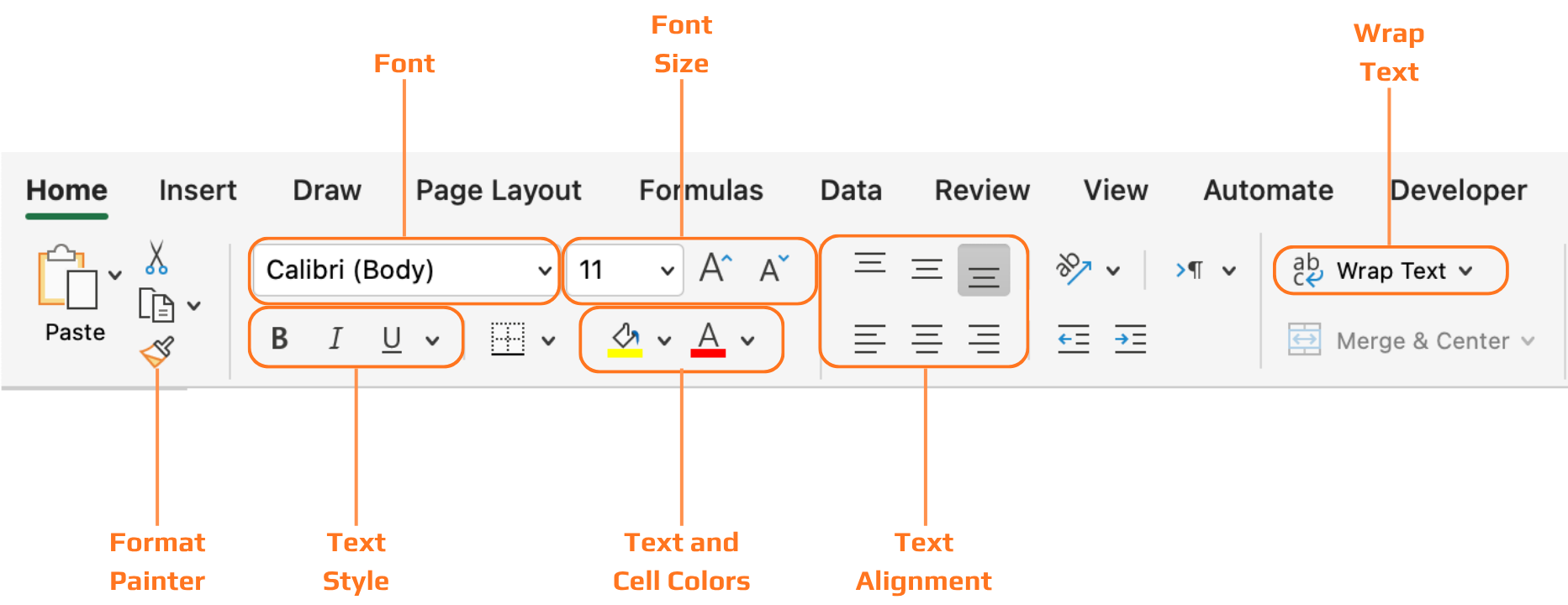
Alle de værktøjer, der gennemgås i dette kapitel, findes på fanen Hjem i båndet, organiseret i grupper: Skrifttype, Justering, Tal og Typografier. Arbejdsgangen er at markere celler først og derefter anvende formatering på det markerede.
Overskrifter
Uden formaterede overskrifter er en datatabel blot et gitter af tekst. Læseren skal arbejde for at finde ud af, hvad hver kolonne betyder, før de kan begynde at læse værdierne. Fed tekst og baggrundsskygge løser dette med det samme — række med overskrifter adskiller sig visuelt fra datarækkerne, og øjet ved straks, hvor kolonneetiketterne findes.

Når du konverterer et område til en Excel-tabel med Ctrl+T, anvendes overskriftsformatering automatisk — og du kan vælge mellem foruddefinerede tabeltypografier på fanen Tabeldesign. Dette er ofte den hurtigste måde at opnå en ren og ensartet overskriftsformatering uden at gøre det manuelt.
Tak for dine kommentarer!
Spørg AI

Spørg AI

Spørg om hvad som helst eller prøv et af de foreslåede spørgsmål for at starte vores chat
