Gemini Live and Proactive Agents
Swipe to show menu
Everything so far waited for you to type. The features in this chapter either listen and watch in real time, or act while you are doing something else.
Gemini Live
Live is a spoken conversation you can interrupt, and it now runs inside the app rather than in a separate full-screen mode. Two things make it more than voice dictation:
- Point your camera at something and ask about it, which beats describing a broken part, a foreign label, or an error on someone else's screen;
- Share your screen and ask about what is on it, without switching windows or taking a screenshot first.
Daily Brief
Daily Brief is an opt-in morning digest. It pulls from your inbox, your calendar, and your stated interests, then organizes the result by what actually needs attention rather than by what arrived most recently. It replaces the habit of opening three apps to work out what the day looks like.
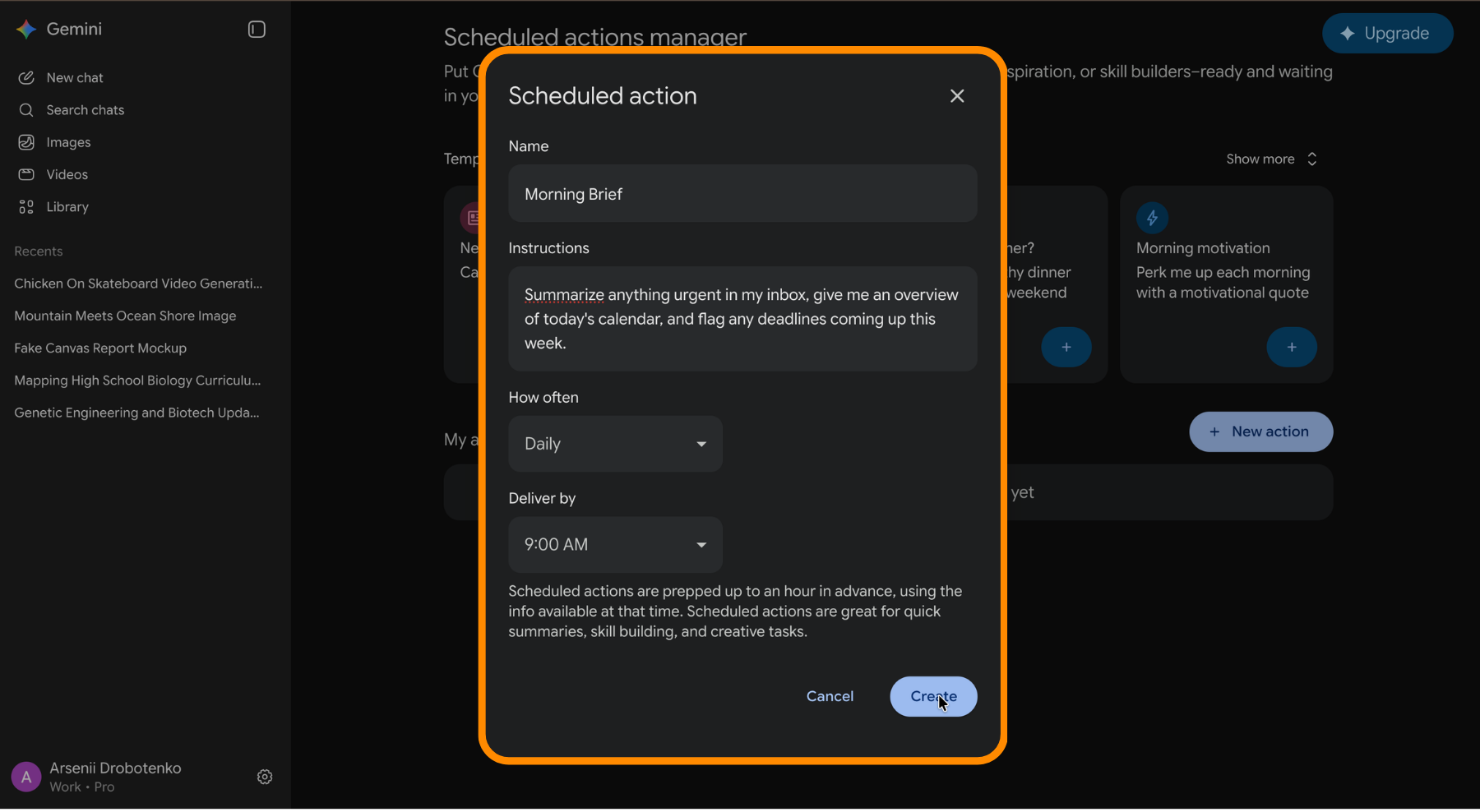
Spark
Spark is a personal agent that runs on Google's servers rather than your machine, so it keeps working after you close the laptop. It handles multi-step jobs across your connected apps and reports back when there is something to see. Before anything consequential, such as sending mail or spending money, it stops and asks you to confirm.

Treat an agent's confirmation prompt the way you would treat a colleague's draft. Read what it is about to send before approving, because an agent that misread the context will still act with complete confidence.
Both agents rolled out gradually through 2026 by plan and region. Check what your own account has before you build a workflow around either of them.
Thanks for your feedback!
Ask AI

Ask AI

Ask anything or try one of the suggested questions to begin our chat
