Claude Connector and Google Drive
Swipe to show menu
One of the most important features in Claude is its ability to be customized. Claude includes a dedicated customization section where you can define skills, connect apps, and adjust how Claude works with your tools and workflows.
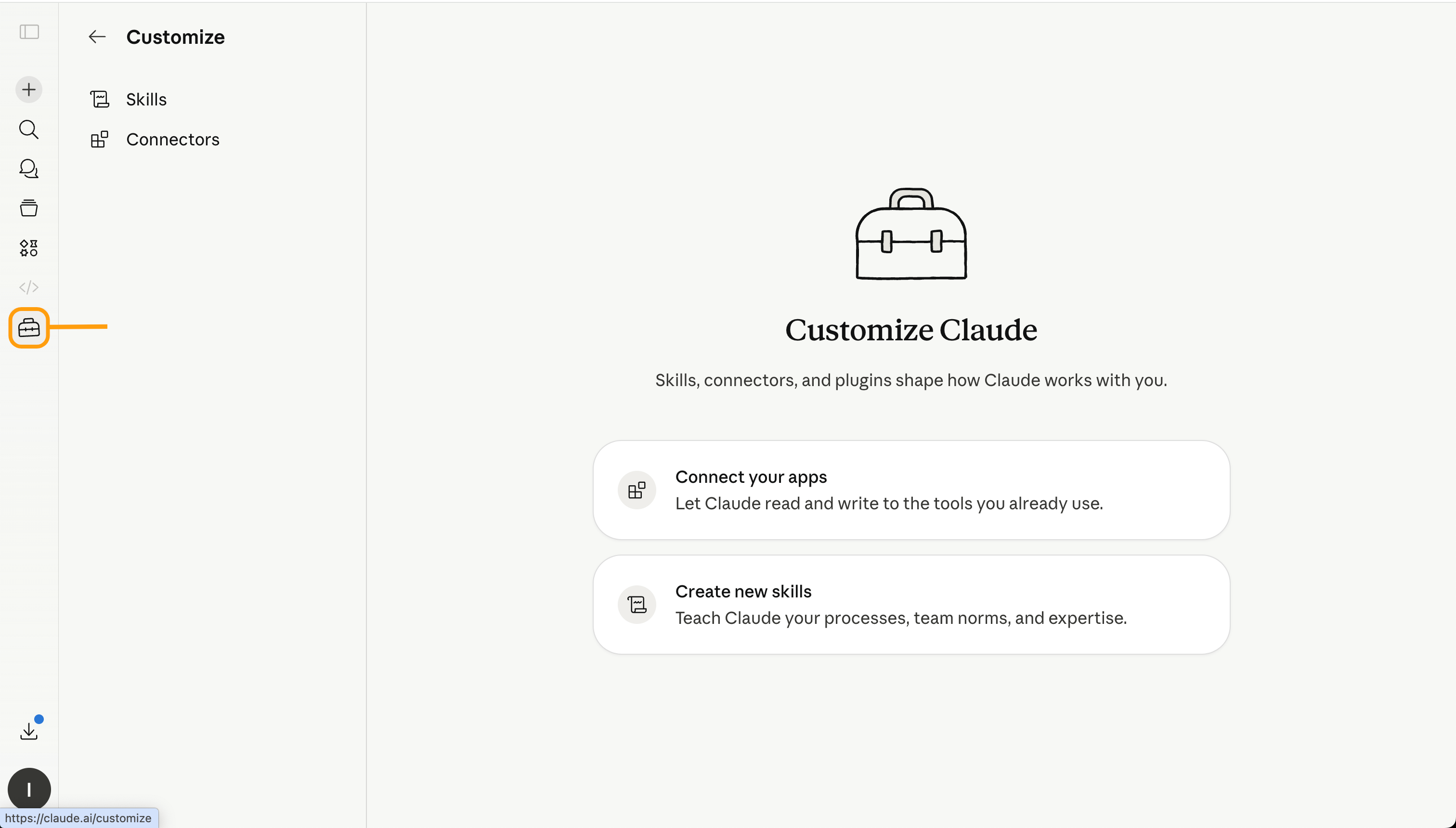
This makes Claude more flexible for real work. Instead of using it only as a general chat assistant, you can set it up to follow specific processes, access connected services like Google Drive, and support repeated tasks more efficiently.
For example, you can connect your work documents, create reusable skills for common tasks, and guide Claude to produce outputs in a consistent format. To do this, open the customization section and select Connect your app.
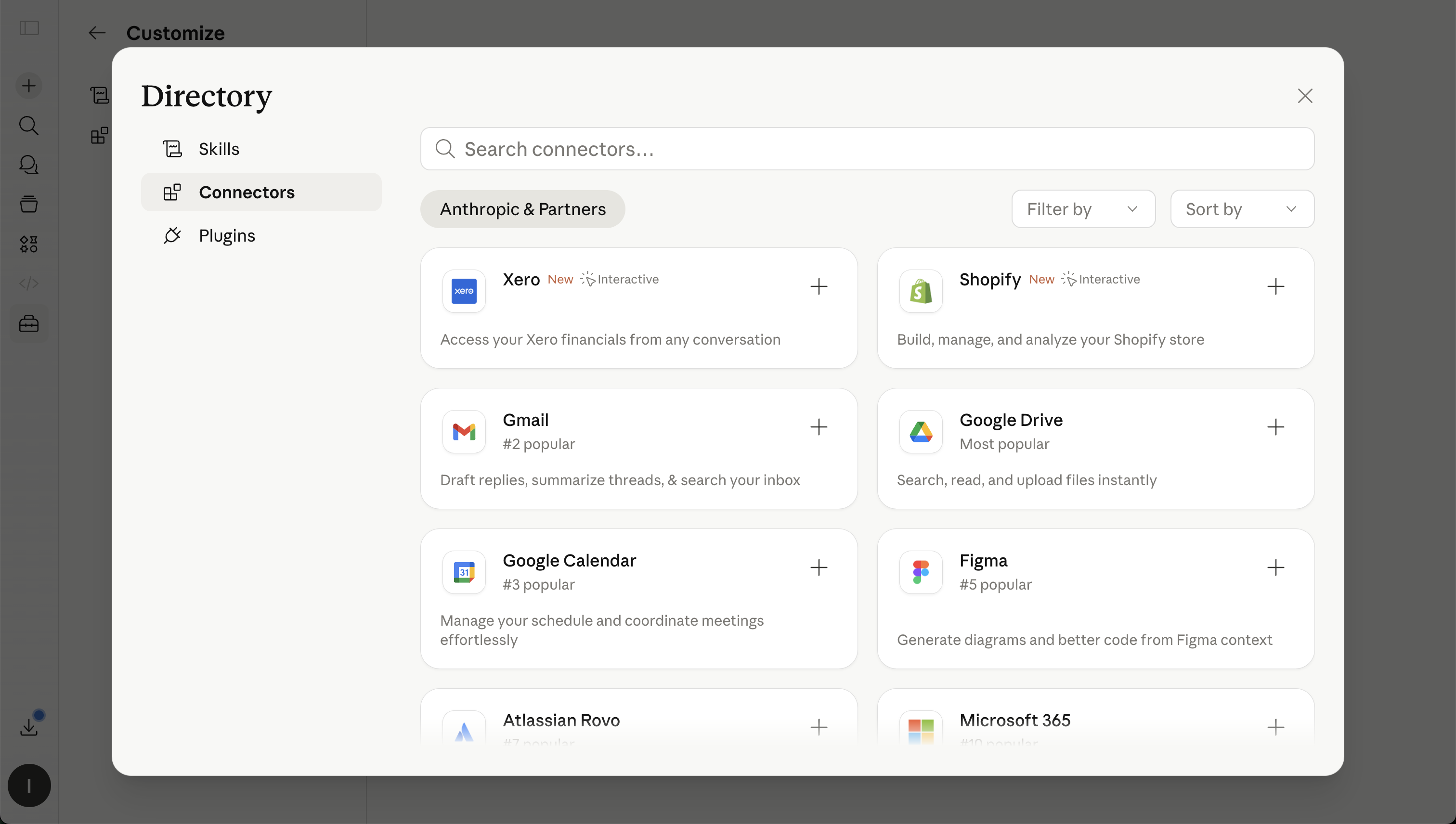
Claude Connectors allow Claude to work with external tools and data sources, such as Google Drive. Instead of downloading files manually and uploading them into a chat, you can connect Google Drive and let Claude search or read relevant files directly, depending on your permissions and setup.
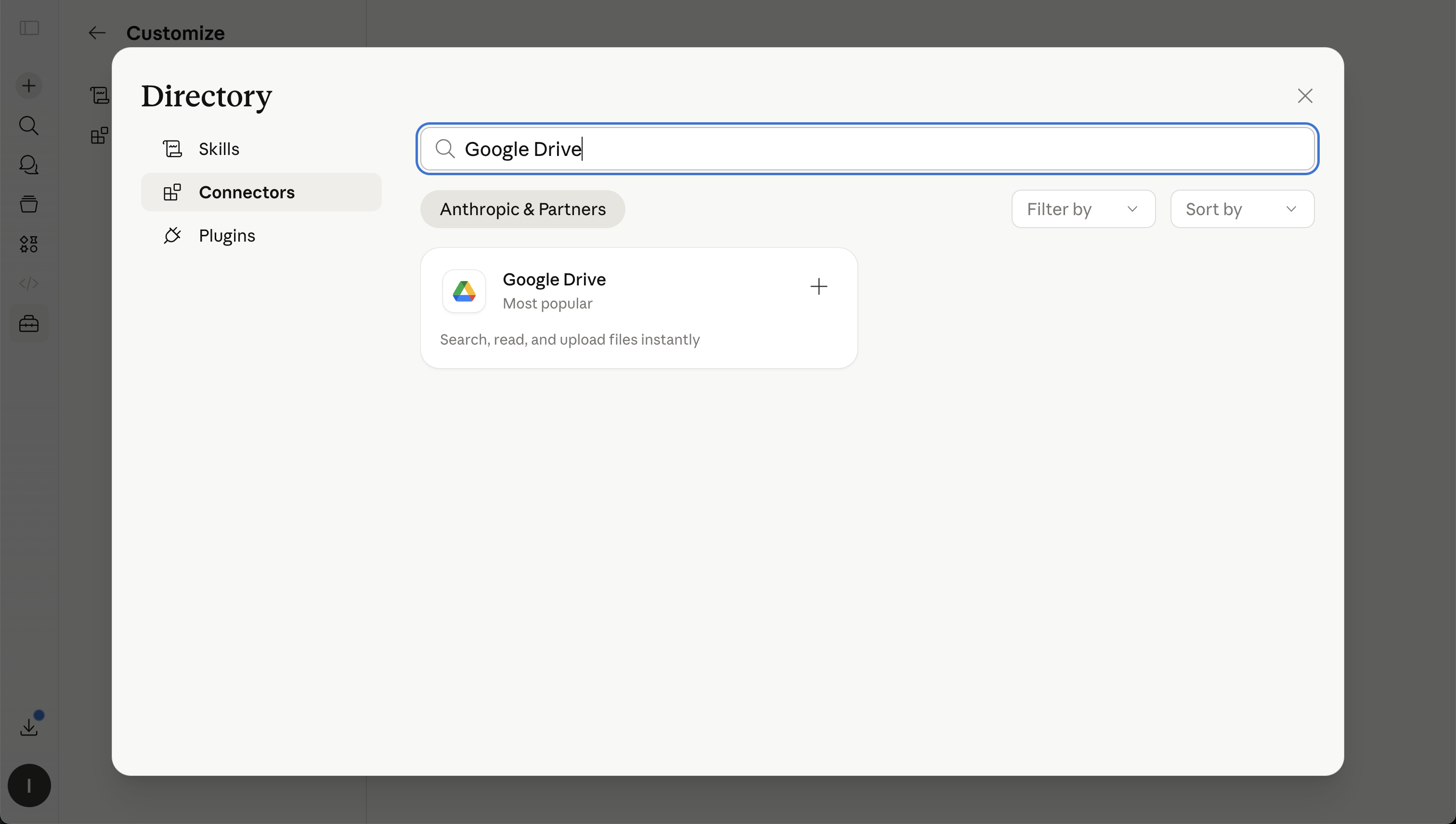
With the Google Drive connector, Claude can work across Google Docs, Sheets, and Slides. It can read Google Docs, pull data from Google Sheets as CSV, extract text from Google Slides, and search across Drive to help you find the right file faster.
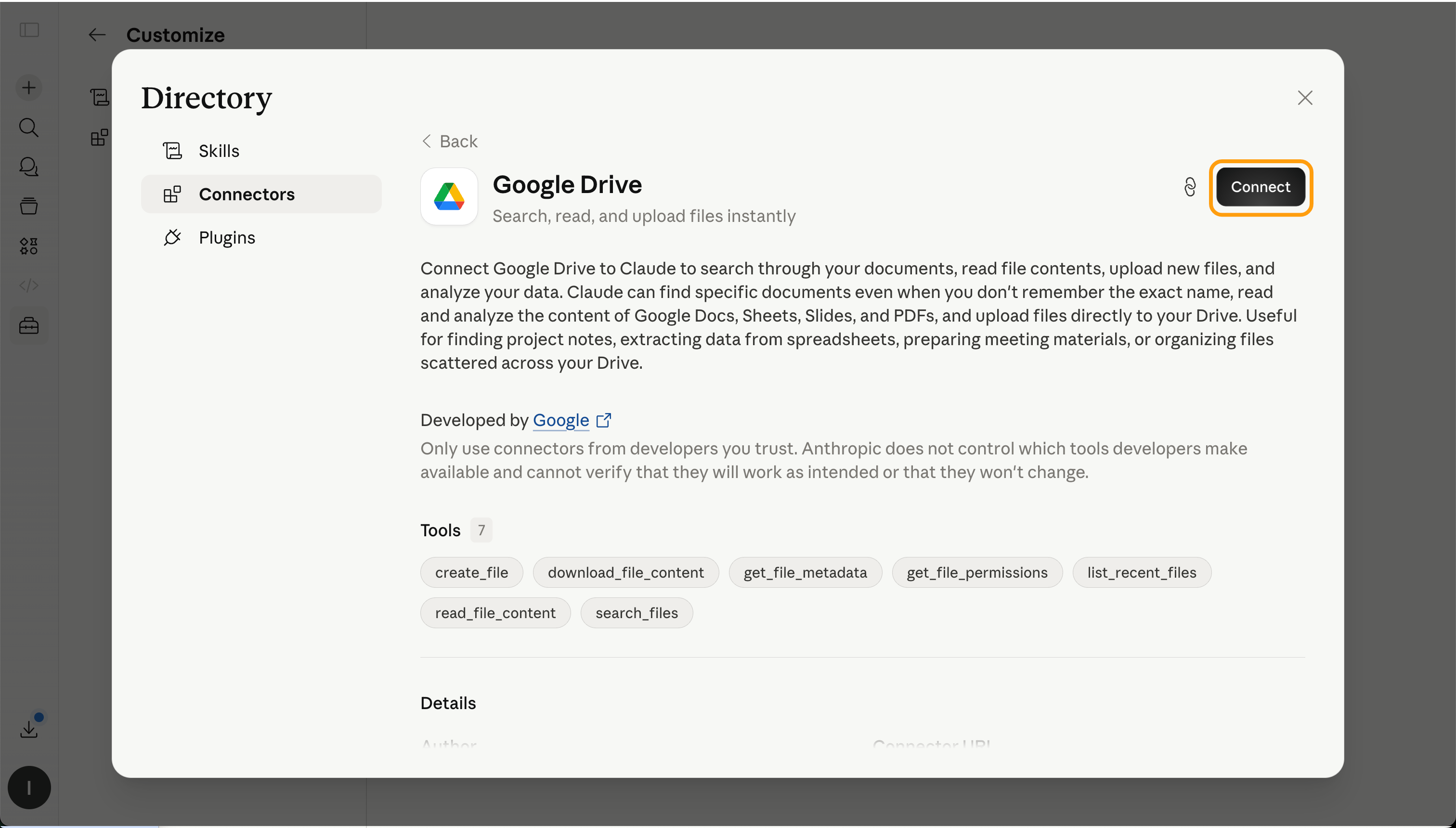
Sign in with your Google account and allow the requested permissions. Once the connection is complete, you can ask Claude to find or use files from your Google Drive.
Claude can help you search for files, summarize documents, extract information, compare versions, or prepare new content based on existing materials.
For example, imagine you have a folder in Google Drive with client onboarding materials. It includes meeting notes, a project brief, and a pricing document. You can ask Claude to review these files and prepare a follow-up email.

Search my Google Drive for the latest Acme onboarding documents. Use the meeting notes and project brief to draft a professional follow-up email.
Include:
- a short thank-you message;
- a summary of what was discussed;
- clear next steps;
- any open questions we still need to answer.
Keep the tone friendly and professional.
Claude can then use the connected files as context and create a response based on the actual documents, instead of relying only on what you type manually.
Thanks for your feedback!
Ask AI

Ask AI

Ask anything or try one of the suggested questions to begin our chat
