Content Workflow
Swipe to show menu
A content workflow is a structured process for creating, improving, and preparing content for use. Instead of asking Claude for the final result immediately, you guide it through clear steps: planning, drafting, reviewing, improving, and exporting.
This approach is useful when you need to create articles, emails, reports, visuals, presentations, social posts, scripts, or other content assets. Claude can help at each stage, but the best results usually come from treating Claude as a creative assistant, not a one-click generator.
The content type affects how Claude should support you. For example, text-based content may require stronger editing and clearer structure, while visual content may need layout guidance and design feedback.
Before starting, decide what you want to create, what role Claude should play, and what final format you need.

What You Do: Explain what content you need and who it is for
What Claude Helps With: Clarifies the purpose, audience, and expected result
What You Do: Ask for an outline or content plan
What Claude Helps With: Organizes ideas before drafting
What You Do: Ask Claude to write based on the structure
What Claude Helps With: Creates an initial version you can build on
What You Do: Ask Claude to check clarity, tone, and accuracy
What Claude Helps With: Finds weak parts and suggests improvements
What You Do: Ask Claude to format, summarize, or adapt the content
What Claude Helps With: Makes the content ready to use
Working with Artifacts
Artifacts are larger pieces of content Claude creates in a separate workspace beside the chat. They are useful when the output is something you may want to edit, reuse, preview, or export. Artifacts can include:
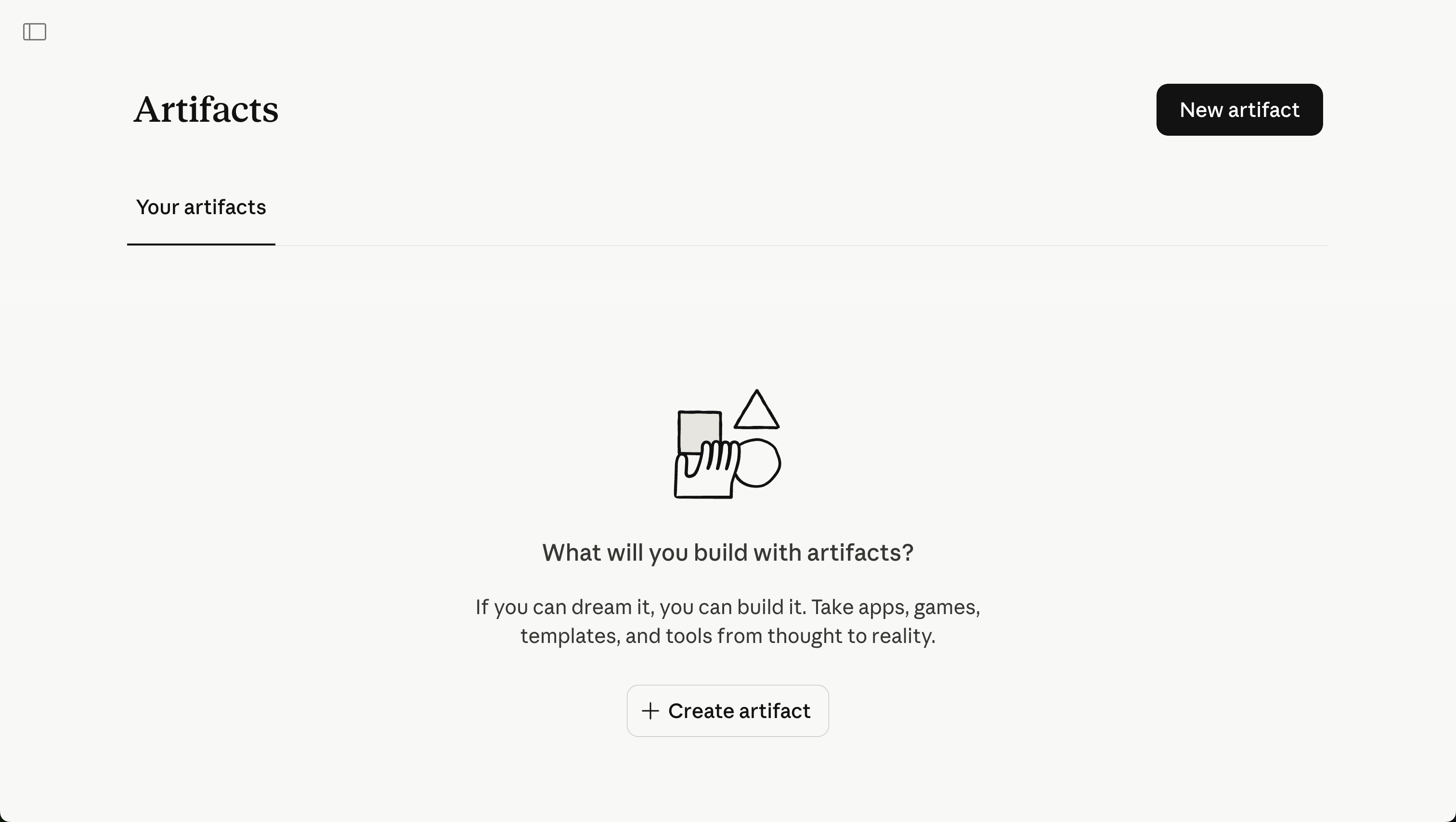
Artifacts are helpful because they make content easier to review and improve. Instead of scrolling through a long chat, you can work with the content as a separate object.
For example, if you ask Claude to create a landing page draft, it may generate an artifact that you can preview, revise, and continue improving.
Thanks for your feedback!
Ask AI

Ask AI

Ask anything or try one of the suggested questions to begin our chat
