Email and Communication Workflow
Swipe to show menu
Claude can work with Gmail through the Google Workspace connector. This allows Claude to search email threads, review message context, and help prepare drafts directly from the chat, without copying email content manually. Anthropic notes that connectors can have separate tool permissions, including read-only tools and write/delete tools, so users can control what Claude is allowed to do.
To start using this workflow, connect your Google account in Claude's connector settings. If you are using Claude through a company workspace, an administrator may need to enable Google Workspace connectors first.
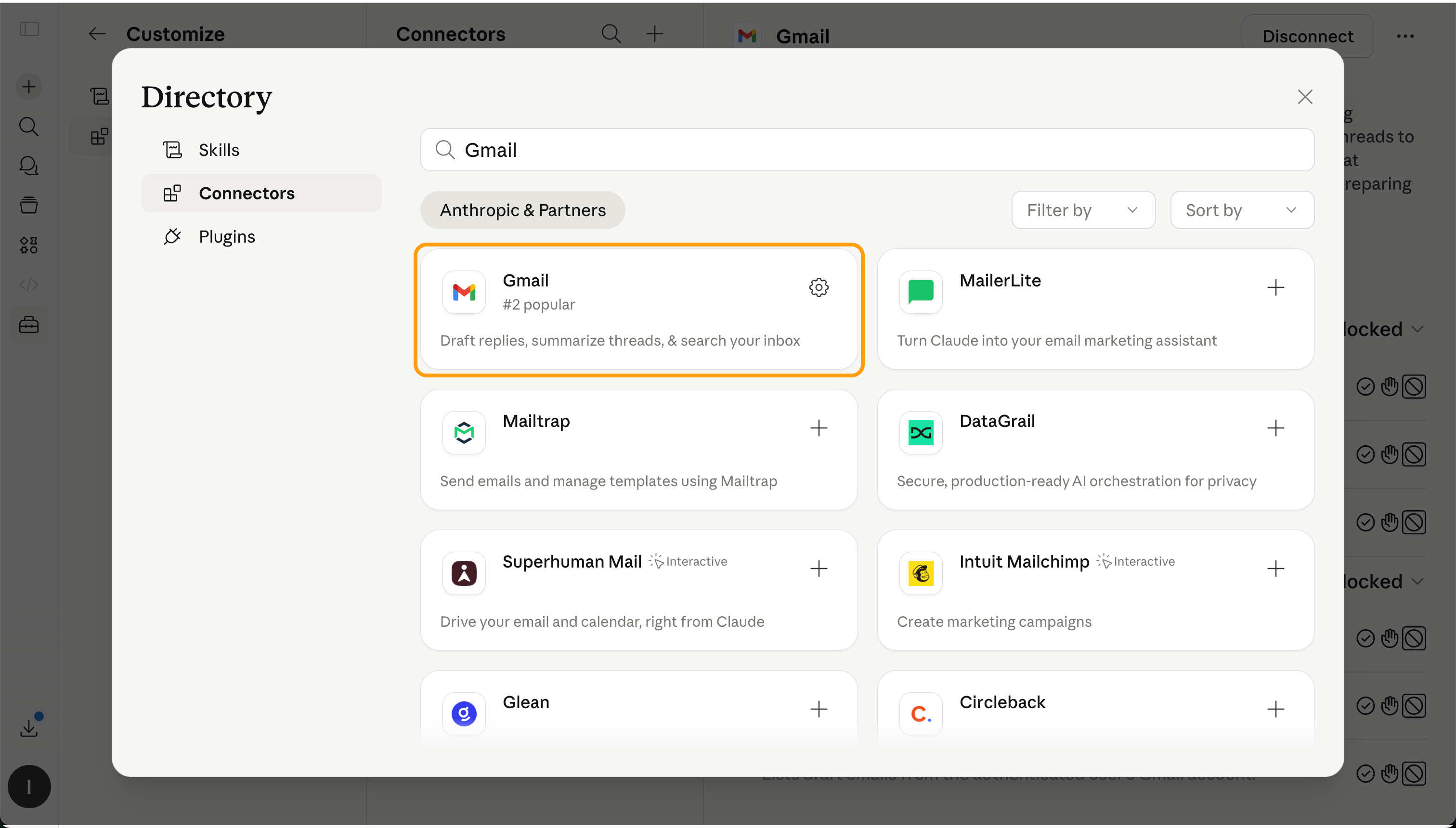
Once the connection is ready, you can ask Claude to work with your email context. For example, you can ask it to find the latest email from a client, summarize a conversation, identify open questions, or prepare a reply.
This workflow is useful when a message depends on previous communication. For example, Claude can review the latest email thread, summarize key points, identify open questions, and help prepare a clearer follow-up.
Still, Claude should be treated as an assistant, not the final decision-maker. Before sending anything, always review the recipient, facts, tone, attachments, and any private or sensitive information.
Thanks for your feedback!
Ask AI

Ask AI

Ask anything or try one of the suggested questions to begin our chat
