Collaboration and Sharing with Claude
Swipe to show menu
Claude's collaboration tools help teams work together inside shared projects. You can invite teammates, allow them to view or edit project content, and manage access based on their role.
This is useful for brainstorming, reviewing drafts, improving outputs, and keeping everyone aligned in one workspace. Permission settings help you control who can make changes and who can only view the project, reducing confusion and protecting important work.
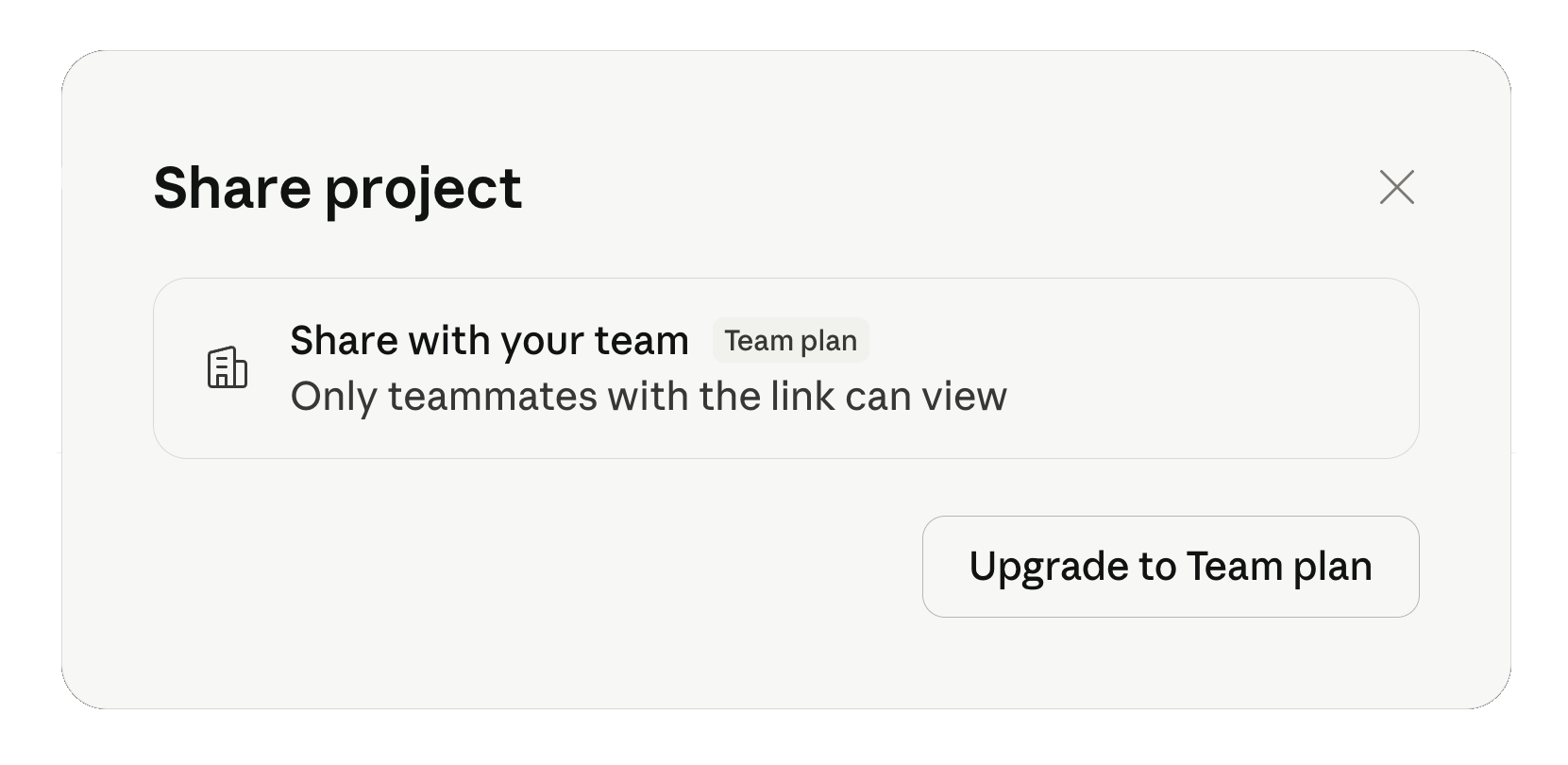
This makes it easier to involve collaborators in brainstorming, editing, and reviewing work without leaving Claude. Co-editing allows multiple team members to contribute to the same project, making the workflow more flexible and interactive.
Permission settings help you control who can edit the project and who can only view it. This is especially useful for larger projects where different people need different levels of access. By using these collaboration tools, teams can communicate more clearly, avoid version control issues, and keep projects organized.

To share a project, select the sharing option within Claude and enter your colleague's email or username. You can choose whether they can view or edit the project. This enables seamless handoff or joint work, as your collaborator will receive an invitation and gain access based on the permissions you set;
Claude provides a change history feature that allows you to see who made edits and when. This makes it easy to follow the evolution of a project, identify contributions, and revert to earlier versions if needed;
Team members can leave comments or suggestions directly within the project. This centralized feedback loop keeps discussions and revisions organized, ensuring that all input is visible and actionable without resorting to external tools.
Thanks for your feedback!
Ask AI

Ask AI

Ask anything or try one of the suggested questions to begin our chat
