Apps and Connectors in ChatGPT
Swipe to show menu

Apps are integrations that let ChatGPT connect with external tools, services, and data sources. They allow the AI to access information and perform actions directly inside a conversation.
Apps act as a bridge between ChatGPT and the tools you already use, such as Google Drive, Slack, or Microsoft SharePoint. Once connected, ChatGPT can search files, summarize content, and retrieve useful data without requiring manual uploads.
The term connectors was used previously, but it has now been replaced with apps to reflect a more unified system. This change highlights how ChatGPT now combines data access with interactive features in a single experience.
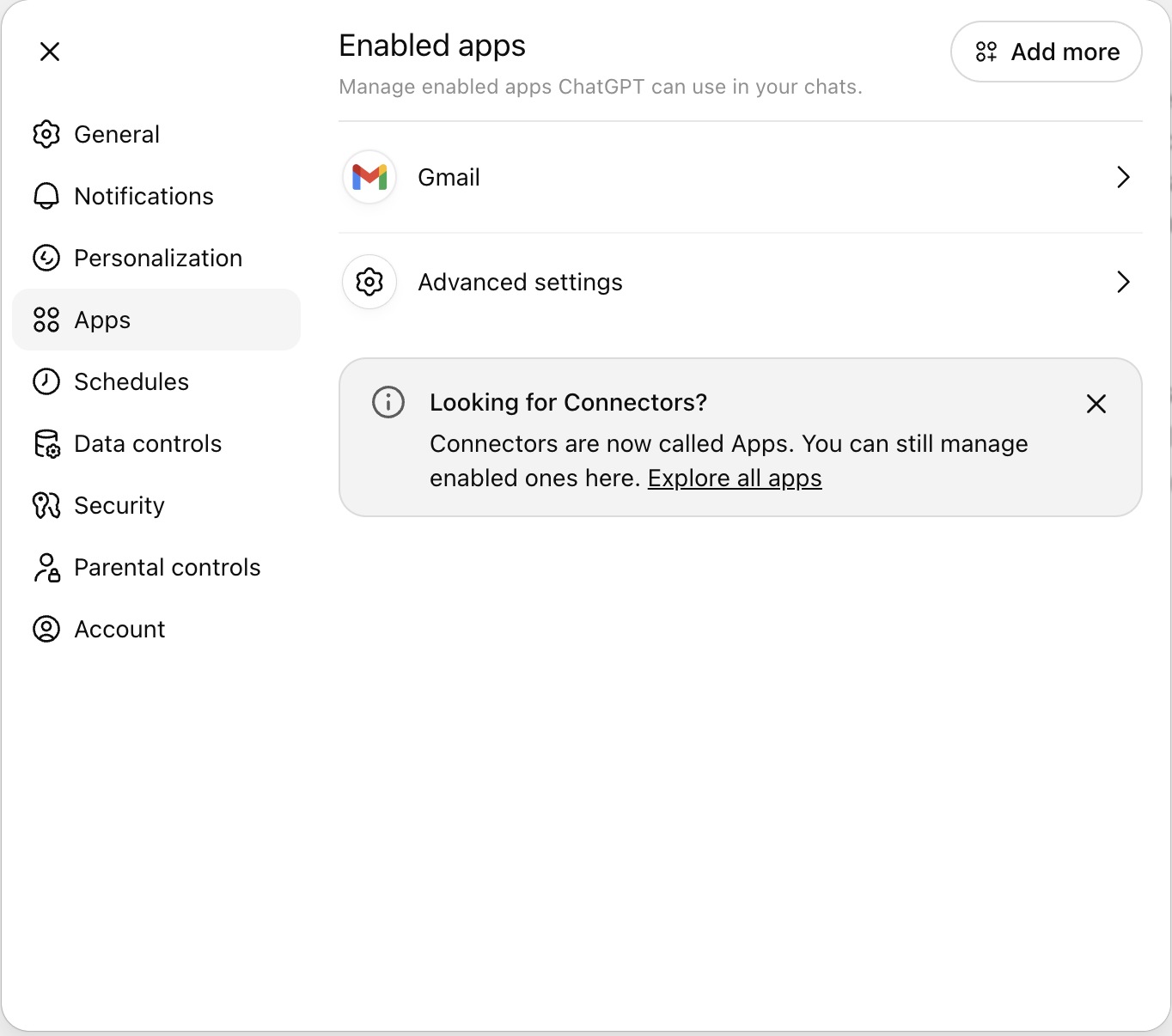
When you connect an app, you grant ChatGPT permission to access selected data from that service. After setup, you can use natural prompts like:
Summarize my latest report from Google Drive.
ChatGPT then retrieves relevant information, processes it, and returns a clear, structured response. This removes the need to switch between multiple tools and keeps your workflow in one place. Apps in ChatGPT can be grouped into three main categories:
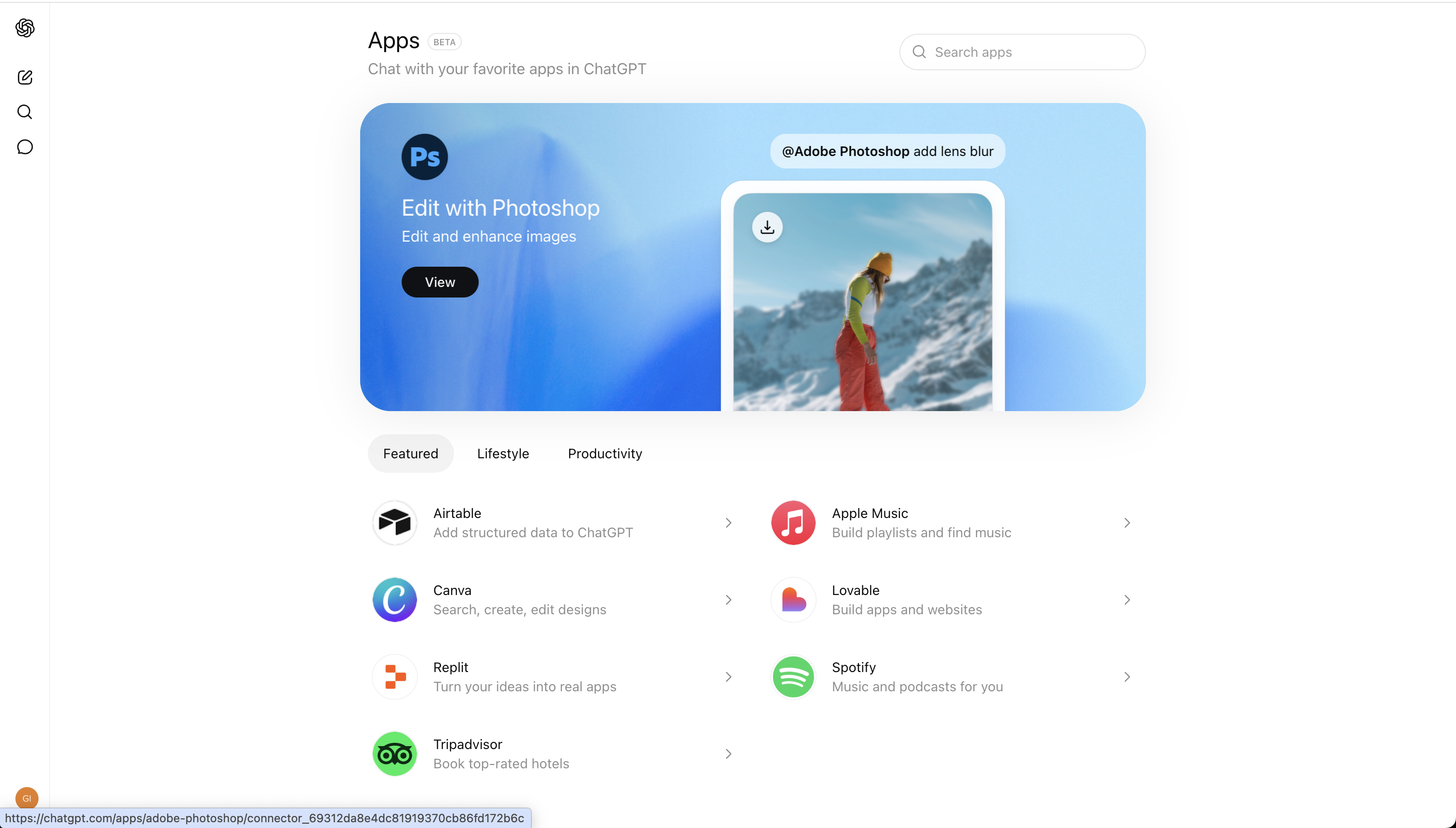
Some apps go beyond text responses and provide interactive elements, such as structured data views or direct task execution within the chat interface.
Thanks for your feedback!
Ask AI

Ask AI

Ask anything or try one of the suggested questions to begin our chat
