Projects in ChatGPT
Swipe to show menu

Projects in ChatGPT are a workspace that keeps chats, files, and context together, so you can manage and continue long-term work easily.
When working on complex or ongoing tasks, you often need to track conversations, files, and reference materials. Projects help you organize everything in one place by grouping related chats and files. This keeps context consistent, makes important details easy to find, and helps you continue work without losing progress.
To create a project, simply open Projects, click New Project, give it a name, and start adding chats or files.
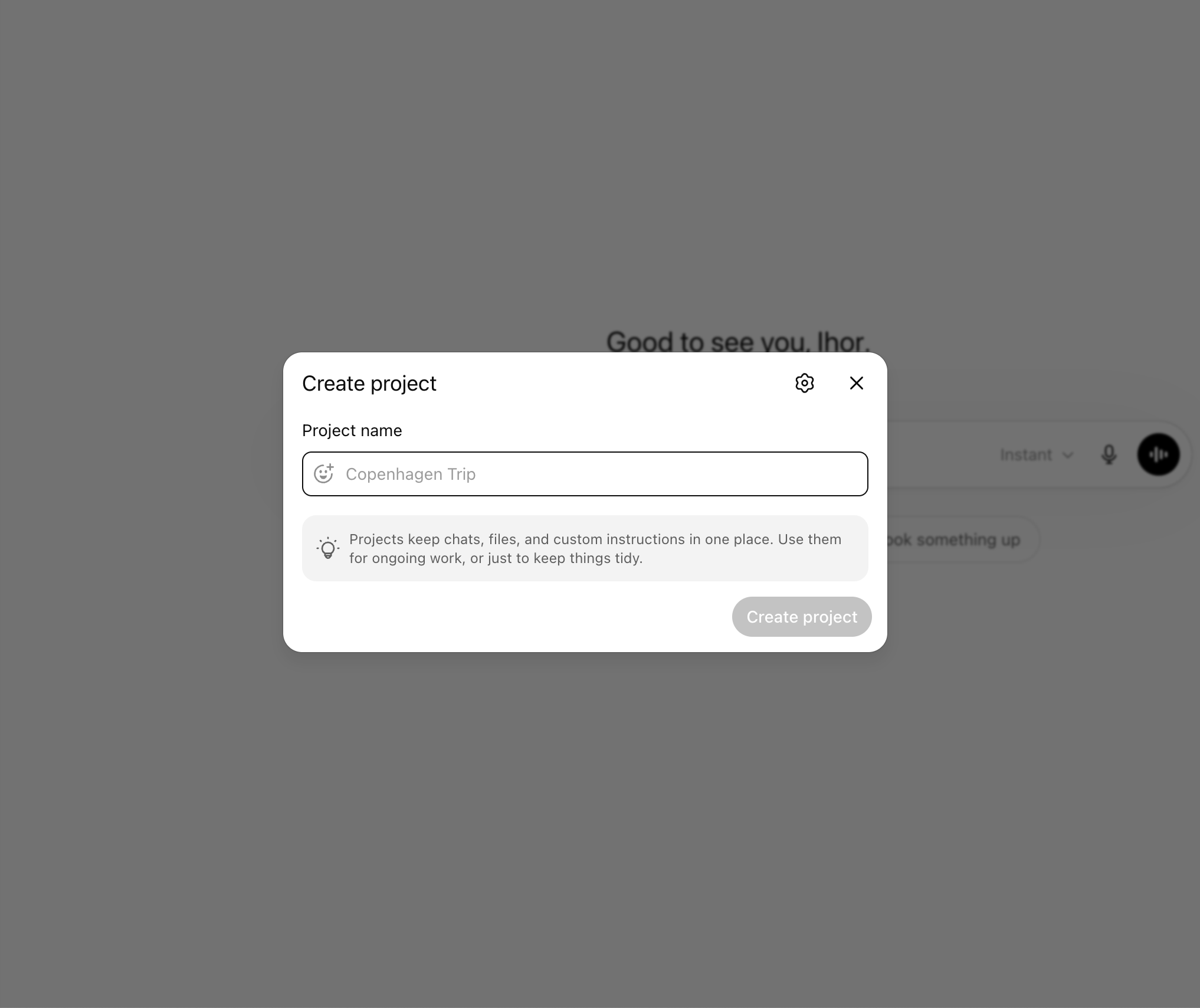
To maximize productivity with Projects, use persistent context by revisiting earlier chats and documents as your work evolves.
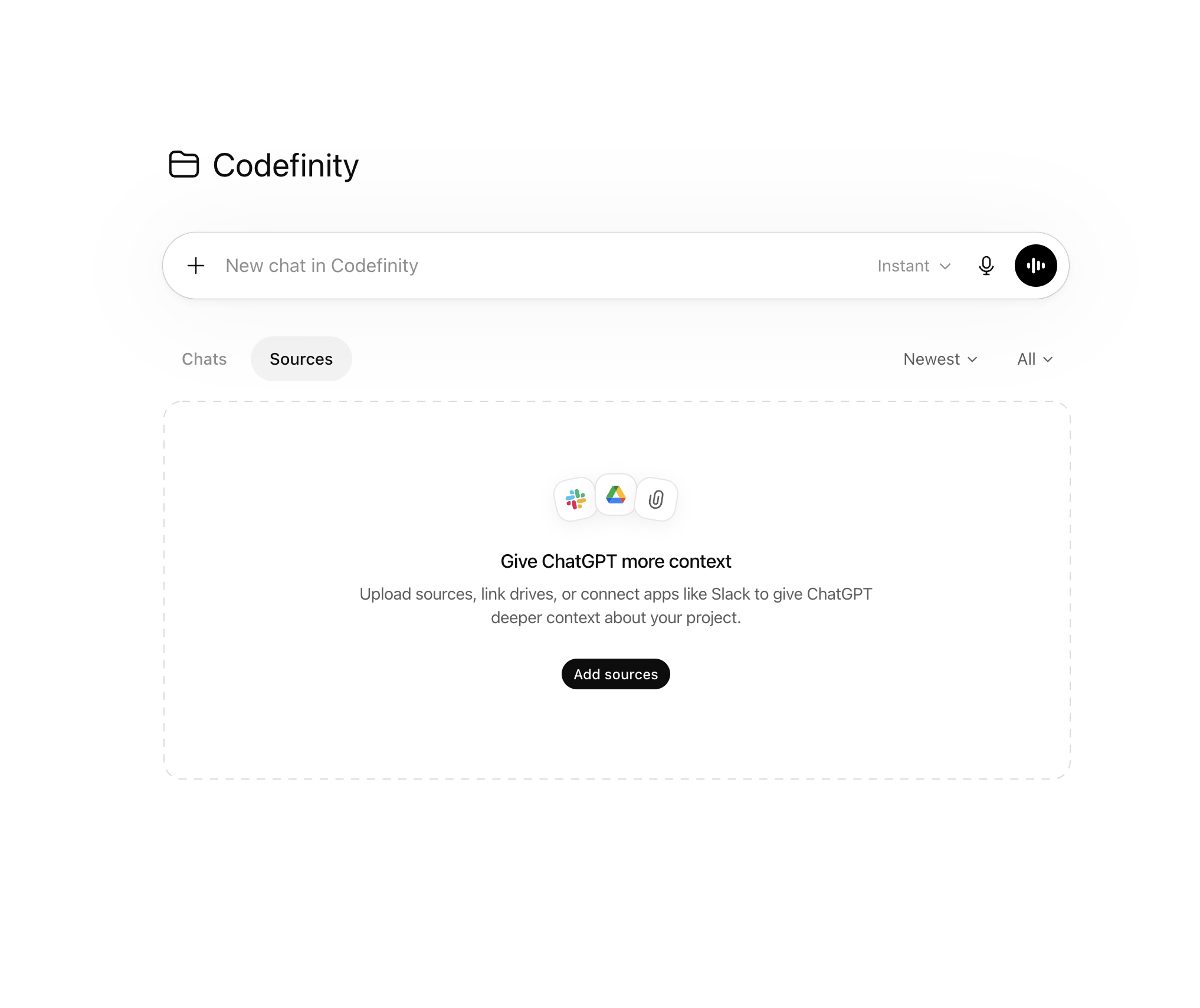
Keep everything organized with summaries, folders, and pinned notes, so important information is easy to find and your workflow stays clear and efficient.
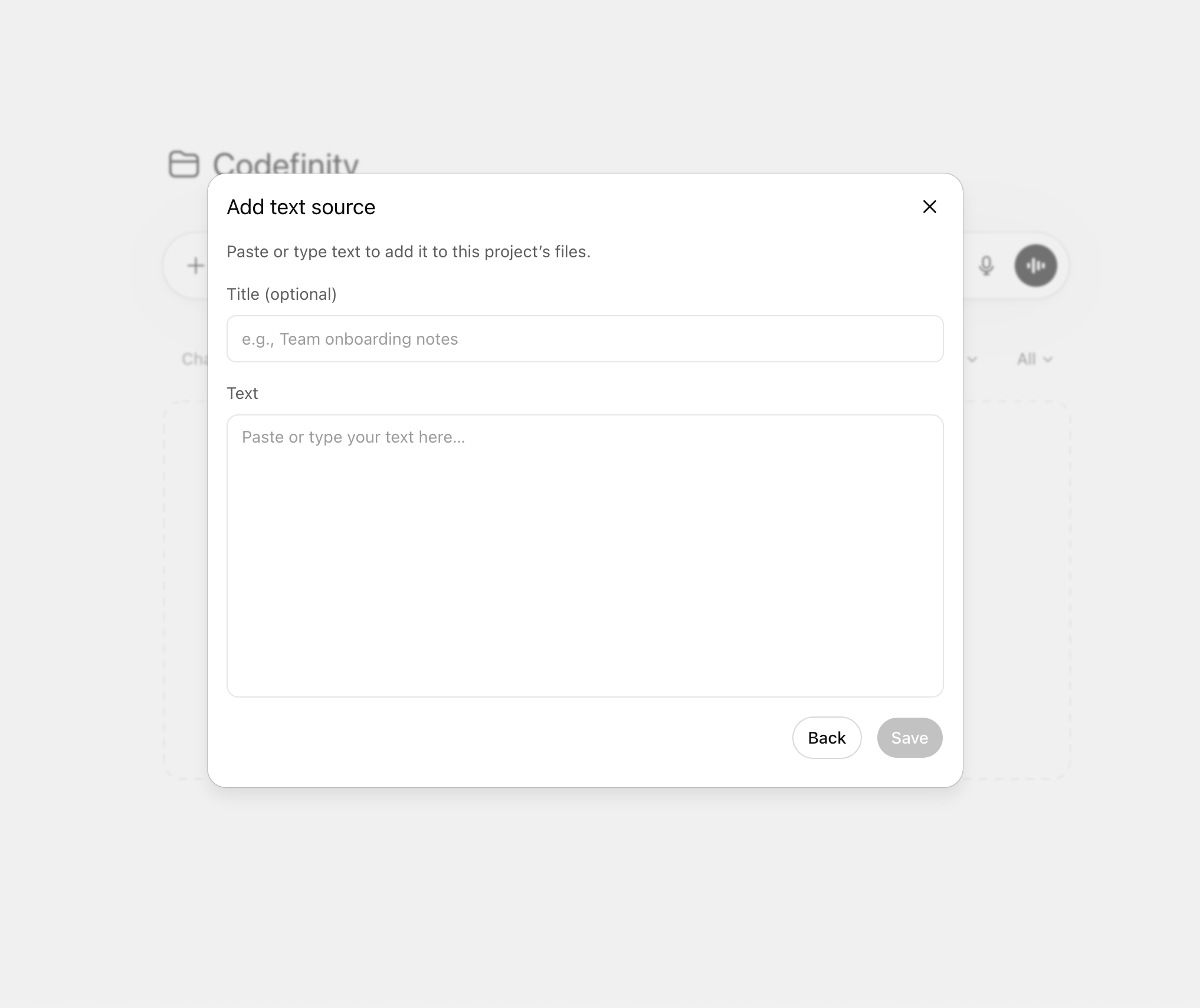
Using Projects in ChatGPT gives you a dedicated space to manage long-term work, from ideas to final results. It keeps everything in one place, improves continuity, and helps you work more efficiently and collaboratively.
Thanks for your feedback!
Ask AI

Ask AI

Ask anything or try one of the suggested questions to begin our chat
