Editing and Iterating on Images
Swipe to show menu
When working with AI-generated images, you often need to refine or adapt the initial output to better suit your needs. In this context, image editing refers to the process of making targeted changes to a generated image, such as adjusting colors, removing unwanted elements, or enhancing certain features. Iteration on images means creating a series of variations or improvements, each step building upon the last, to gradually move closer to your creative or practical goal.
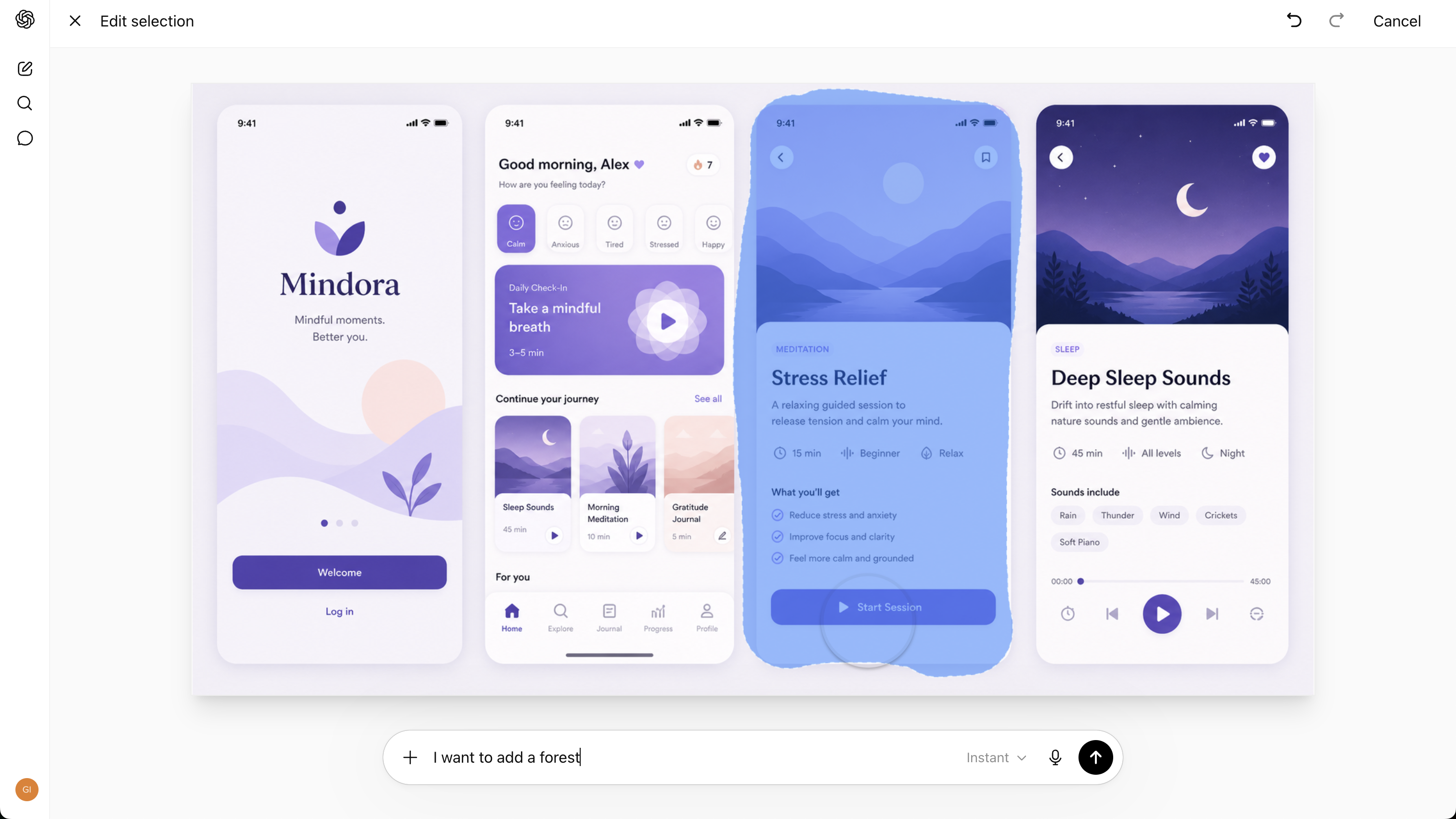
To make the most of AI image generation, you should learn how to clearly request edits, variations, and enhancements. Techniques include specifying changes in your prompt, such as asking for a different background, tweaking lighting, or requesting a new artistic style. You can also ask for multiple versions of an image to compare options, or request upscaling and detail improvements. These methods help you guide the AI toward your intended vision, turning a rough first draft into a polished final product.

Many creatives use an iterative workflow for AI image creation. Start with a basic prompt, review the result, then make targeted edits like colors or details.
Repeat this process until you achieve the desired outcome, refining your approach with each iteration.

- Use direct prompts to specify edits, such as
make the sky brighterorremove the background; - Apply style changes by requesting different artistic genres or moods;
- Request object-level adjustments, like
add a hatorchange the character's expression.
Thanks for your feedback!
Ask AI

Ask AI

Ask anything or try one of the suggested questions to begin our chat
