Summarizing Notes and Pages with AI
Swipe to show menu
The Summarize action condenses a long page, meeting note, or document into a short block of key points, so you do not have to reread an entire page to remember what it covered.
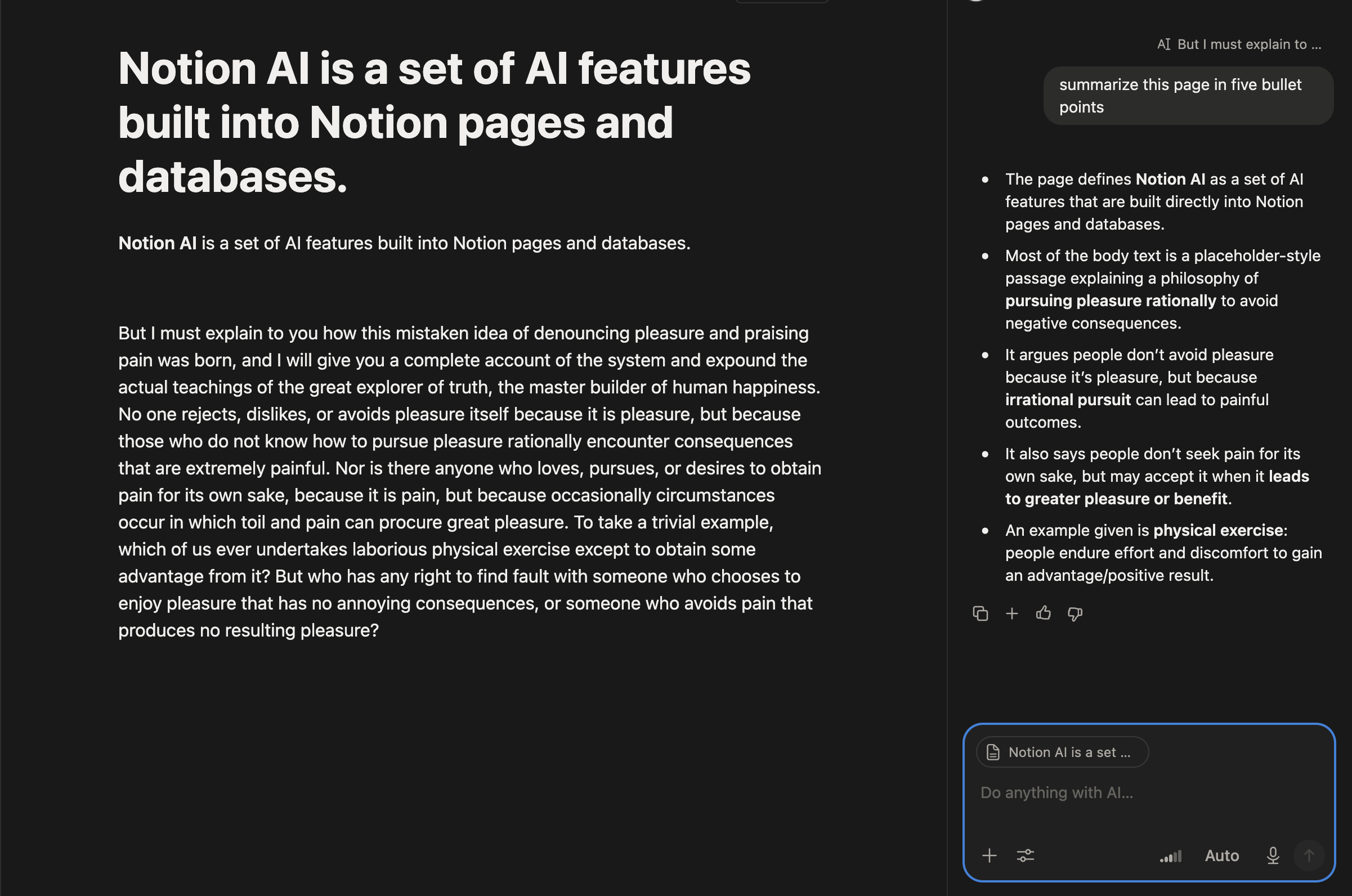
To summarize a page:
- Open the page you want to condense;
- Click the block handle (
⠿) next to any block, or press the shortcut, and choose Ask AI; - Type a request, for instance "summarize this page in five bullet points";
- Review the generated summary block;
- Insert the summary at the bottom of the page using
+or keep it as a separate block.

Note
Summaries reflect only the text on the page. Images, embedded files, and linked databases are not read or included in the summary.
Summarizing works especially well right after a meeting: paste in raw notes, ask AI to "summarize this into a short recap," and turn a messy transcript into a few clear lines without retyping anything.
Everything was clear?
Thanks for your feedback!
Section 1. Chapter 3
Ask AI

Ask AI

Ask anything or try one of the suggested questions to begin our chat
Section 1. Chapter 3
