Q&A with Notion AI: Searching Your Workspace
Desliza para mostrar el menú
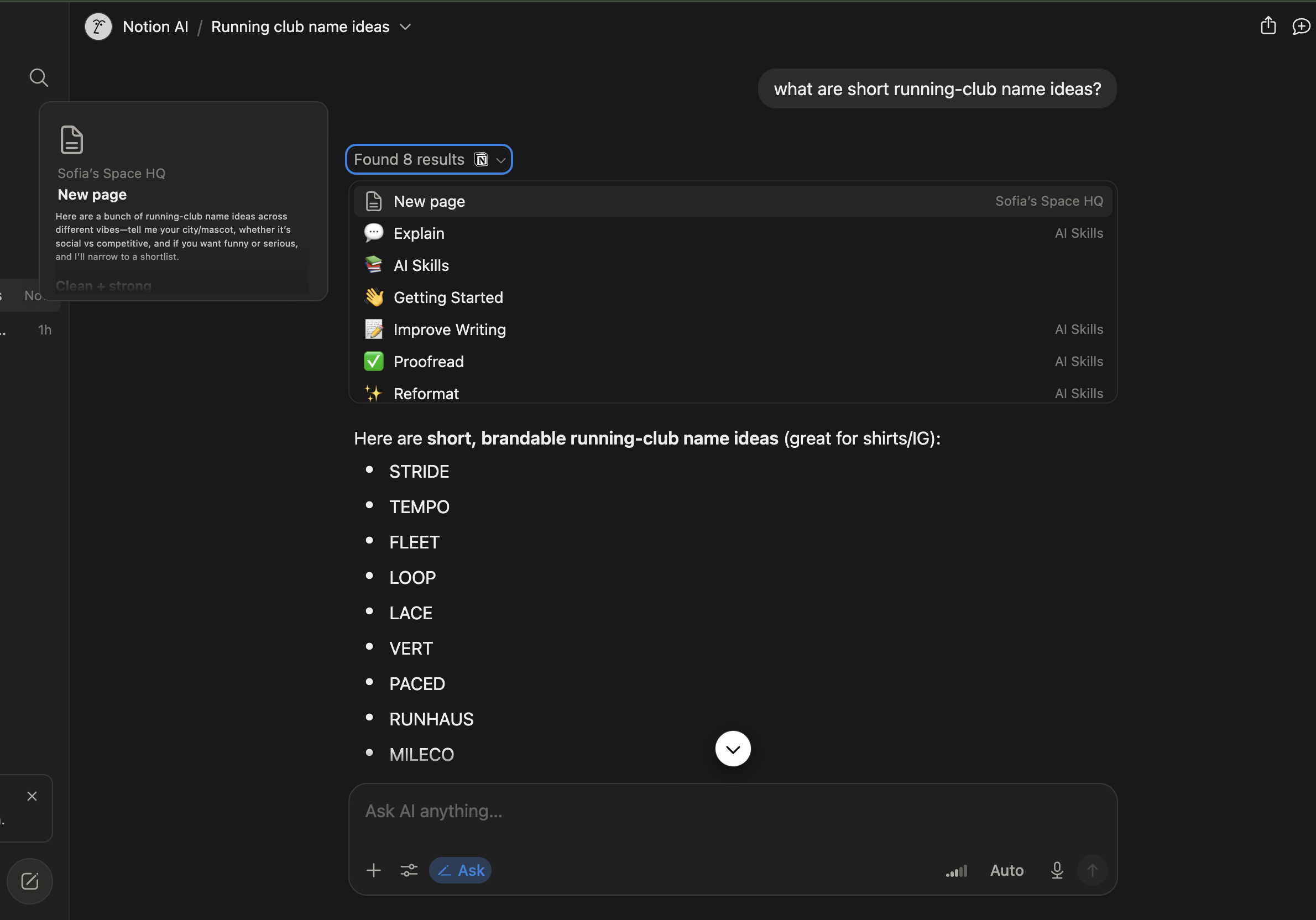
The Ask AI search feature answers questions using content already stored across your workspace, so you can ask about a decision, a date, or a detail instead of hunting through several pages manually.
To ask a question:
- Open the Search bar or the Ask AI panel from the sidebar;
- Type a question in plain language, for instance "when is the marketing budget due";
- Review the answer, along with the source pages it was pulled from;
- Click a linked source to open the original page for more context.

Note
Answers are generated from your workspace content, so accuracy depends on how up to date and clearly written your pages are. Always check the linked sources before treating an answer as final.
This feature works best for workspaces that already have organized notes and documentation; on a mostly empty workspace, there is little for it to search through.
¿Todo estuvo claro?
¡Gracias por tus comentarios!
Sección 1. Capítulo 8
Pregunte a AI

Pregunte a AI

Pregunte lo que quiera o pruebe una de las preguntas sugeridas para comenzar nuestra charla
Sección 1. Capítulo 8
