Using AI Blocks and Custom Prompts
Swipe to show menu
Beyond quick actions like Summarize or Translate, Notion AI supports custom prompts saved as reusable blocks, so a task you repeat often — like drafting a weekly update in a specific format — does not need to be typed out every time.
To create a custom AI block:
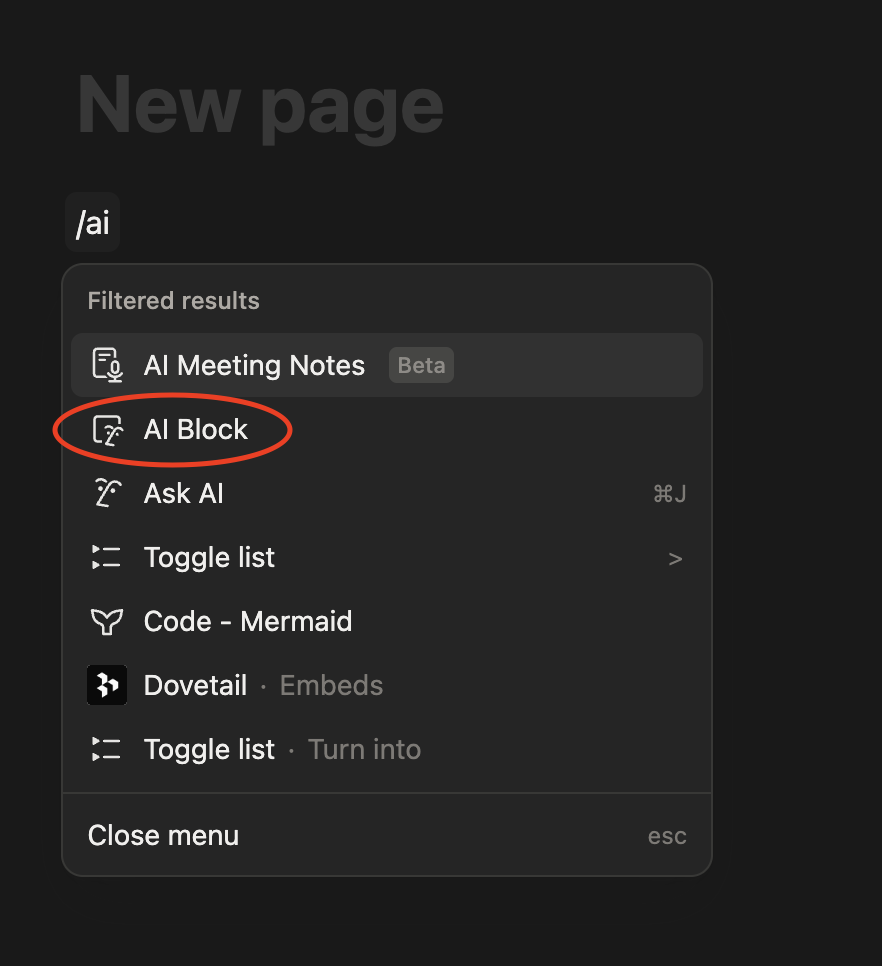
- Type
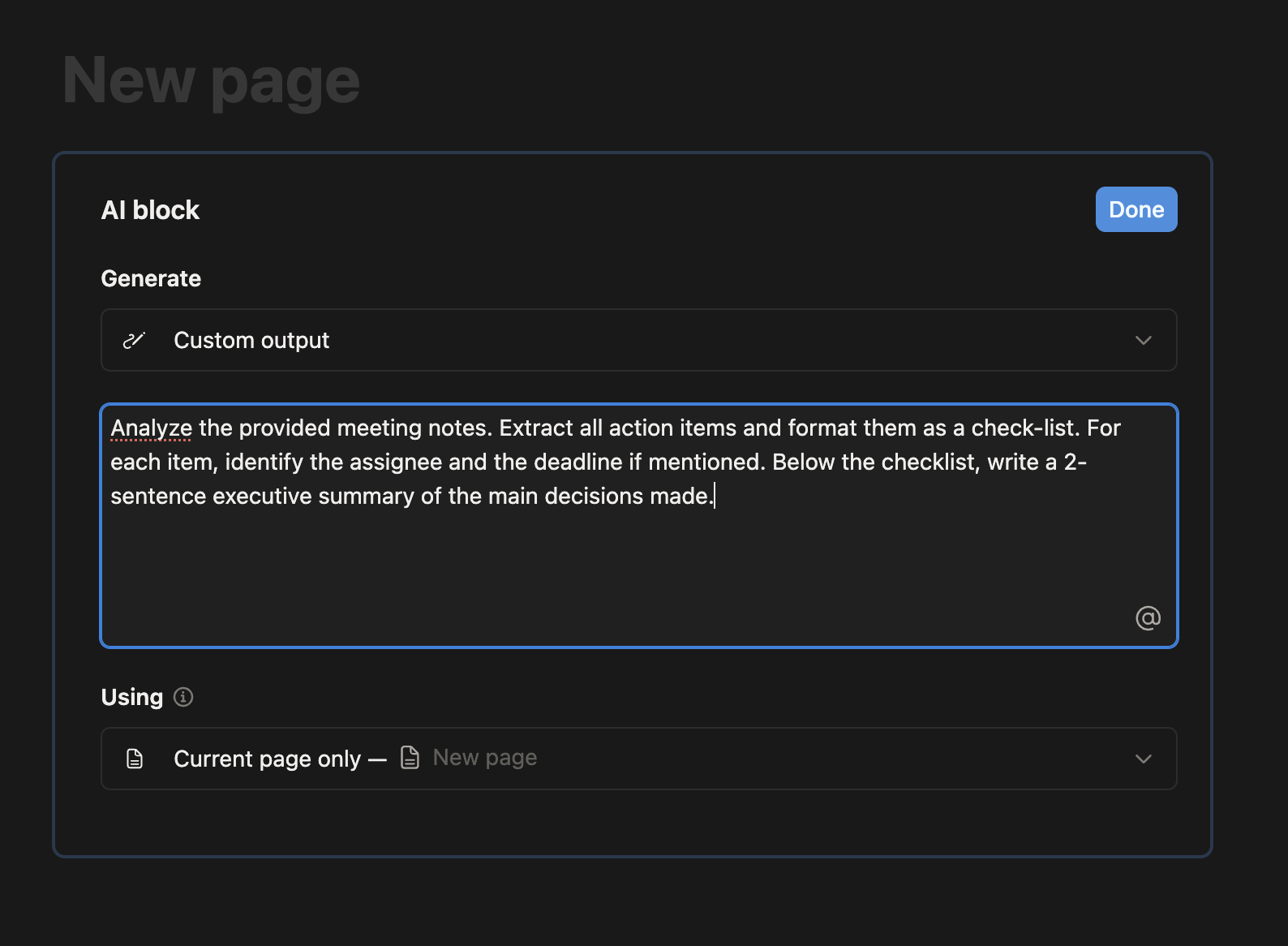
/aiblock on any line; - Write a prompt describing the task, for instance "turn these bullet points into a short client update";
- Save the block;
- Reuse it on future pages by duplicating the block or the page template that contains it.
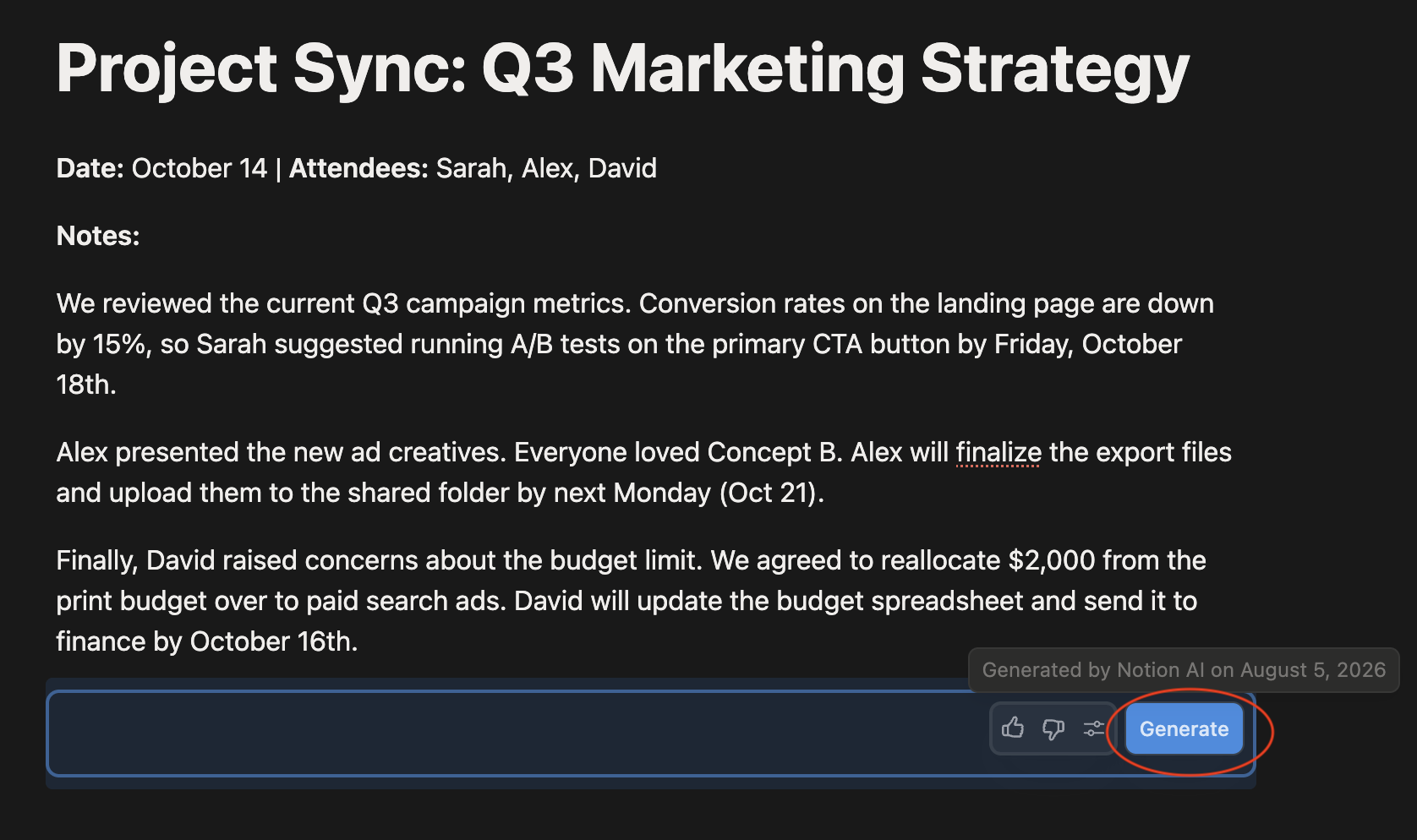
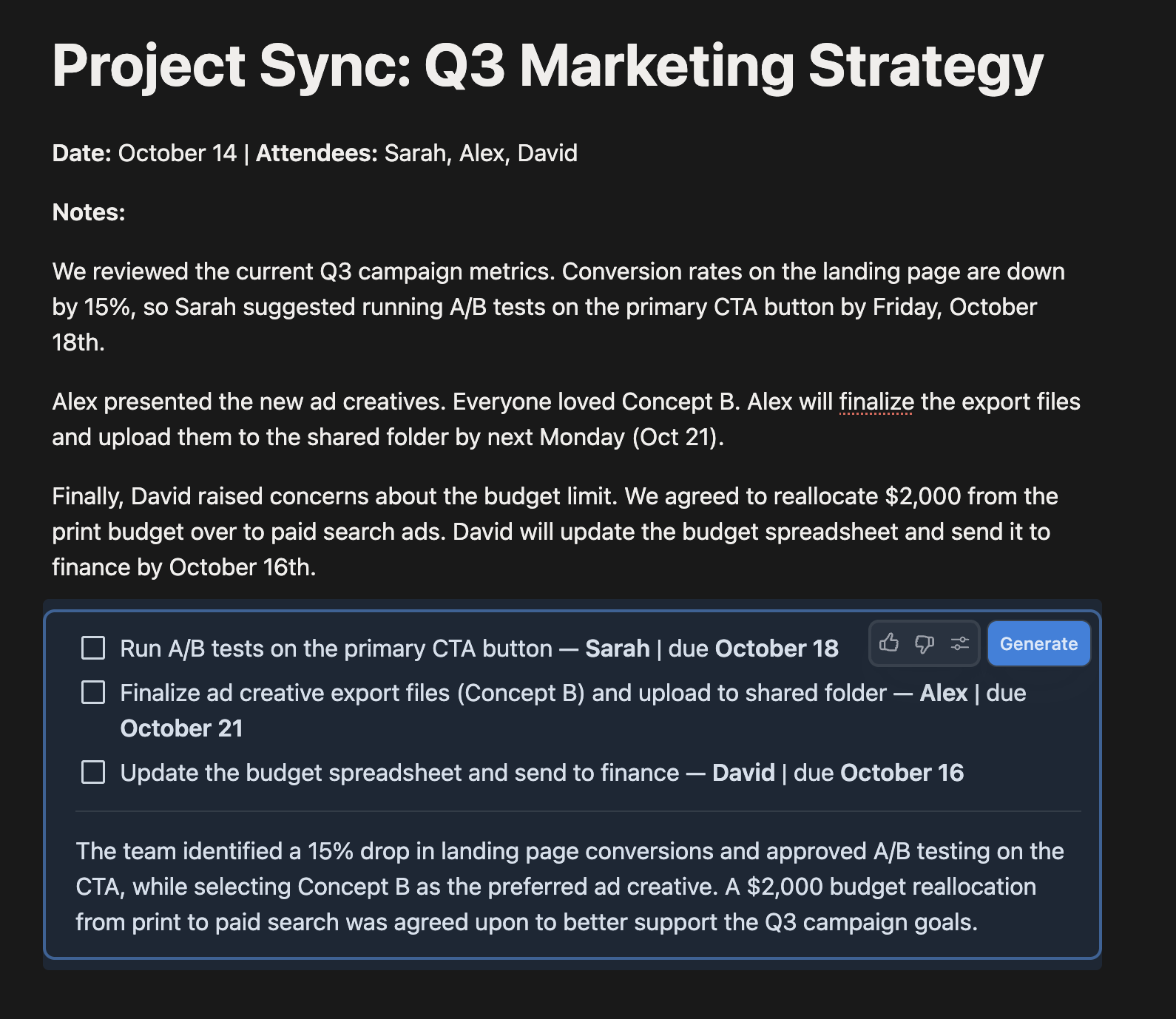
Saving a custom prompt inside a page template turns a one-off trick into a repeatable part of your workflow, since every new page created from that template already includes the AI block ready to run.
Everything was clear?
Thanks for your feedback!
Section 1. Chapter 9
Ask AI

Ask AI

Ask anything or try one of the suggested questions to begin our chat
Section 1. Chapter 9
