Excel Table Styles and Quick Formatting
This part of the course covers how to style your tables in Excel, adding a layer of polish and clarity that makes your information pop off the screen.
Key Points
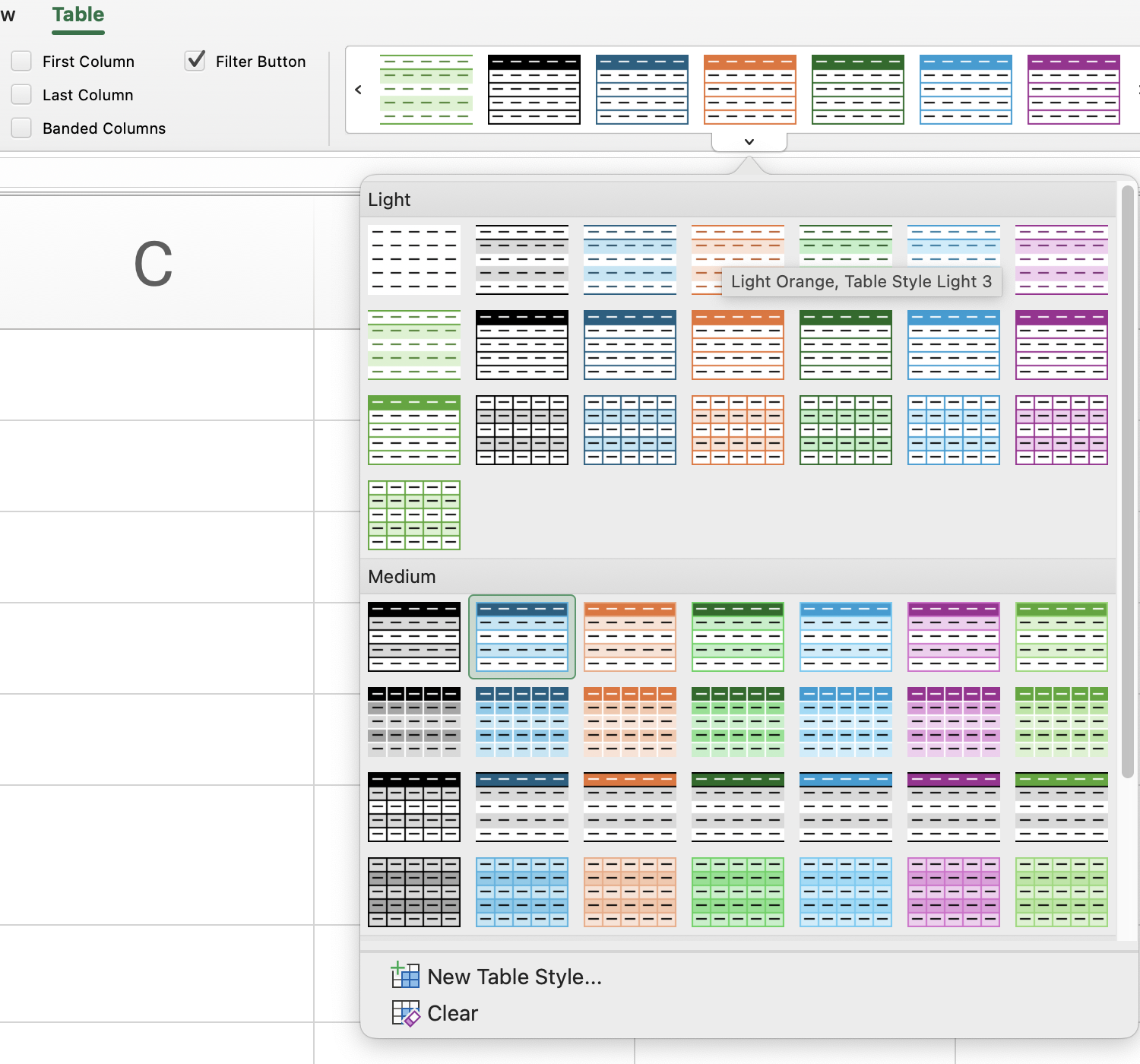
- Use the Table Design tab to modify the appearance of a table by selecting a style from the Table Styles group;
- Enable Total Row in Table Style Options to display automatic summary calculations at the bottom of the table.
Everything was clear?
Thanks for your feedback!
Section 5. Chapter 6
Excel Table Styles and Quick Formatting
Swipe to show menu
This part of the course covers how to style your tables in Excel, adding a layer of polish and clarity that makes your information pop off the screen.
Key Points
- Use the Table Design tab to modify the appearance of a table by selecting a style from the Table Styles group;
- Enable Total Row in Table Style Options to display automatic summary calculations at the bottom of the table.
Task
Swipe to start coding
This is a free exploration exercise — no right or wrong answer here!
Try clicking on the table and experimenting with its visual styles:
- Excel workflow: click any cell in the table →
Table Designtab →Table Stylesgroup → browse the styles and pick one you like. - Platform workflow: click the table name above the table → click the menu icon → select
Set Table Theme→ choose any style.
See how each style changes the look and feel of the table. Have fun with it!
 Switch to desktop for real-world practiceContinue from where you are using one of the options below
Everything was clear?
Thanks for your feedback!
Section 5. Chapter 6
Ask AI

Ask AI

Ask anything or try one of the suggested questions to begin our chat
