Using Nested IF Statements
Nested IFs allow you to perform multiple logical tests in a single formula, making your Excel sheets even more dynamic.
Key Point
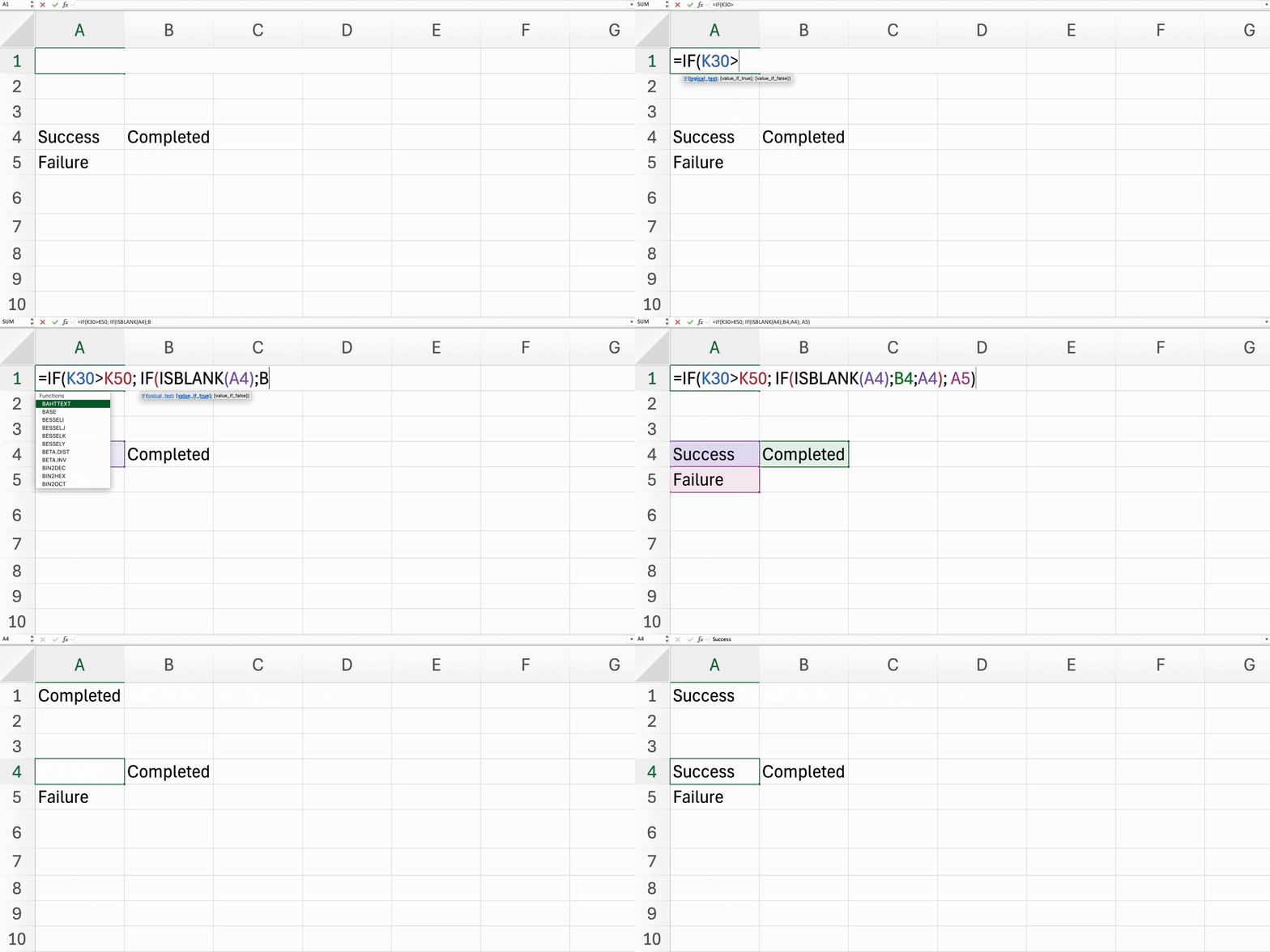
- Structure nested
IFstatements to evaluate multiple conditions like this:=IF(condition1, value_if_true1, IF(condition2, value_if_true2, value_if_false2)).
Everything was clear?
Thanks for your feedback!
Section 4. Chapter 3
Using Nested IF Statements
Swipe to show menu
Nested IFs allow you to perform multiple logical tests in a single formula, making your Excel sheets even more dynamic.
Key Point
- Structure nested
IFstatements to evaluate multiple conditions like this:=IF(condition1, value_if_true1, IF(condition2, value_if_true2, value_if_false2)).
Task
Swipe to start coding
Select C32 → type
=IF(C20>=90,"20%",IF(C20>=80,"15%",IF(C20>=70,"10%",IF(C20>=60,"5%","0%"))))
→ press Enter → drag the fill handle down to E38.
 Switch to desktop for real-world practiceContinue from where you are using one of the options below
Everything was clear?
Thanks for your feedback!
Section 4. Chapter 3
Ask AI

Ask AI

Ask anything or try one of the suggested questions to begin our chat
