Course Overview
Swipe to show menu
Microsoft Excel is one of the most widely used tools for working with data, calculations, and analysis. It allows users to organize information, automate computations, build reports, and support decision-making across business, education, and research. Mastering Excel is a fundamental skill that significantly improves productivity and analytical capabilities.
For some learners, this course will be a complete introduction to Excel from scratch. For others, it will serve as a knowledge refresher.
Before we begin, it is important to highlight several key points about how the course is organized.
Course Format
Throughout the course, you'll learn through a combination of guided video explanations and hands-on practice.
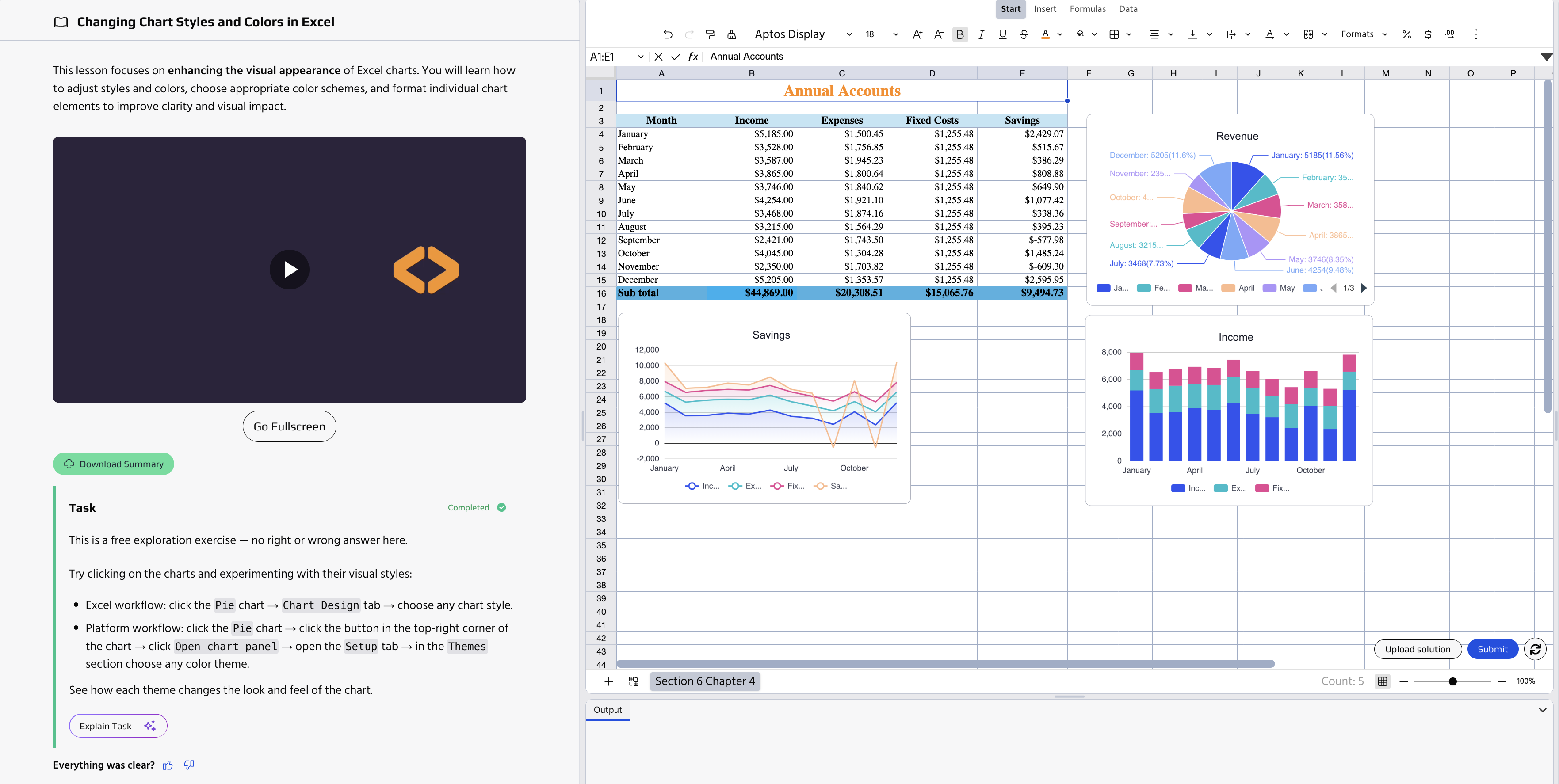
When working on exercises, you can choose the workflow that suits you best: complete tasks directly on the platform or download the workbook, solve the exercise in Excel on your own machine, and upload your file for validation.
If your first submission isn't correct, the Solution option will become available, allowing you to review the completed example, understand the intended approach, and continue progressing through the course.
Version Differences
This course was recorded using the version of Excel available in Microsoft 365 at the time of production (2024), which means it reflects the most up-to-date interface at that moment.
While the demonstrated tools and methods are generally available in other versions of Microsoft Excel, the layout of menus and the interface may differ slightly.
If you experience difficulties finding a feature in your version, you can contact us for support or refer to the official Microsoft Excel documentation for your version.
Thanks for your feedback!
Ask AI

Ask AI

Ask anything or try one of the suggested questions to begin our chat
