Excel Conditional Formatting
Swipe to show menu
Conditional formatting in Excel is like giving your data a visual makeover. It allows you to automatically apply specific formatting to cells that meet certain criteria.
Key Points
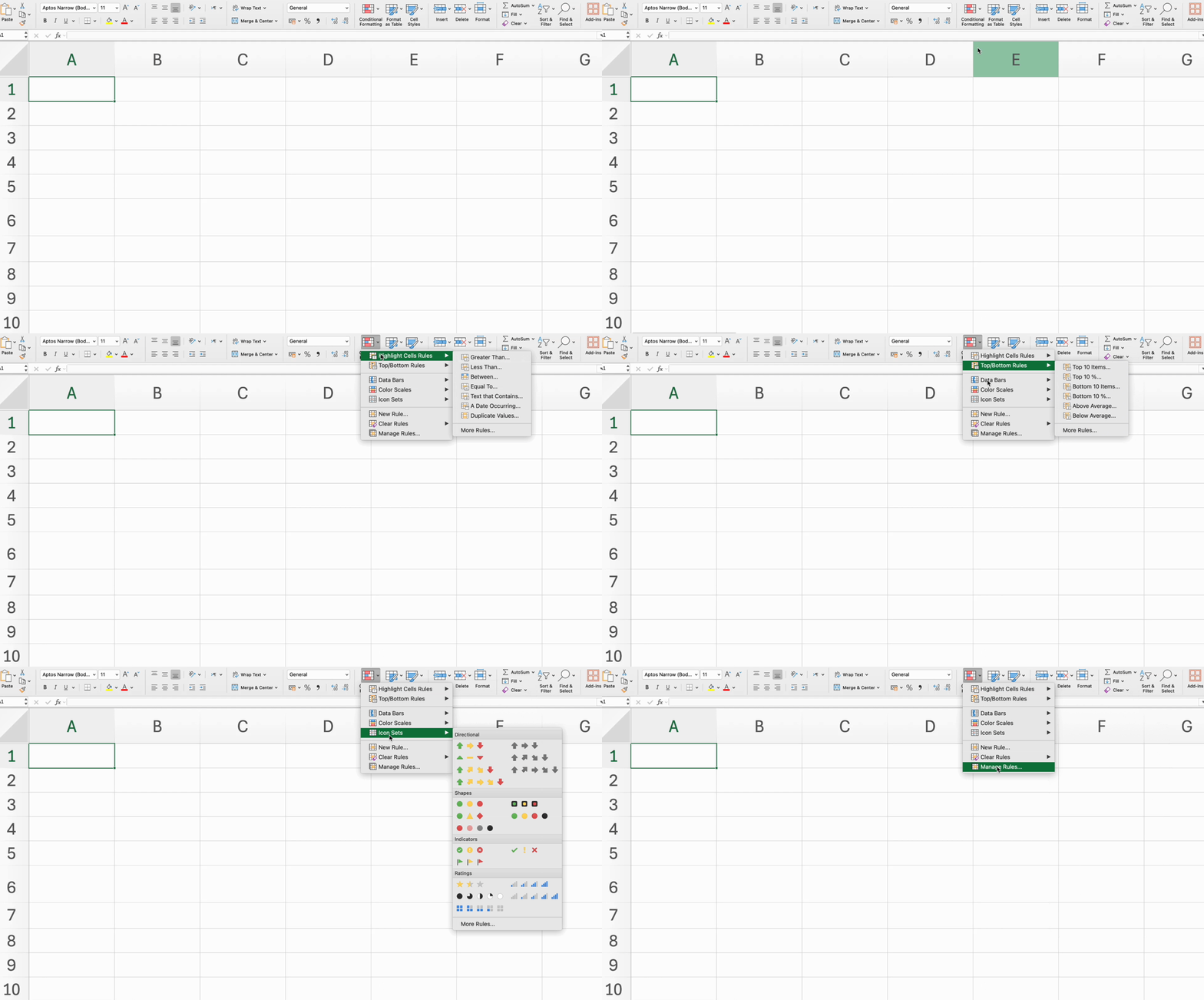
- Apply conditional formatting using the Highlight Cells Rules for specific criteria via Home tab → Styles group;
- Use the Top/Bottom Rules to format cells with the highest or lowest values;
- Add Data Bars to visually represent cell values;
- Apply Color Scales to show value ranges with a gradient of colors;
- Use Icon Sets to represent different values with icons.
Everything was clear?
Thanks for your feedback!
Section 4. Chapter 6
Ask AI

Ask AI

Ask anything or try one of the suggested questions to begin our chat
Section 4. Chapter 6
