Using Nested IF Statements
Swipe to show menu
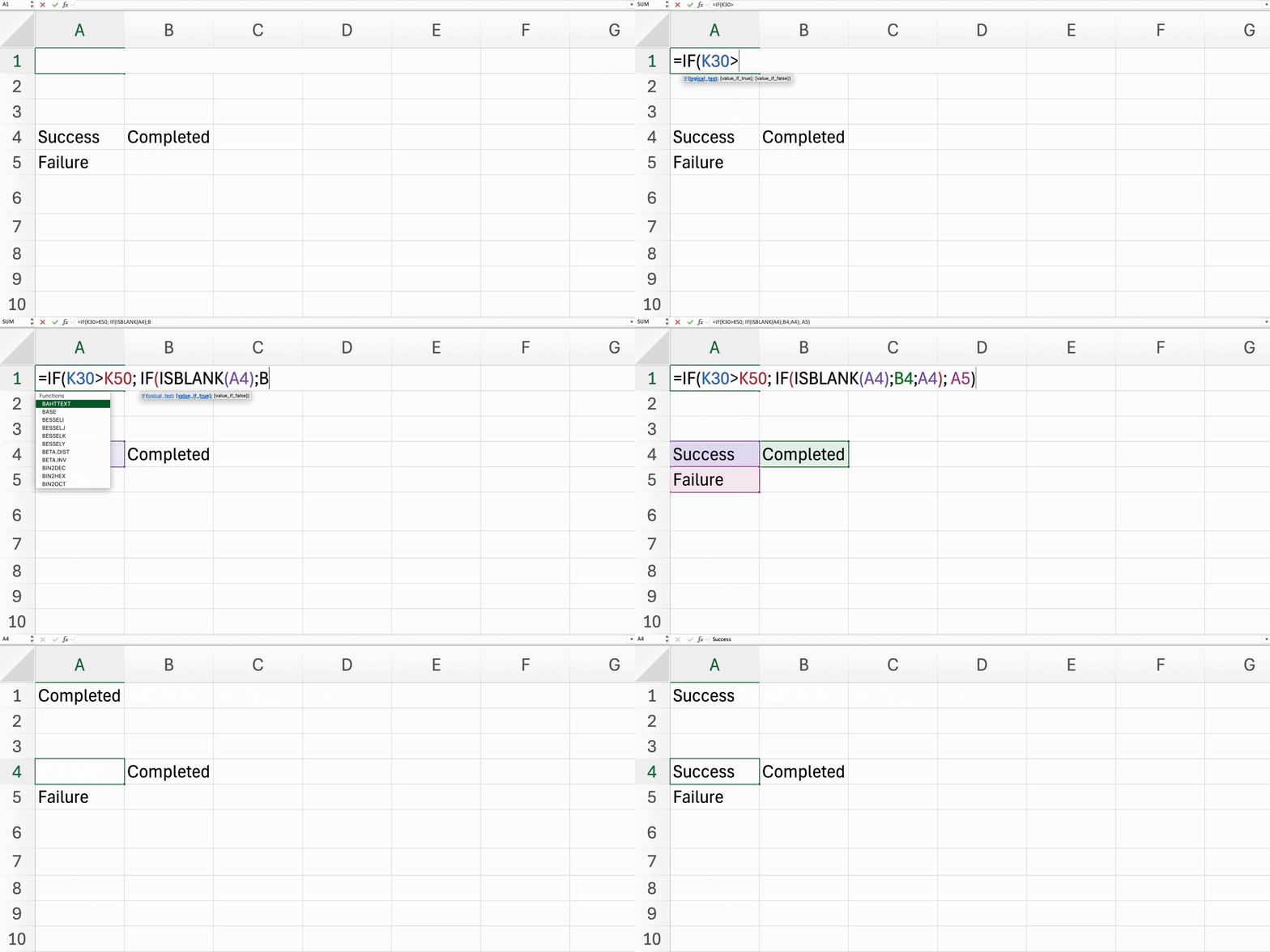
Nested IFs allow you to perform multiple logical tests in a single formula, making your Excel sheets even more dynamic.
Key Point
- Structure nested
IFstatements to evaluate multiple conditions like this:=IF(condition1, value_if_true1, IF(condition2, value_if_true2, value_if_false2)).
Everything was clear?
Thanks for your feedback!
Section 4. Chapter 3
Ask AI

Ask AI

Ask anything or try one of the suggested questions to begin our chat
Using Nested IF Statements
Nested IFs allow you to perform multiple logical tests in a single formula, making your Excel sheets even more dynamic.
Key Point
- Structure nested
IFstatements to evaluate multiple conditions like this:=IF(condition1, value_if_true1, IF(condition2, value_if_true2, value_if_false2)).
Everything was clear?
Thanks for your feedback!
Section 4. Chapter 3
