Mastering IF Logical Tests and Relational Operators in Excel
Swipe to show menu
Understanding the IF function and relational operators is essential for automating decision-making processes within your spreadsheets.
Key Points
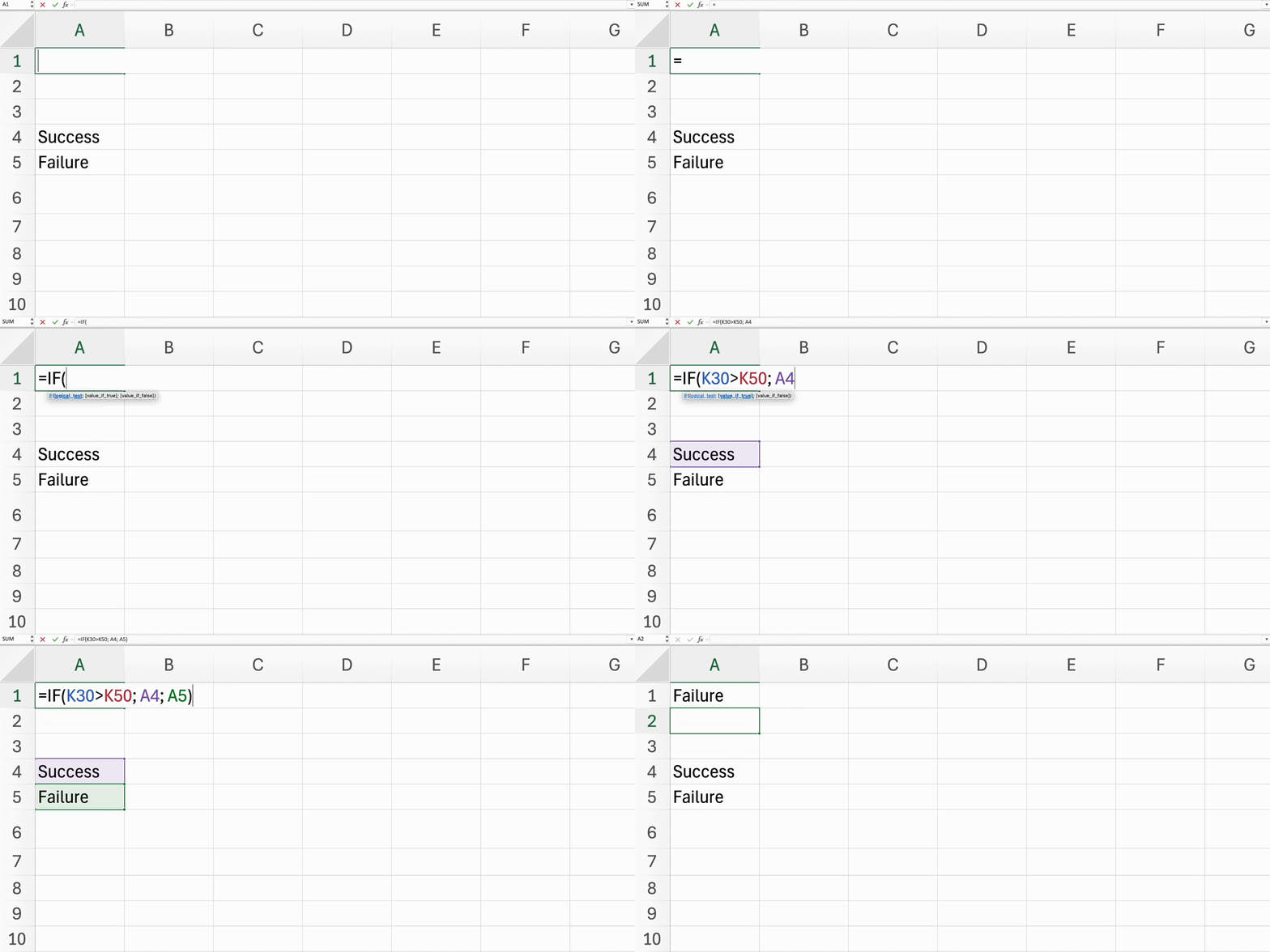
- Structure the
IFfunction using=IF(logical_test, value_if_true, value_if_false); - Use relational operators like
=,<>,>,<,>=, and<=to compare values; - Incorporate text conditions in the
IFfunction by using quotation marks around text values.
Everything was clear?
Thanks for your feedback!
Section 4. Chapter 2
Ask AI

Ask AI

Ask anything or try one of the suggested questions to begin our chat
Section 4. Chapter 2
