Course Overview
Swipe to show menu
Microsoft Excel is one of the most widely used tools for working with data, calculations, and analysis. It allows users to organize information, automate computations, build reports, and support decision-making across business, education, and research. Mastering Excel is a fundamental skill that significantly improves productivity and analytical capabilities.
For some learners, this course will be a complete introduction to Excel from scratch. For others, it will serve as a knowledge refresher.
Before we begin, it is important to highlight several key points about how the course is organized.
Course Format
Almost every* chapter includes:
- a video lesson,
- a template file,
- and a completed solution to that template.
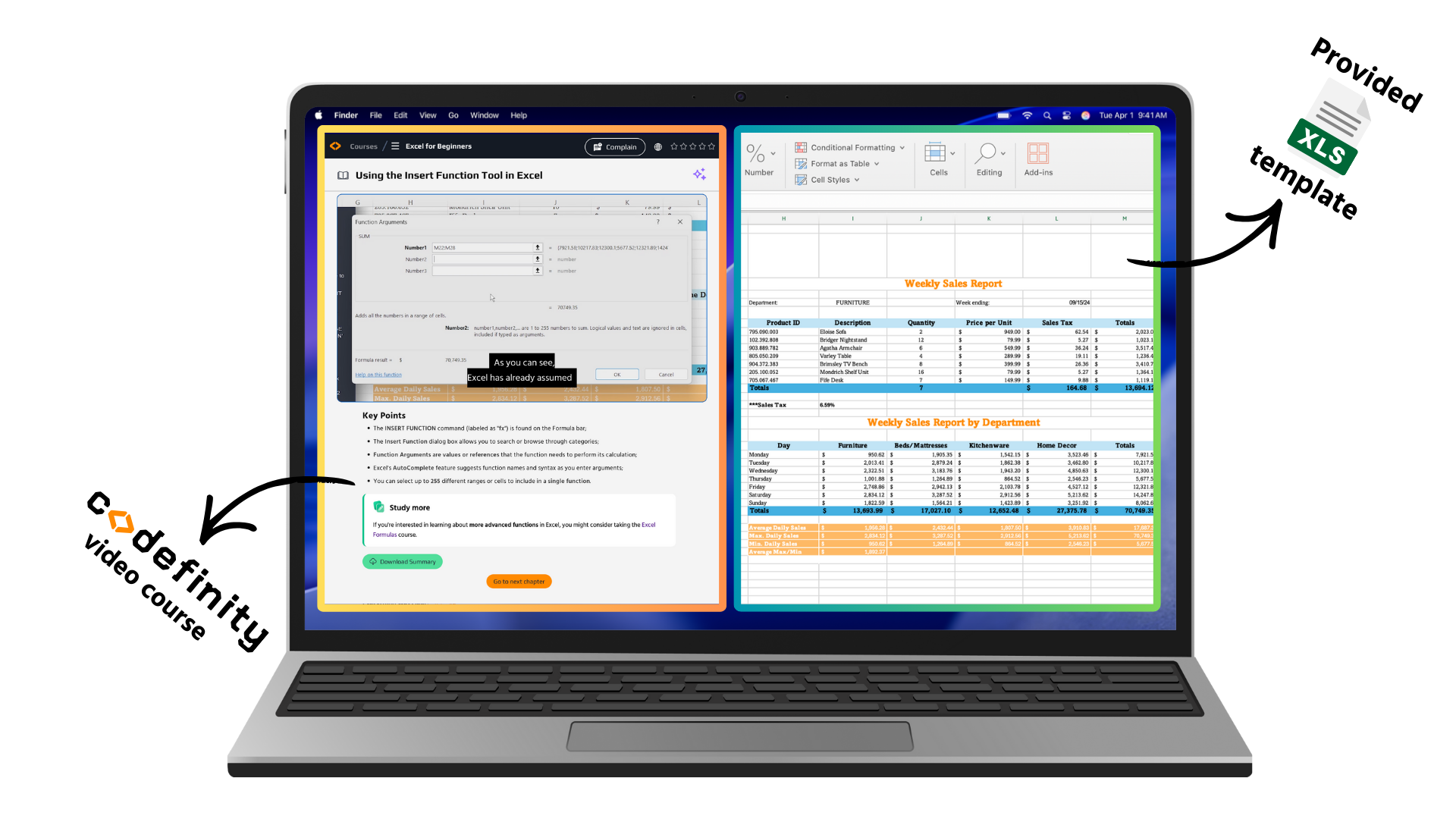
We recommend placing the video on one half of your screen and the provided Excel template on the other, and completing the tasks alongside the instructor.
*If there is no template for a chapter, it means either the chapter contains only theory with no tasks, or the actions demonstrated can be practiced using any template/solution file.
If you need help or would like to check your work, you can always open the solution provided below the video.
The templates also contain written instructions that duplicate the main tasks demonstrated in the lesson.
If the pace of the video feels too fast, feel free to pause it or adjust the playback speed.
Version Differences
This course was recorded using the version of Excel available in Microsoft 365 at the time of production (2024), which means it reflects the most up-to-date interface at that moment.
While the demonstrated tools and methods are generally available in other versions of Microsoft Excel, the layout of menus and the interface may differ slightly.
If you experience difficulties finding a feature in your version, you can contact us for support or refer to the official Microsoft Excel documentation for your version.
Thanks for your feedback!
Ask AI

Ask AI

Ask anything or try one of the suggested questions to begin our chat
Course Overview
Microsoft Excel is one of the most widely used tools for working with data, calculations, and analysis. It allows users to organize information, automate computations, build reports, and support decision-making across business, education, and research. Mastering Excel is a fundamental skill that significantly improves productivity and analytical capabilities.
For some learners, this course will be a complete introduction to Excel from scratch. For others, it will serve as a knowledge refresher.
Before we begin, it is important to highlight several key points about how the course is organized.
Course Format
Almost every* chapter includes:
- a video lesson,
- a template file,
- and a completed solution to that template.
We recommend placing the video on one half of your screen and the provided Excel template on the other, and completing the tasks alongside the instructor.
*If there is no template for a chapter, it means either the chapter contains only theory with no tasks, or the actions demonstrated can be practiced using any template/solution file.
If you need help or would like to check your work, you can always open the solution provided below the video.
The templates also contain written instructions that duplicate the main tasks demonstrated in the lesson.
If the pace of the video feels too fast, feel free to pause it or adjust the playback speed.
Version Differences
This course was recorded using the version of Excel available in Microsoft 365 at the time of production (2024), which means it reflects the most up-to-date interface at that moment.
While the demonstrated tools and methods are generally available in other versions of Microsoft Excel, the layout of menus and the interface may differ slightly.
If you experience difficulties finding a feature in your version, you can contact us for support or refer to the official Microsoft Excel documentation for your version.
Thanks for your feedback!
