Excel Cell Formatting
Swipe to show menu
Formatting cells in Excel is fantastic for making your spreadsheets not only easier to read but also more professional.
Click the button below to download the assignment template.
Click the button below to download the template solutions.
Key Points
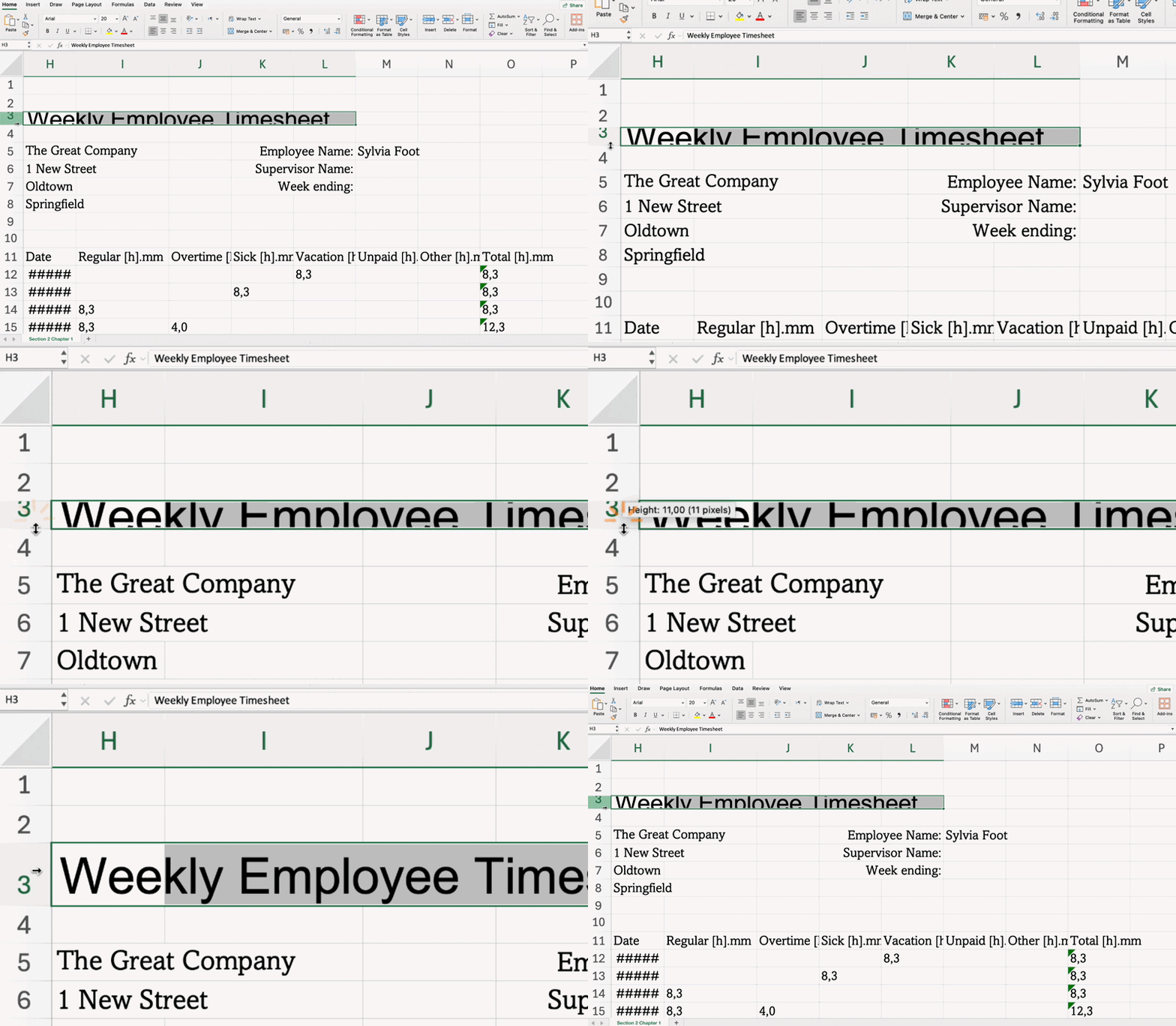
- Adjust row height and column width by dragging or double-clicking borders, or via Row Height/Column Width from the right-click menu;
- Add borders with Borders in the Home tab → Font group;
- Apply background color using Fill Color in the Home tab → Font group;
- Use Wrap Text to display all content without widening the column in the Home tab → Alignment group;
- Combine cells and center content with Merge & Center in the Home tab → Alignment group;
- Set vertical and horizontal alignment in the Home tab → Alignment group.

Essential Keyboard Shortcuts
Everything was clear?
Thanks for your feedback!
Section 2. Chapter 1
Ask AI

Ask AI

Ask anything or try one of the suggested questions to begin our chat
Section 2. Chapter 1
