Adding and Removing Chart Elements
Swipe to show menu
This chapter focuses on refining charts by adding and removing elements to improve clarity.
You will learn how to add titles, legends, and data labels, as well as remove unnecessary elements to make your charts clearer and easier to interpret.
Key Points
- The Chart Title can be edited directly on the chart to update text and change formatting such as font color;
- Additional elements like Data Table, Legend, and Gridlines can be added or removed using the + (Chart Elements) button or the Chart Design tab → Add Chart Element;
- Charts can be resized and repositioned to improve layout and organization;
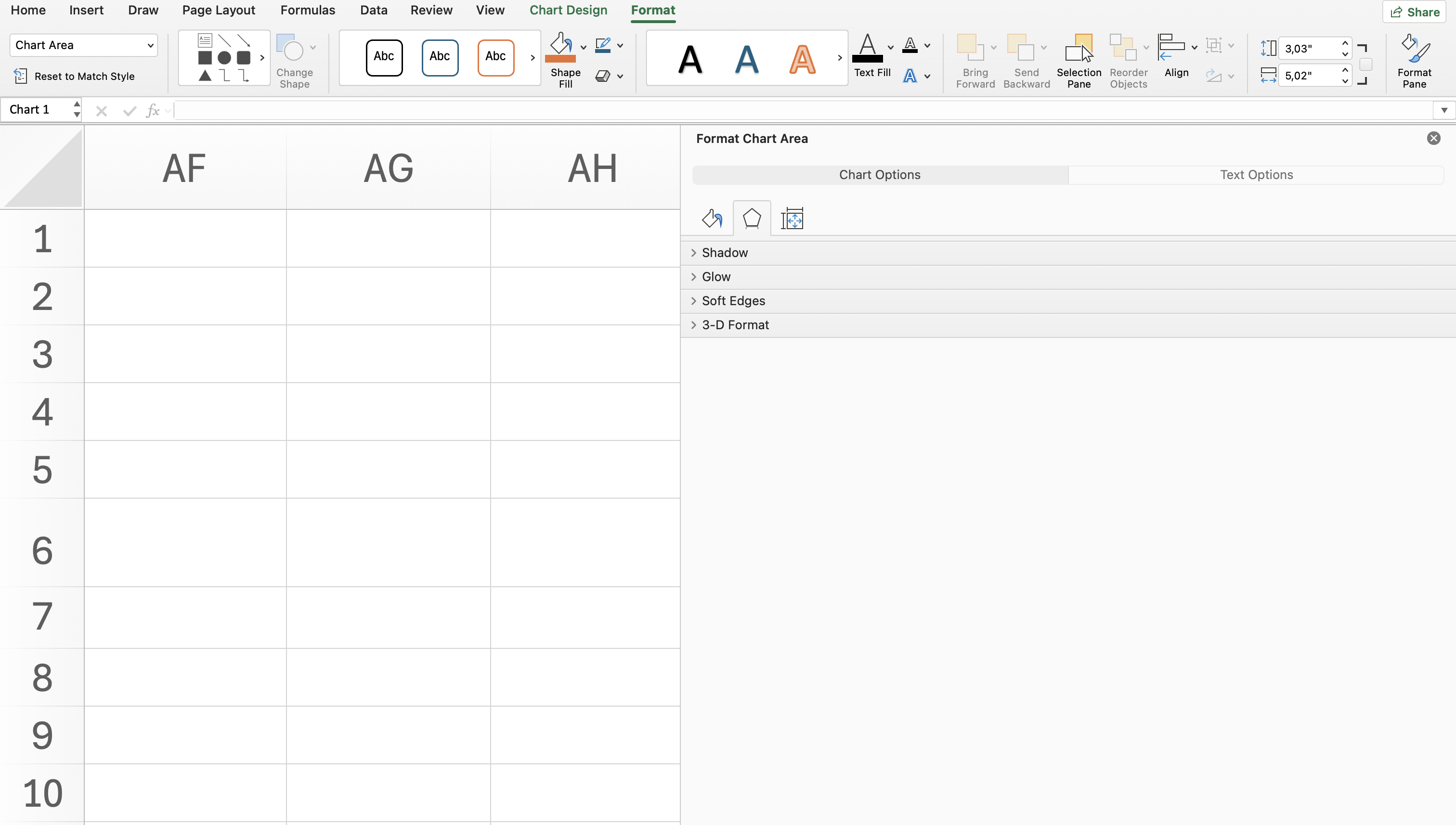
- The Format tab → Arrange group → Align option (Snap to Grid) helps align charts neatly within the worksheet.
Everything was clear?
Thanks for your feedback!
Section 6. Chapter 5
Ask AI

Ask AI

Ask anything or try one of the suggested questions to begin our chat
Section 6. Chapter 5
