Excel Rules and Advanced Search Techniques
Swipe to show menu
In this chapter you will master the use of rules and functions to efficiently manage and locate data in your spreadsheets.
Key Points
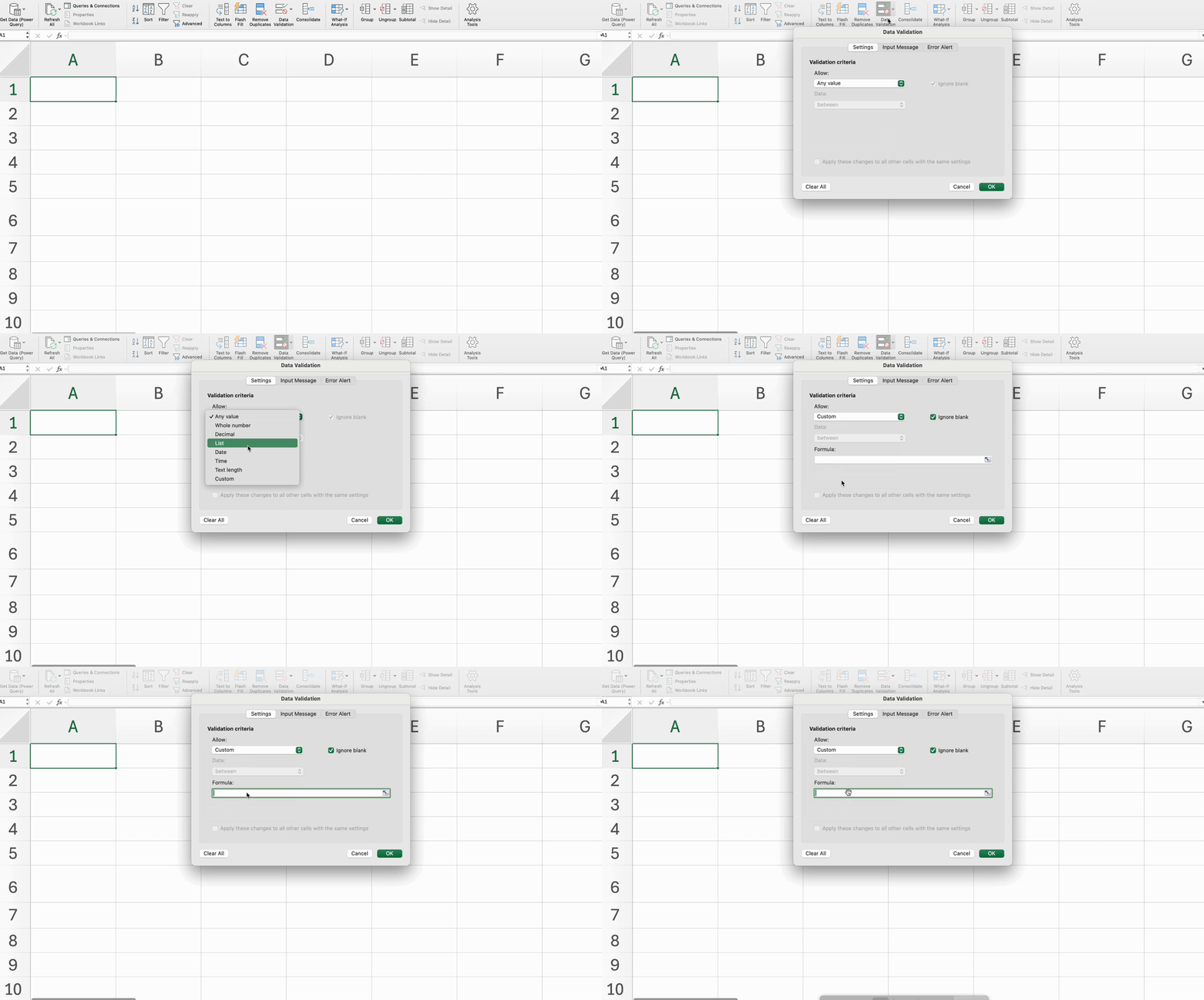
- Use Data Validation in the Data tab → Data Tools group to restrict input, such as allowing only dates within a specific range;
- Use Find & Select in the Home tab → Editing group to locate specific text or formatted cells, apply formatting to results, and clear search formats when needed;
- Use Replace in the Home tab → Editing group to quickly update text values and apply formatting changes across the worksheet.
Essential Keyboard Shortcuts
Everything was clear?
Thanks for your feedback!
Section 5. Chapter 4
Ask AI

Ask AI

Ask anything or try one of the suggested questions to begin our chat
Section 5. Chapter 4
