Excel Table Styles and Quick Formatting
Swipe to show menu
This part of the course covers how to style your tables in Excel, adding a layer of polish and clarity that makes your information pop off the screen.
Key Points
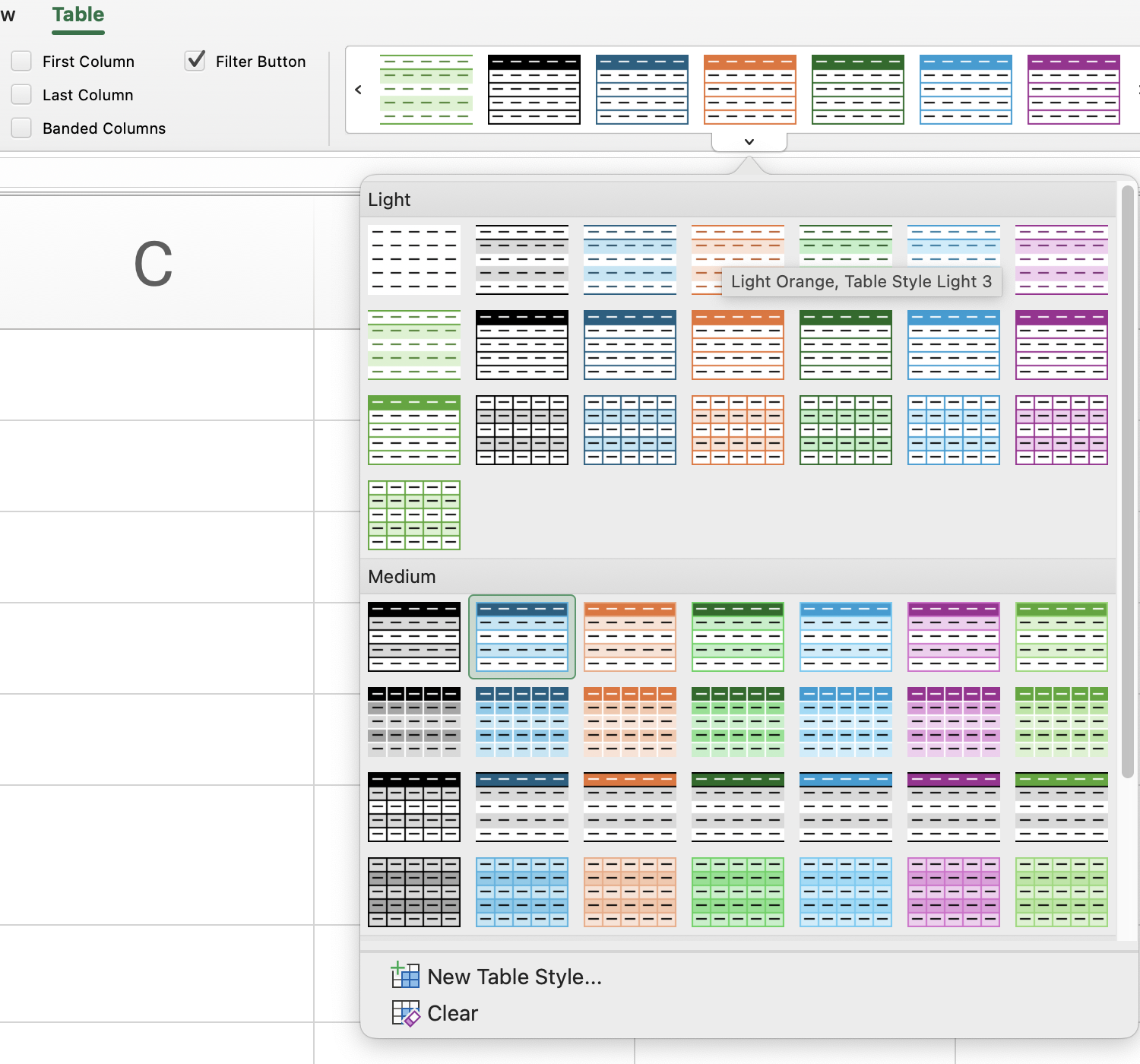
- Use the Table Design tab to modify the appearance of a table by selecting a style from the Table Styles group;
- Enable Total Row in Table Style Options to display automatic summary calculations at the bottom of the table.
Everything was clear?
Thanks for your feedback!
Section 5. Chapter 6
Ask AI

Ask AI

Ask anything or try one of the suggested questions to begin our chat
Excel Table Styles and Quick Formatting
This part of the course covers how to style your tables in Excel, adding a layer of polish and clarity that makes your information pop off the screen.
Key Points
- Use the Table Design tab to modify the appearance of a table by selecting a style from the Table Styles group;
- Enable Total Row in Table Style Options to display automatic summary calculations at the bottom of the table.
Everything was clear?
Thanks for your feedback!
Section 5. Chapter 6
