Insert Function Tool in Excel
Swipe to show menu
The INSERT FUNCTION (Fx) Command is your secret weapon for mastering Excel.
This powerful tool opens up a world of built-in functions, making calculations, data analysis, and manipulation a breeze.
In this chapter, we'll dive into how to use the INSERT FUNCTION command to supercharge your Excel skills.
Key Points
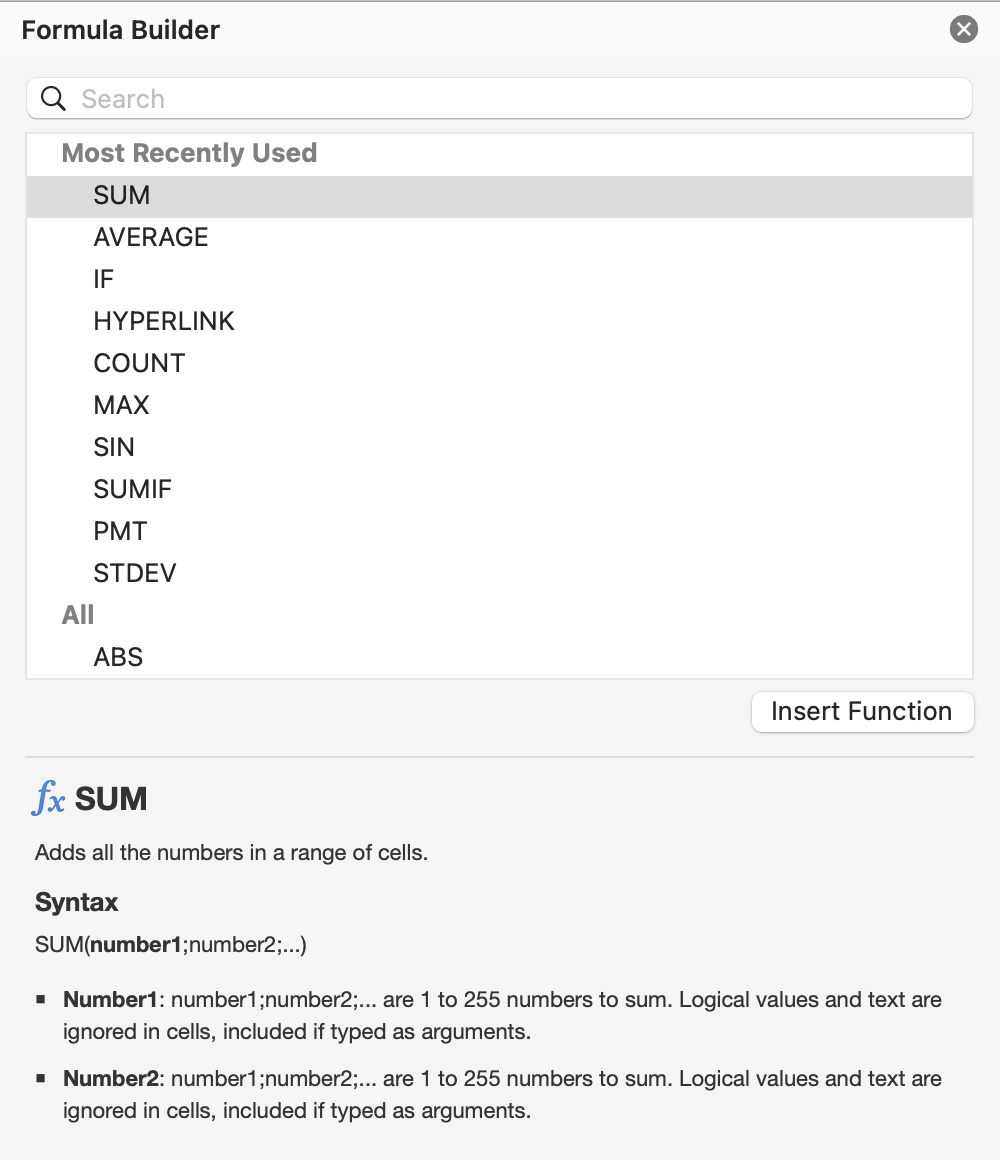
- The insert function command (labeled as fx) is found on the Formula bar;
- The fx dialog box allows you to search or browse through categories;
- Function arguments are values or references that the function needs to perform its calculation;
- Excel's AutoComplete feature suggests function names and syntax as you enter arguments;
- You can select up to 255 different ranges or cells to include in a single function.
Everything was clear?
Thanks for your feedback!
Section 3. Chapter 5
Ask AI

Ask AI

Ask anything or try one of the suggested questions to begin our chat
Section 3. Chapter 5
