Layout with Flexbox
Swipe to show menu
React Native uses Flexbox to control layout.
Flexbox helps you position elements on the screen.
The most important properties are:
flexDirection: layout direction;justifyContent: alignment on the main axis;alignItems: alignment on the cross axis.
Example:
import { View, Text, Image, StyleSheet } from 'react-native';

export default function App() {
  return (
    <View style={styles.container}>
      <Text style={styles.title}>Profile</Text>

      <View style={styles.row}>
        <Image
          source={{ uri: 'https://i.pravatar.cc/150' }}
          style={styles.avatar}
        />

        <View>
          <Text style={styles.name}>Alex Johnson</Text>
          <Text>Frontend Developer</Text>
        </View>
      </View>
    </View>
  );
}

const styles = StyleSheet.create({
  container: {
    padding: 20
  },
  title: {
    fontSize: 20,
    marginBottom: 10
  },
  row: {
    flexDirection: 'row',
    alignItems: 'center'
  },
  avatar: {
    width: 80,
    height: 80,
    marginRight: 10
  },
  name: {
    fontSize: 18
  }
});
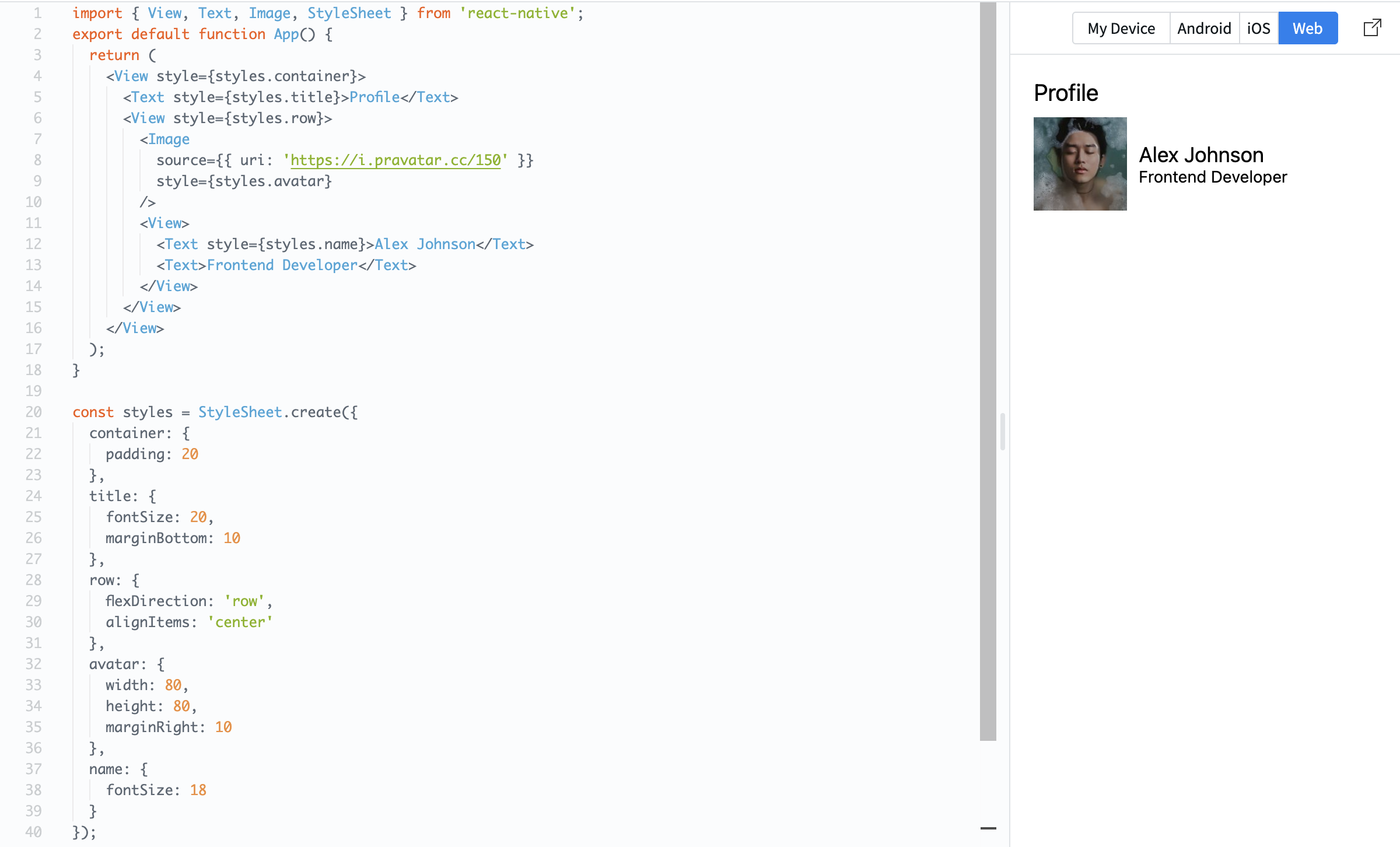
Here, flexDirection: 'row' places items side by side, and alignItems: 'center' aligns them vertically.
Flexbox is essential because it controls how your layout looks on different screen sizes.
Thanks for your feedback!
Ask AI

Ask AI

Ask anything or try one of the suggested questions to begin our chat
Layout with Flexbox
React Native uses Flexbox to control layout.
Flexbox helps you position elements on the screen.
The most important properties are:
flexDirection: layout direction;justifyContent: alignment on the main axis;alignItems: alignment on the cross axis.
Example:
import { View, Text, Image, StyleSheet } from 'react-native';

export default function App() {
  return (
    <View style={styles.container}>
      <Text style={styles.title}>Profile</Text>

      <View style={styles.row}>
        <Image
          source={{ uri: 'https://i.pravatar.cc/150' }}
          style={styles.avatar}
        />

        <View>
          <Text style={styles.name}>Alex Johnson</Text>
          <Text>Frontend Developer</Text>
        </View>
      </View>
    </View>
  );
}

const styles = StyleSheet.create({
  container: {
    padding: 20
  },
  title: {
    fontSize: 20,
    marginBottom: 10
  },
  row: {
    flexDirection: 'row',
    alignItems: 'center'
  },
  avatar: {
    width: 80,
    height: 80,
    marginRight: 10
  },
  name: {
    fontSize: 18
  }
});
Here, flexDirection: 'row' places items side by side, and alignItems: 'center' aligns them vertically.
Flexbox is essential because it controls how your layout looks on different screen sizes.
Thanks for your feedback!
