
single
Contents
Swipe to show menu
Heading H1
Heading H2
Heading H3
Heading H4
Heading H5
Heading H6
Text Formatting
Bold text
Italic text
Bold italic text
Strikethrough text
Underline (via HTML)
Inline code
This is a blockquote
Nested blockquote
Lists
Unordered List
- Item 1
- Item 2
- Nested item
- Deeper level
- Nested item
Ordered List
- First
- Second
- Nested
- Another nested item
Links
Anchor link: Go to Table
Images
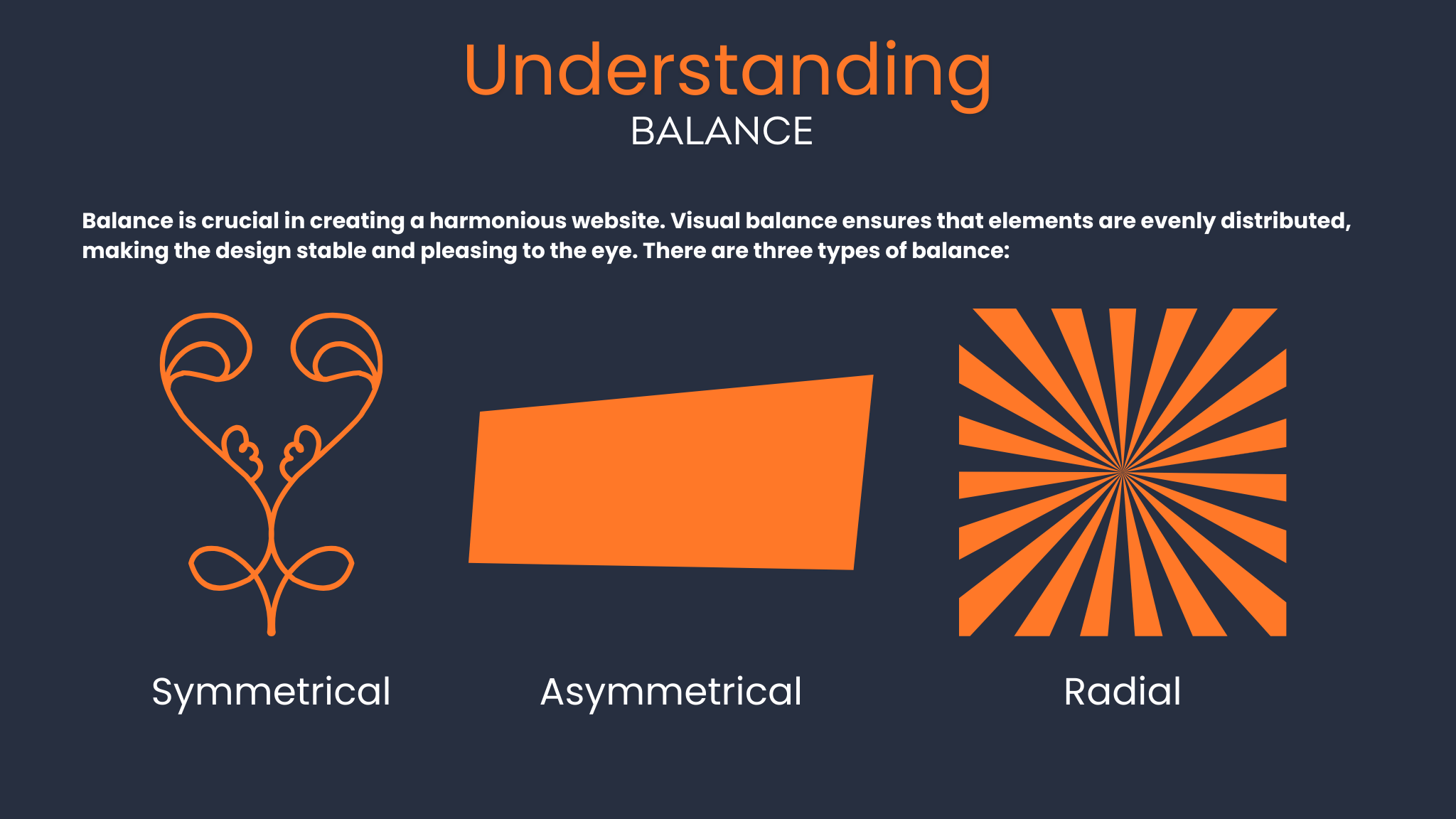
Table
| Column 1 | Column 2 | Column 3 |
|---|---|---|
| Text | Bold | Code |
| 123 | 456 | 789 |
Code Blocks
Without syntax highlighting
Plain code text
Python
def hello(name):
    return f"Hello, {name}"

print(hello("Markdown"))
JavaScript
const greet = (name) => {
  console.log(`Hello, ${name}`);
};
greet("World");
HTML Inside Markdown
Math (LaTeX, if supported)
Inline: E=mc2
Block:
∫abx2dx1print("Heloooo")
12345def greet(name): print(f"Hello, {name}!") if __name__ == "__main__": greet("World")
def greet(name):
    print(f"Hello, {name}!")

if __name__ == "__main__":
    greet("World")
First, let's see how we can use variables to calculate the total cost of items. This example multiplies the price per unit by the quantity to determine how much it would cost to buy a certain number of items:

You can't use a variable before assigning a value to it. If you try to access a variable that hasn't been assigned, Python will raise a NameError. Always make sure to assign a value to your variable before you use it in calculations or print statements.

You can't use a variable before assigning a value to it. If you try to access a variable that hasn't been assigned, Python will raise a NameError. Always make sure to assign a value to your variable before you use it in calculations or print statements.

You can't use a variable before assigning a value to it. If you try to access a variable that hasn't been assigned, Python will raise a NameError. Always make sure to assign a value to your variable before you use it in calculations or print statements.



You can't use a variable before assigning a value to it. If you try to access a variable that hasn't been assigned, Python will raise a NameError. Always make sure to assign a value to your variable before you use it in calculations or print statements.
You can't use a variable before assigning a value to it. If you try to access a
You can't use a variable before assigning a value to it. If you try to access a variable that hasn't been assigned, Python will raise a NameError. Always make sure to assign a value to your variable before you use it in calculations or print statements.
You can't use a variable before assigning a value to it. If you try to access a variable that hasn't been assigned, Python will raise a NameError. Always make sure to assign a value to your variable before you use it in calculations or print statements.
You can't use a variable before assigning a value to it. If you try to access a variable that hasn't been assigned, Python will raise a NameError. Always make sure to assign a value to your variable before you use it in calculations or print statements.
Swipe to start coding
Complete and output the arithmetic operations below
- Multiply the price of peanut butter (
7.32) and the tax rate (0.2) to calculate the tax value. Use*operator - Divide price of eggs (
8.30) and the number of eggs (20) to calculate the price of single egg. Use/operator
Solution
12while True: print("This runs forever")

aaa.py
bbb.py
dfnvnhfvfnvfjnjdkjfvnjdcjjj
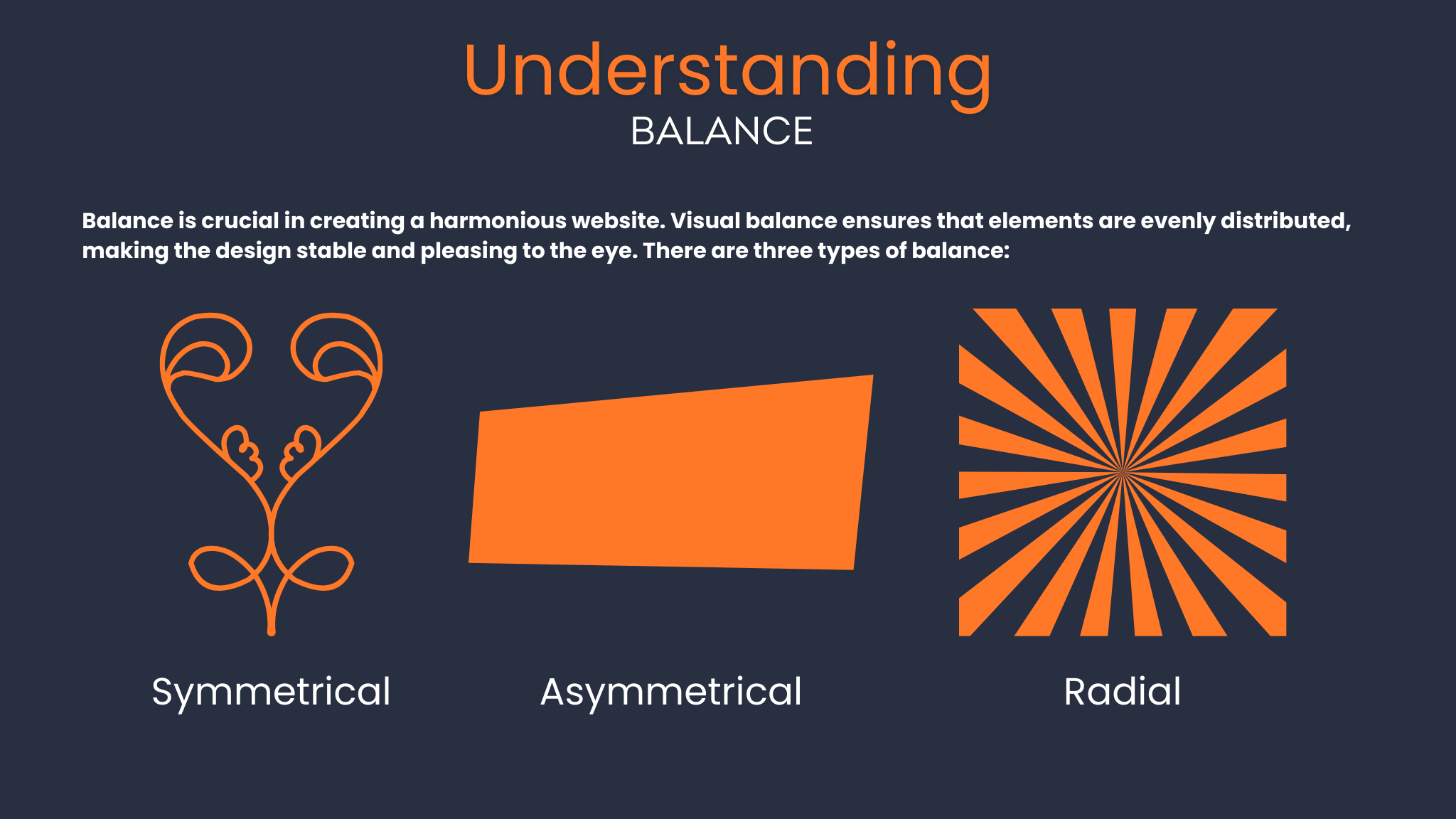
images
HTML in md
.png)
Md img
Code tag in md
text text 12345
 Switch to desktop for real-world practiceContinue from where you are using one of the options below
Thanks for your feedback!
single
Ask AI

Ask AI

Ask anything or try one of the suggested questions to begin our chat
